
Maya Bundle Exchange
Build a Maya asset library: create assets, migrate MA/MB/FBX files, organize variants and place them in your scene.
Build a Maya asset library: create assets, migrate MA/MB/FBX files, organize variants and place them in your scene.
Explore 20 illustrated topics with step-by-step workflows and explanations of the controls: library setup, asset creation, MA/MB/FBX migration, variants, previews, viewport placement, team reviews and portable scene exchange.
Create a portable asset, find it in your library and place it in Maya. Each topic below explains the workflow and its controls with illustrated examples.
- Install MBX through AO.Hub and open AO Asset Browser. Choose a writable library folder in Settings.
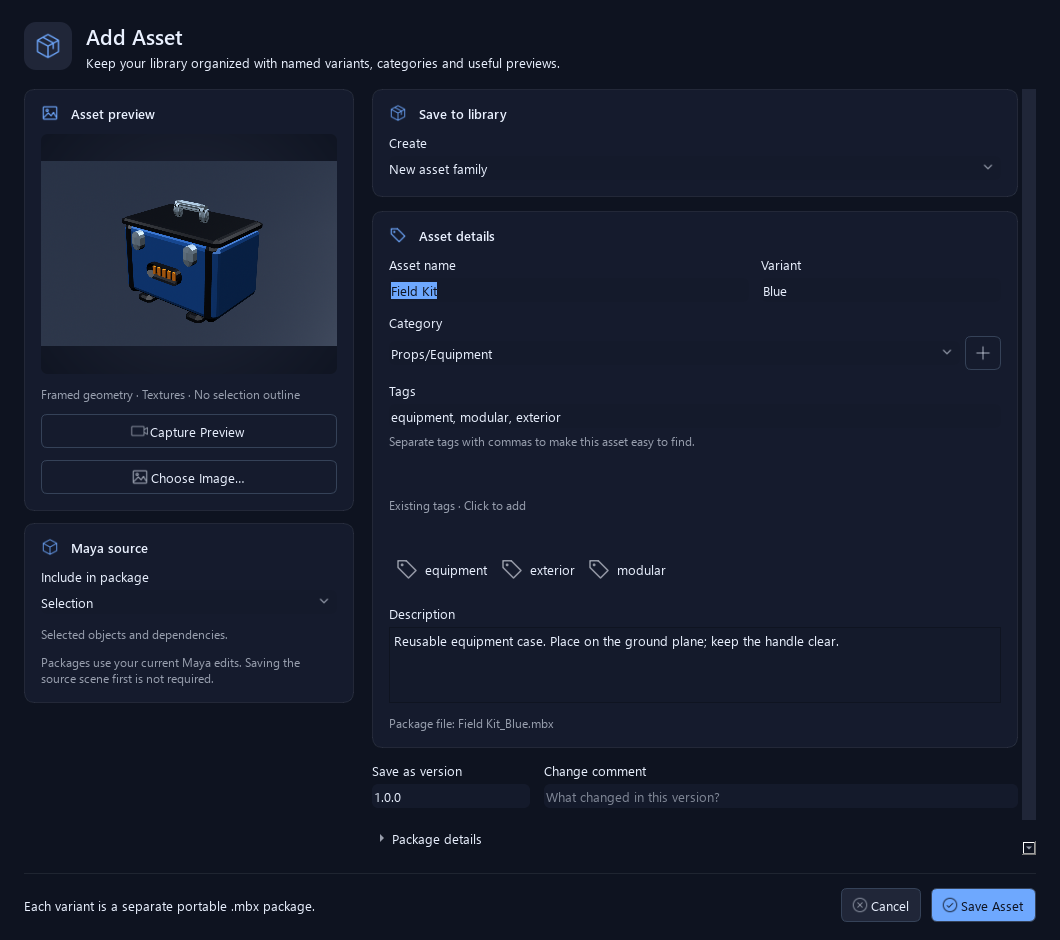
- Select the objects you want to reuse and choose Add Selection as Asset…. Capture a preview, name the asset and save it.
- Find the asset in the browser, select its variant and choose Import or Reference. Drag it into a Maya viewport.
- Before sharing, inspect dependencies and validate the package.
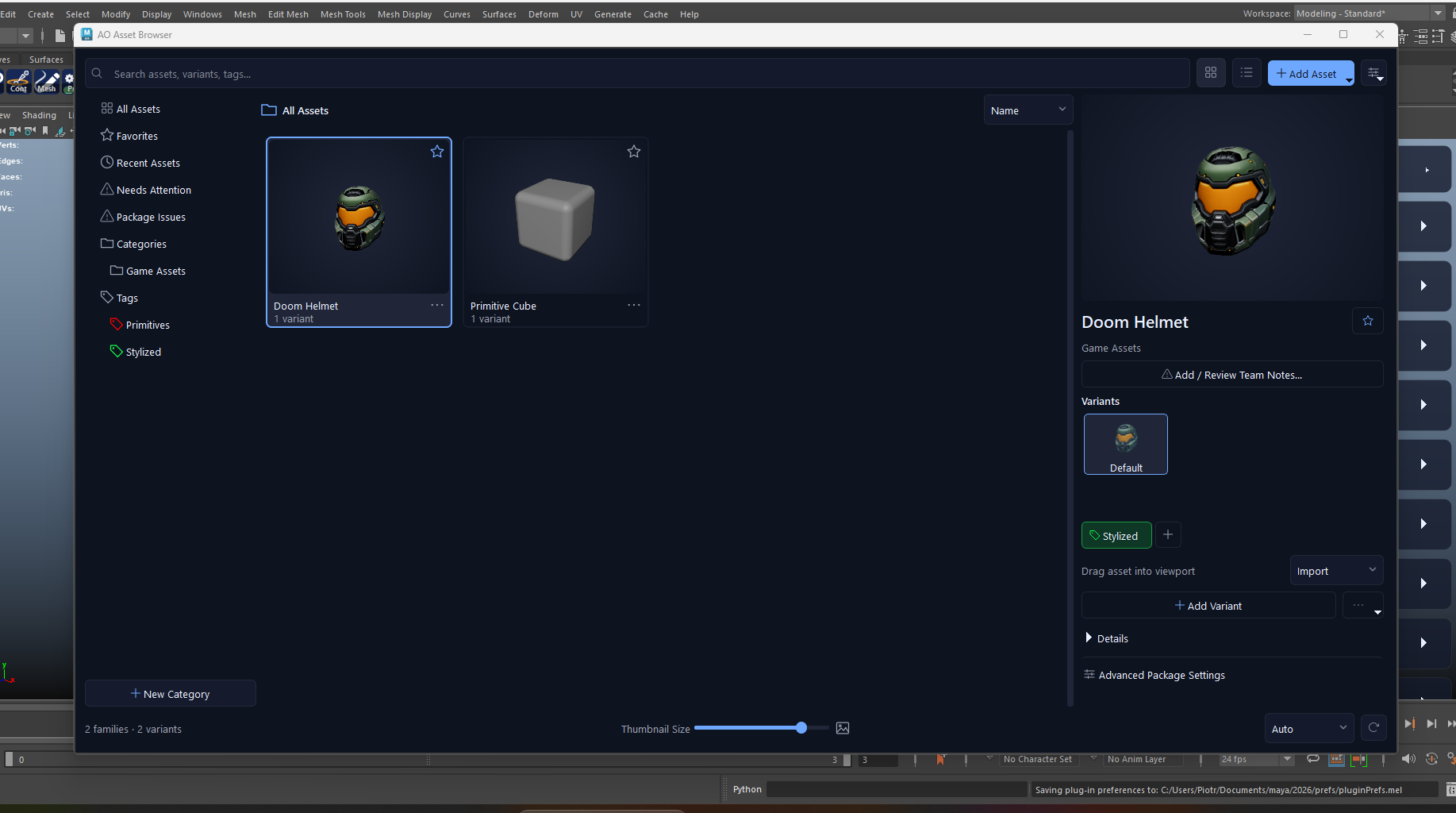
Working with MBX
Start with the task you want to complete. Open a workflow for the essential steps, then follow its detailed reference.
Create an assetFrom Maya selection to reusable package
- Select the asset’s transforms and open Add Selection as Asset….
- Check Selection / Current scene, capture the preview and enter the name, variant, category and tags.
- Save, then inspect the result in the browser.
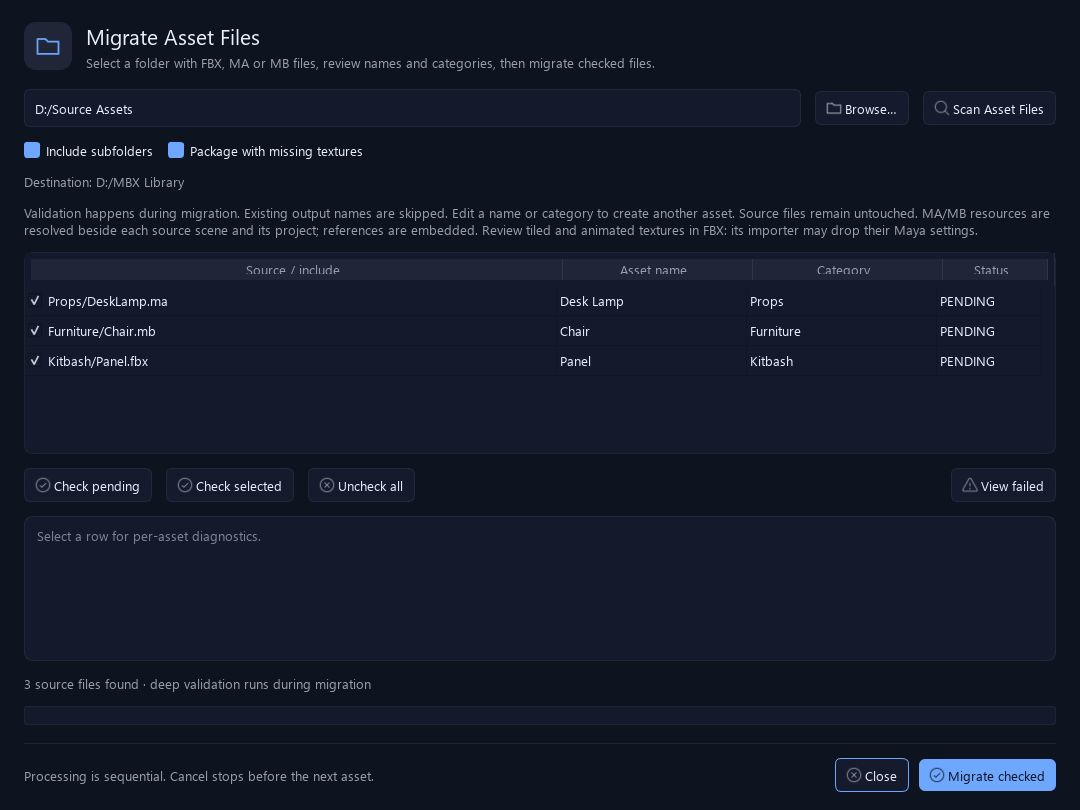
Migrate existing filesConvert MA, MB and FBX libraries
- Use Add Asset > Migrate Asset Files… or drop explicit source files into the asset area.
- Review checked files, names, categories and the missing-texture policy.
- Run Migrate checked and inspect each result and its diagnostics.
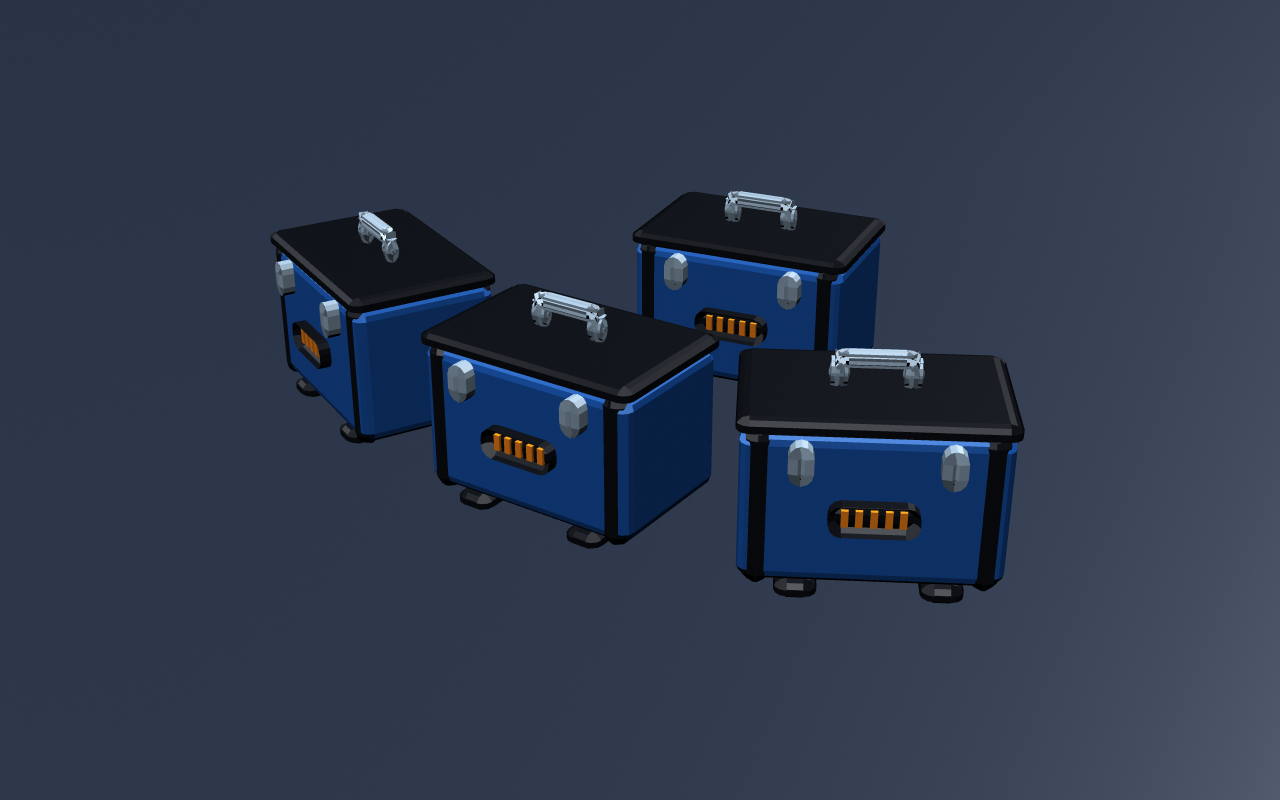
Build a sceneImport, reference and snap assets into place
- Choose the asset variant and Reference or Import.
- Drag it into the viewport, move the preview and release to place. Escape cancels.
- Hold X for the grid, V for vertices or C for curves. Configure surface placement in Settings.
Prepare a handoffCheck resources, package integrity and team notes
- Scan the scene in Advanced Package Settings and resolve missing resources.
- Save the package, validate it and inspect a test load.
- Share the .mbx with its Maya/plugin requirements. Use a shared-library review for team follow-up.
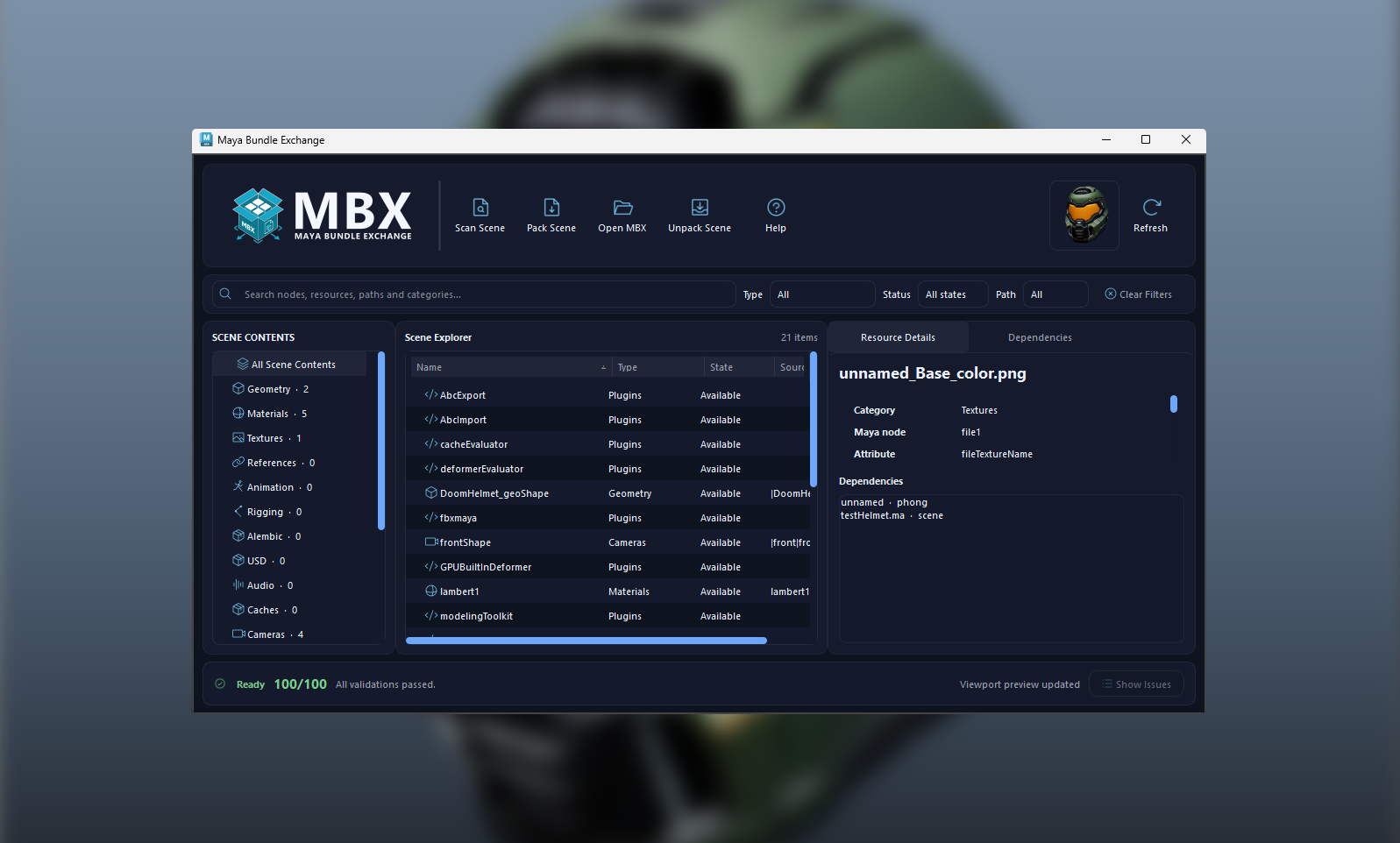
Package, library and cache — what lives where?
The .mbx package carries scene data, collected resources, metadata and previews. The library groups packages into categories and keeps shared review notes and tag colors. Your local catalog and preview cache make browsing faster; favorites and recent usage stay local.
Loaded scenes can still depend on extracted resources. Clearing browser thumbnails is different from deleting the extracted resources used by Maya. See Unpack Scene for collecting an opened package into a project.
All 20 topics
Asset Browser & Library
Browse visual .mbx libraries inside Maya with thumbnail and list views, search, categories, colored tags, favorites and recent assets.
View workflow and controls →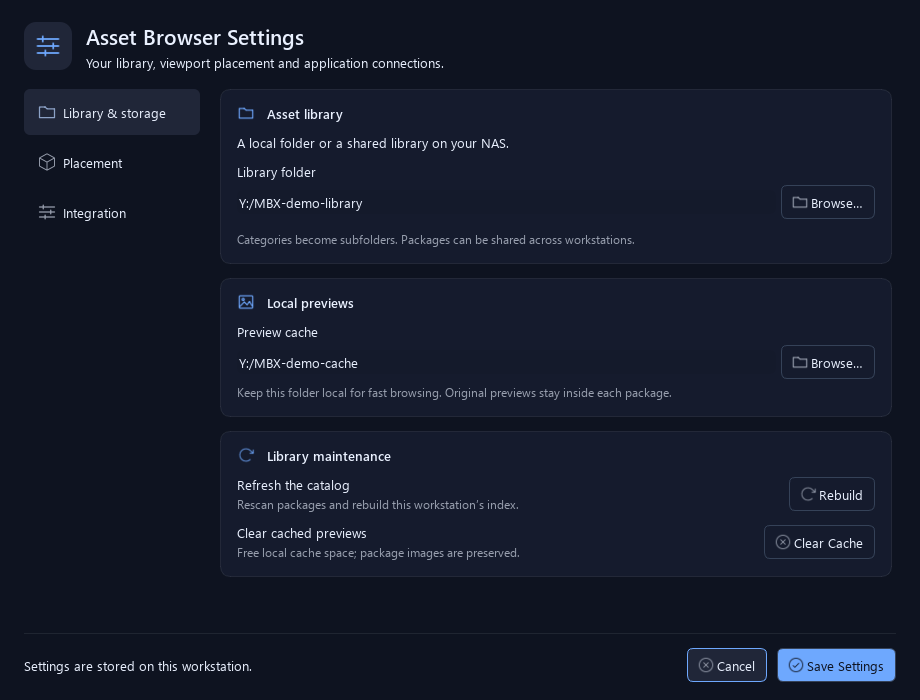
Browser Settings & Cache
Connect a library, control viewport placement and maintain the local catalog and previews.
View workflow and controls →
Create an Asset from Selection or Scene
Save selected objects or the current scene with collected dependencies, a preview and searchable asset metadata.
View workflow and controls →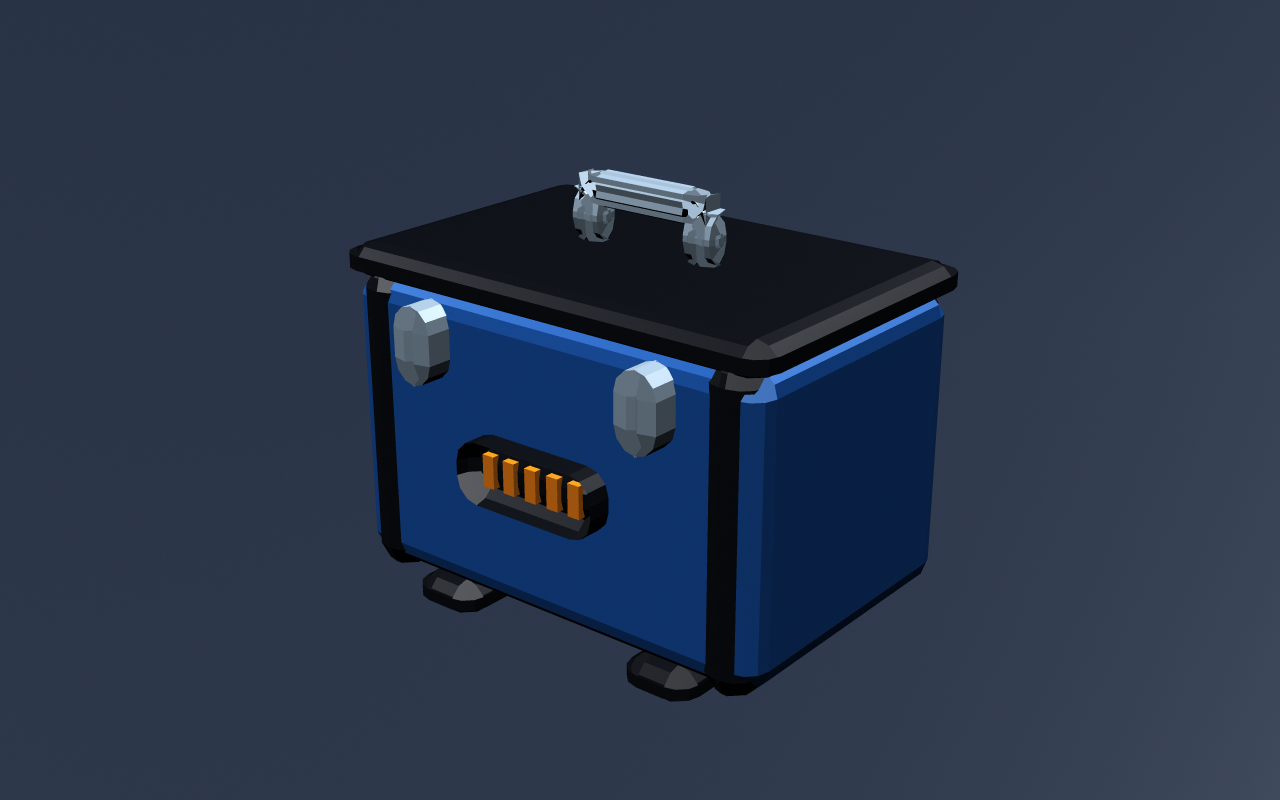
Metadata & Automatic Preview
Store searchable tags, descriptions and author information with a viewport capture or a chosen image.
View workflow and controls →
Migrate MA, MB & FBX Files
Convert existing Maya ASCII (.ma), Maya Binary (.mb) and FBX files into portable MBX assets, one source file per asset.
View workflow and controls →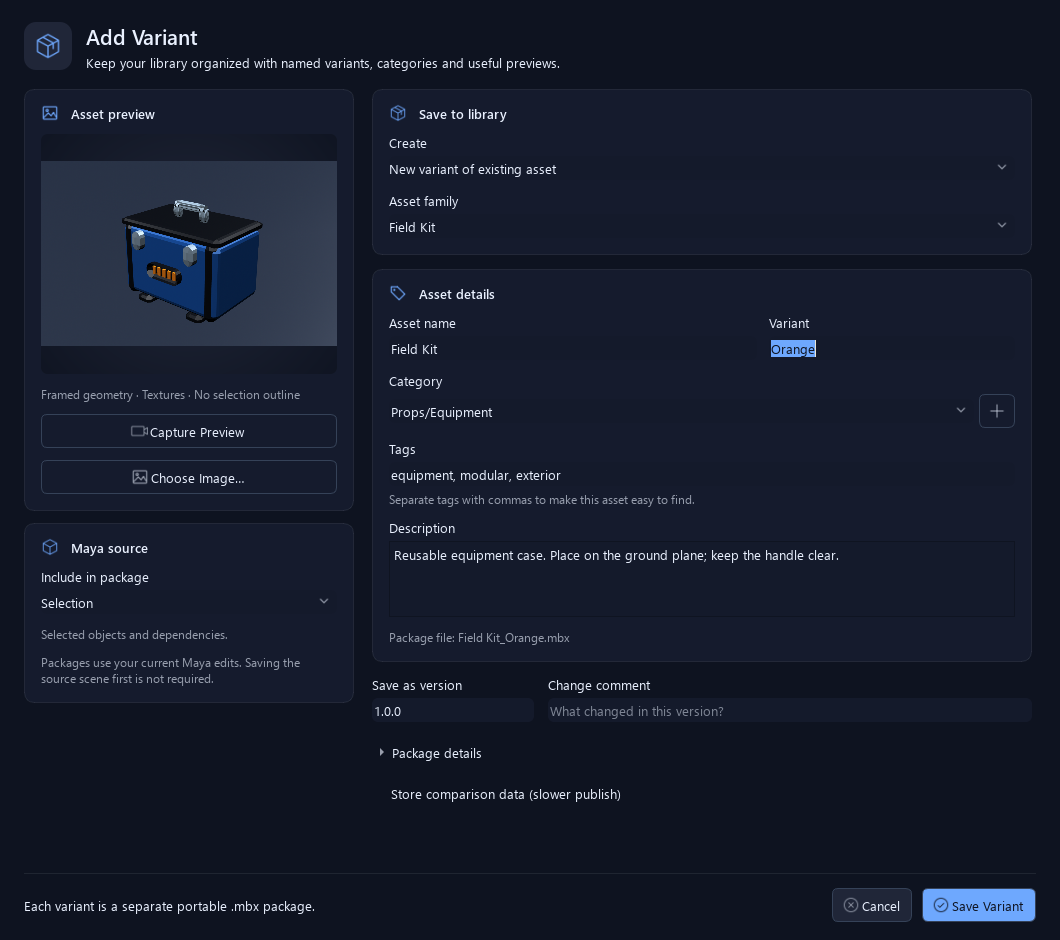
Asset Families & Variants
Keep related variations grouped in one family, select a named variant, add another or update the selected variant from Maya.
View workflow and controls →
Import, Reference & Viewport Placement
Import or reference selected assets, place them at the origin or drag them into the viewport with placement previews and optional snapping.
View workflow and controls →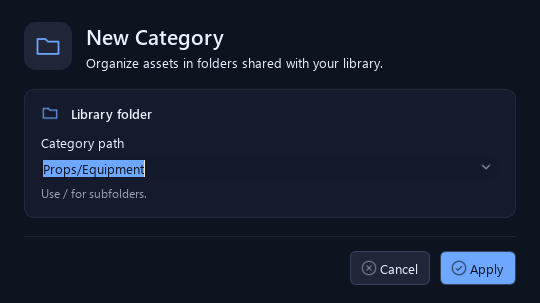
Categories & Colored Tags
Organize the library into folders and searchable tags without losing track of related variants.
View workflow and controls →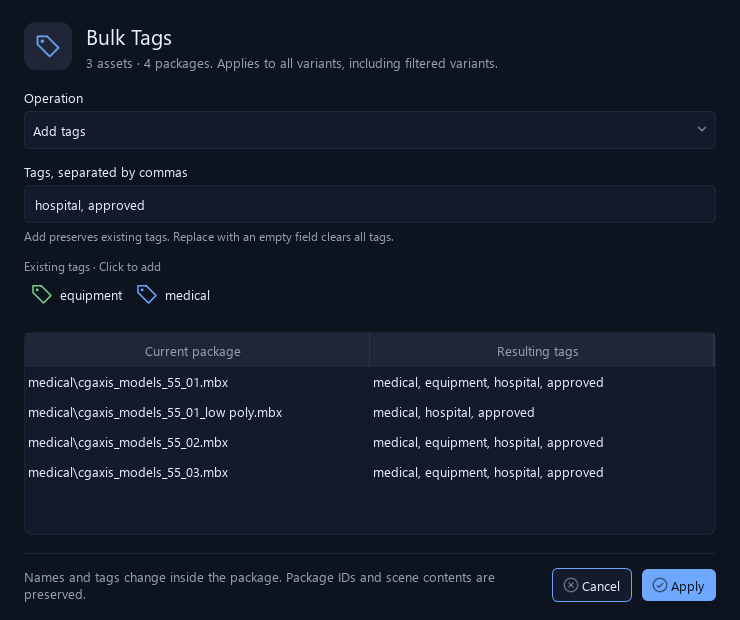
Multi-selection & Bulk Editing
Rename assets, add or replace tags and refresh Windows previews across a reviewed selection.
View workflow and controls →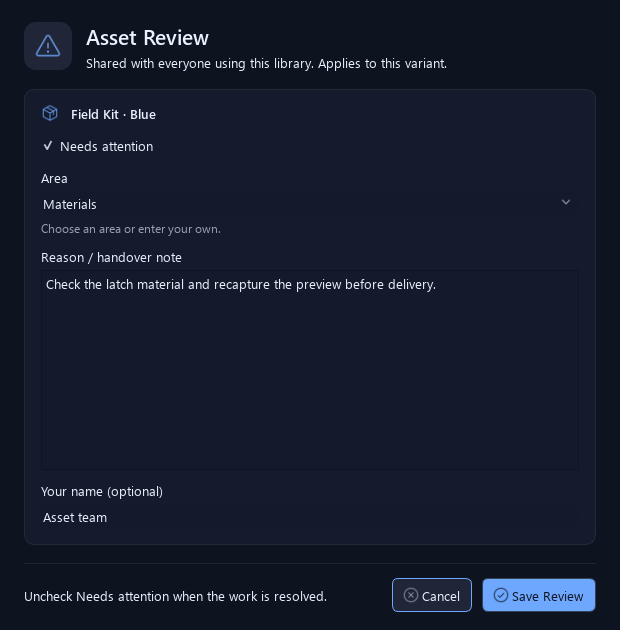
Shared Libraries & Team Notes
Organize a shared folder or NAS library with categories, colored tags and review notes for asset variants.
View workflow and controls →
Add, Export, Validate & Remove Packages
Bring existing packages into the library, share portable copies and distinguish index removal from permanent deletion.
View workflow and controls →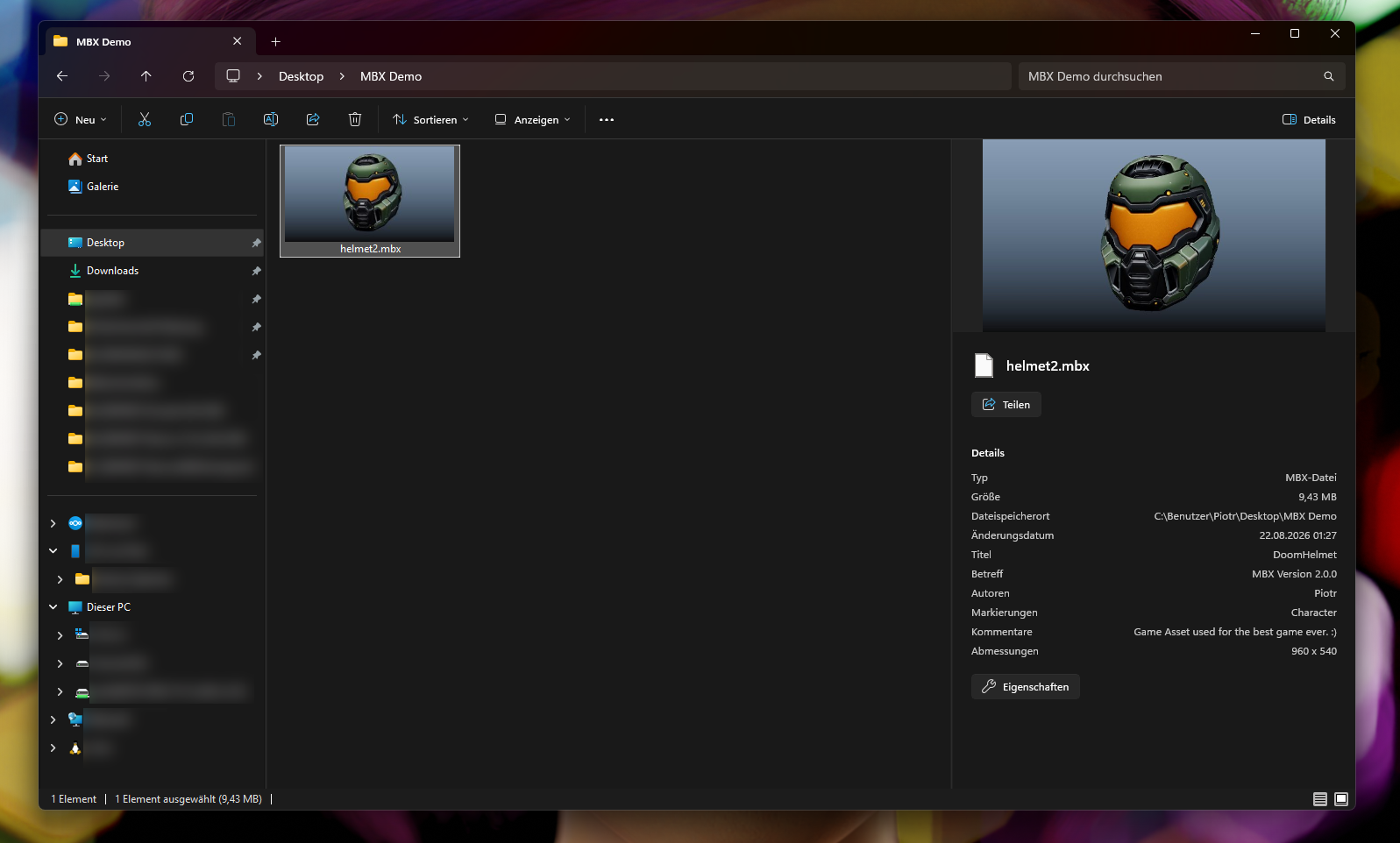
Windows Explorer Integration
Recognize .mbx packages through embedded thumbnails, open them in the Asset Browser or add copies to your library from Windows.
View workflow and controls →
Scan & Validate Scene
Discovers scene dependencies, categories and portability issues in one pass.
View workflow and controls →
Resource & Dependency Explorer
Groups geometry, materials, textures, animation, rigs and external files and shows their dependency connections.
View workflow and controls →
Portability Report
Scores package readiness and exposes missing files, unsupported paths and other blocking issues.
View workflow and controls →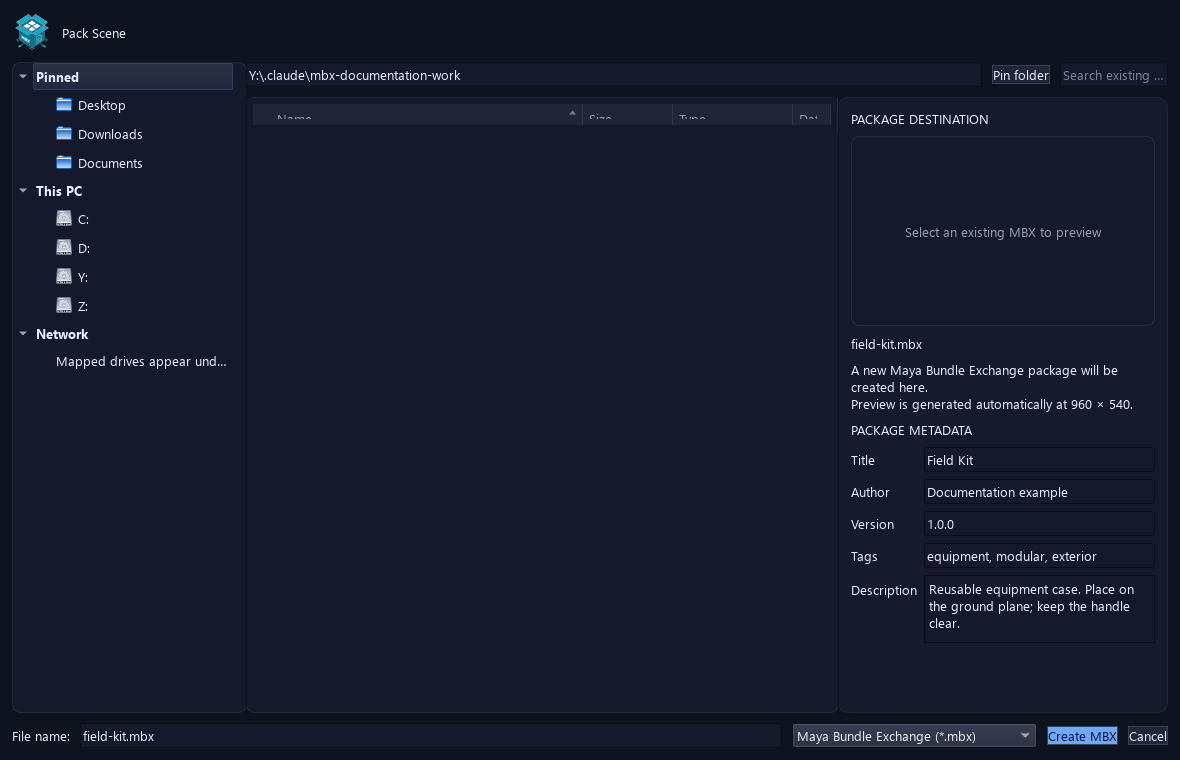
Pack Scene
Creates a portable MBX package from the current Maya scene and all selected external resources.
View workflow and controls →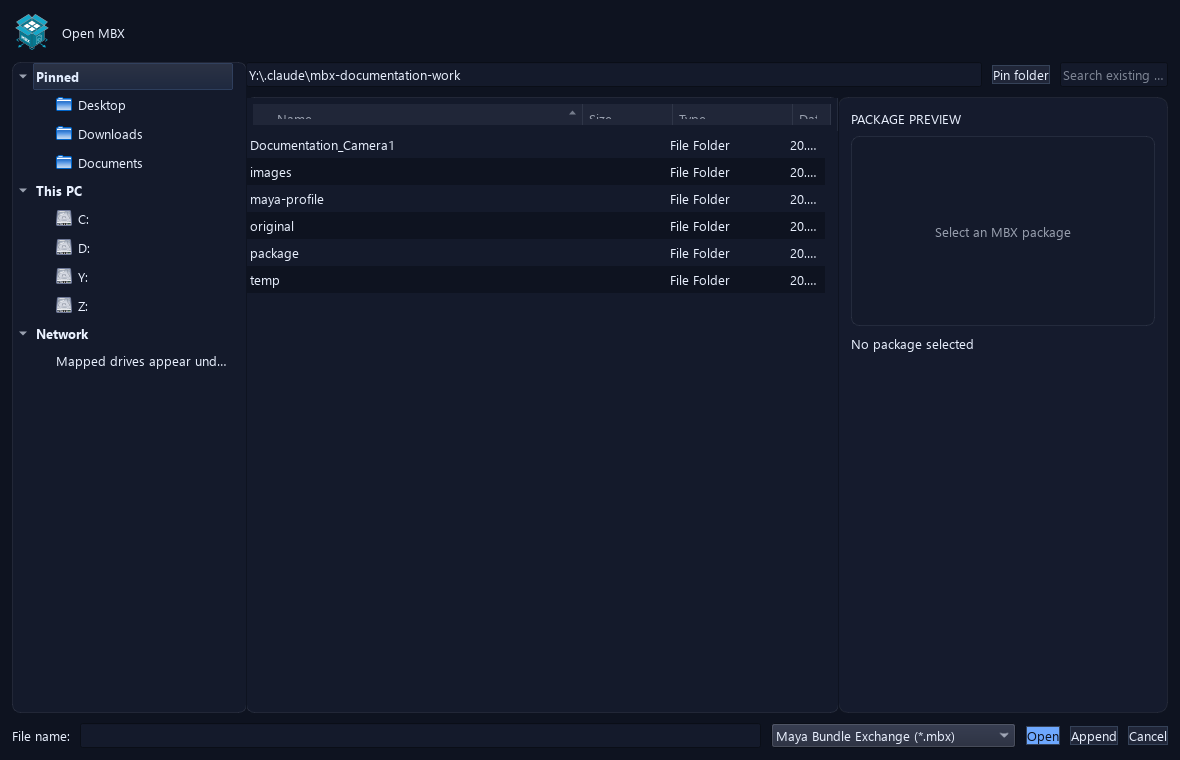
Open an MBX
Browses packages with quick locations and bookmarks, then previews metadata and content before replacing the current scene.
View workflow and controls →
Append to Current Scene
Imports an MBX into the current scene with a unique namespace while keeping the current project and scene open.
View workflow and controls →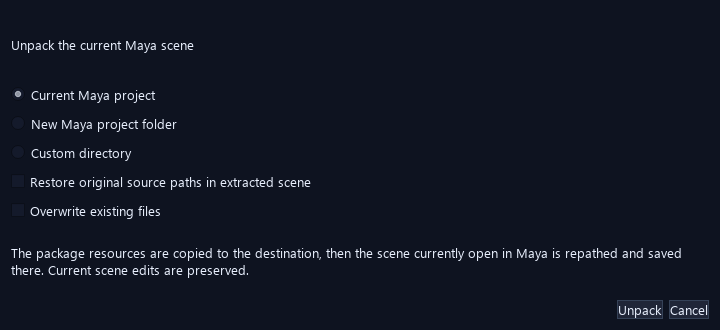
Unpack Current MBX Scene
Moves the currently opened MBX scene into a Maya project, repaths its resources and preserves current edits.
View workflow and controls →
Troubleshooting & Diagnostics
Resolve common migration, placement, preview and package-integrity problems before reusing or handing off an asset.
View workflow and controls →No matching topics. Try a different feature or setting name.
How do I install and open MBX?
Install Maya Bundle Exchange through AO.Hub with your free account. Launching MBX opens AO Asset Browser. In Settings, choose an existing writable folder for the library. After an update, restart Maya so all changed modules and the placement plugin reload.
Can I import existing MA, MB and FBX files?
Yes. Drop files onto the browser asset area or use Add Asset > Migrate Asset Files… to scan a folder. Review names, categories and checkboxes, then choose Migrate checked. One source file becomes one MBX asset; the converter does not split each object into its own asset.
Does migration change my source files or open Maya scene?
No. Each source is processed separately from your working scene. The source file remains untouched and an existing output name is skipped. Keep source and destination folders separate, with neither folder inside the other.
What happens to MA/MB references?
Referenced MA/MB scenes are loaded and embedded into the migrated scene, including applied reference edits. The new asset contains their effective scene content, rather than the original editable reference hierarchy. Keep your original source project when you need that hierarchy.
Where does migration look for textures?
MA/MB paths are resolved from each owning source scene and its source project, including relevant nearby sourceimages or textures folders. The current working project is not used as a fallback. Ambiguous matches are reported instead of choosing a same-named image arbitrarily.
Why did an asset get a WARNING instead of READY?
A package was created, but its report contains information to review, such as missing textures, preview issues or embedded references. WARNING does not always mean the package is unusable. Select the row and inspect its diagnostics before reuse.
Can I reject files with missing textures?
Yes. Turn off Package with missing textures before migration. It is enabled by default. Missing references, other blocking dependencies, unknown required nodes or geometry-free inputs can still fail even when missing textures are allowed.
What should I check after converting FBX?
Check materials, texture paths, animation and scale in Maya. FBX import can lose Maya-specific tiled-texture or image-sequence settings. MBX packages the result that Maya imports; it does not turn FBX into a lossless Maya scene format.
What happens to duplicates, failures and cancellation?
An existing output filename is SKIPPED; edit the asset name or category to create another output. FAILED rows report their error, and the batch continues with other files. Cancel waits for the current operation to finish safely and stops before the next asset; completed packages remain available.
What is the difference between Import, Reference, Open and Unpack?
Import adds content to the current scene; Reference creates a Maya reference to the extracted asset content. Both load resources from a managed local cache. Open replaces the current Maya scene after checks. Unpack Scene collects the opened MBX scene and its resources into a Maya project or directory.
Which data travels in an MBX package?
The package includes the scene data, collected resources, previews, asset metadata and integrity information. Library review notes and tag colors are separate shared library records; favorites and recent history are local.
Why do I still need Maya and renderer plugins?
MBX carries detected resource files, not installed Maya plugins or renderers. Use a compatible Maya installation with the required plugins. Migration also needs the mayapy runtime supplied with Maya; FBX input needs its FBX importer.
What does Remove from Index do?
It removes the browser index entry but keeps the .mbx file on disk, so a refresh may rediscover it. Delete Variant Permanently… deletes that variant package; Delete Asset Permanently… deletes the family packages. These are different operations.
Which platforms are listed as supported?
The website lists Windows and macOS for AO Studio Tools. Windows Explorer thumbnails and file association features apply only to Windows.