
ZenGrove
Grow a plant, one node at a time.
Grow a plant, one node at a time.
Explore all 44 nodes with illustrated Maya views and plain-English explanations of every setting. Build trunks and branches, place foliage, shape growth, add wind and prepare your output.
Tree Materials
Sets bark, cut-end and foliage materials, plus transparency and normal-map choices for delivery.
No input required
Materials
Setup
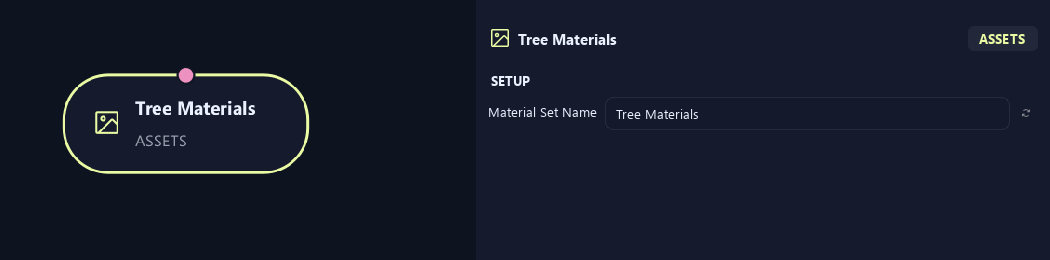
- Material Set Name
Gives this tree, collection or output a recognizable name.
Materials
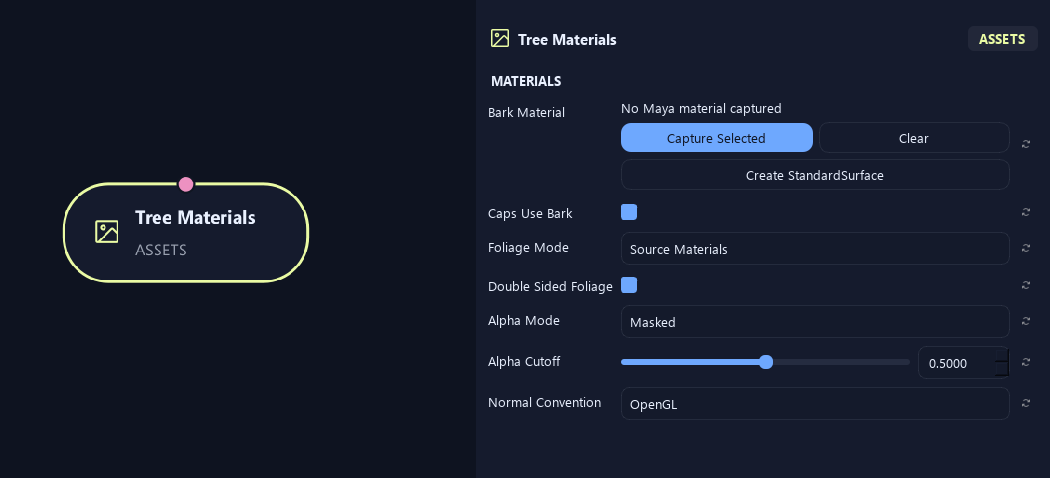
- Bark Material
Assigns bark material. Capture Selected uses your material; Create StandardSurface makes one; Clear removes the assignment.
- Caps Use Bark
Uses bark material on end caps. Turn it off for a separate cut-end material.
- Foliage Mode
Source Materials keeps asset materials. Material Override uses one chosen material. Atlas uses the atlas workflow.
- Double Sided Foliage
Marks foliage as visible from both sides for material/export setup. Match this in the destination shader.
- Alpha Mode
Opaque is solid. Masked cuts away pixels below a threshold. Blend uses gradual transparency.
- Alpha Cutoff
Sets the opacity threshold for Masked mode. Higher values remove more partly transparent edges.
Available when Alpha Mode is Masked.
- Normal Convention
Chooses OpenGL or DirectX normal-map convention. Match the destination shader.
Materials (1)
Shown example: Caps Use Bark = Off.
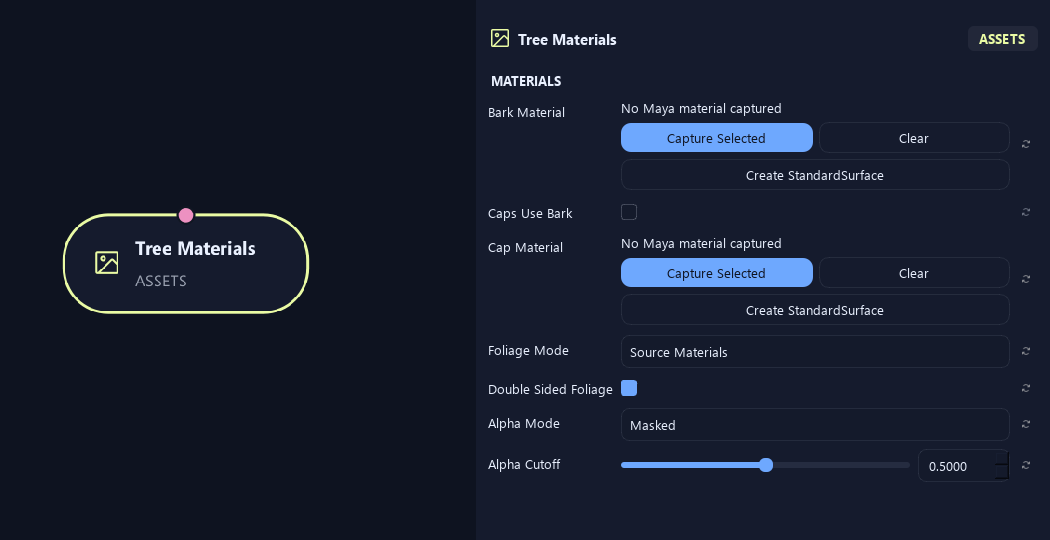
- Bark Material
Assigns bark material. Capture Selected uses your material; Create StandardSurface makes one; Clear removes the assignment.
- Caps Use Bark
Uses bark material on end caps. Turn it off for a separate cut-end material.
- Cap Material
Assigns a separate end-cap material, such as exposed wood.
Available when Caps Use Bark is Off.
- Foliage Mode
Source Materials keeps asset materials. Material Override uses one chosen material. Atlas uses the atlas workflow.
- Double Sided Foliage
Marks foliage as visible from both sides for material/export setup. Match this in the destination shader.
- Alpha Mode
Opaque is solid. Masked cuts away pixels below a threshold. Blend uses gradual transparency.
- Alpha Cutoff
Sets the opacity threshold for Masked mode. Higher values remove more partly transparent edges.
Available when Alpha Mode is Masked.
Materials (2)
Shown example: Caps Use Bark = Off.
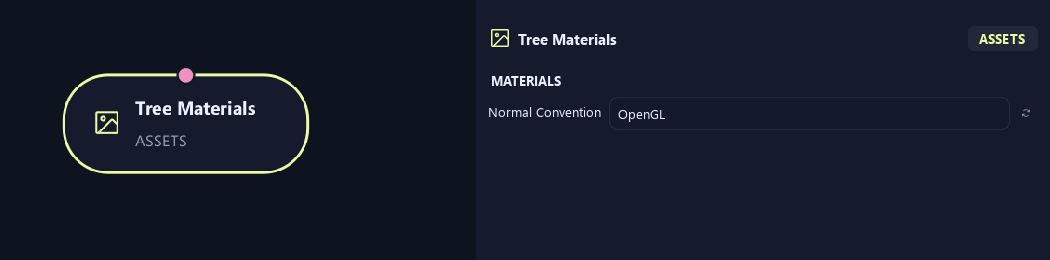
- Normal Convention
Chooses OpenGL or DirectX normal-map convention. Match the destination shader.
Materials (1)
Shown example: Foliage Mode = Material Override.
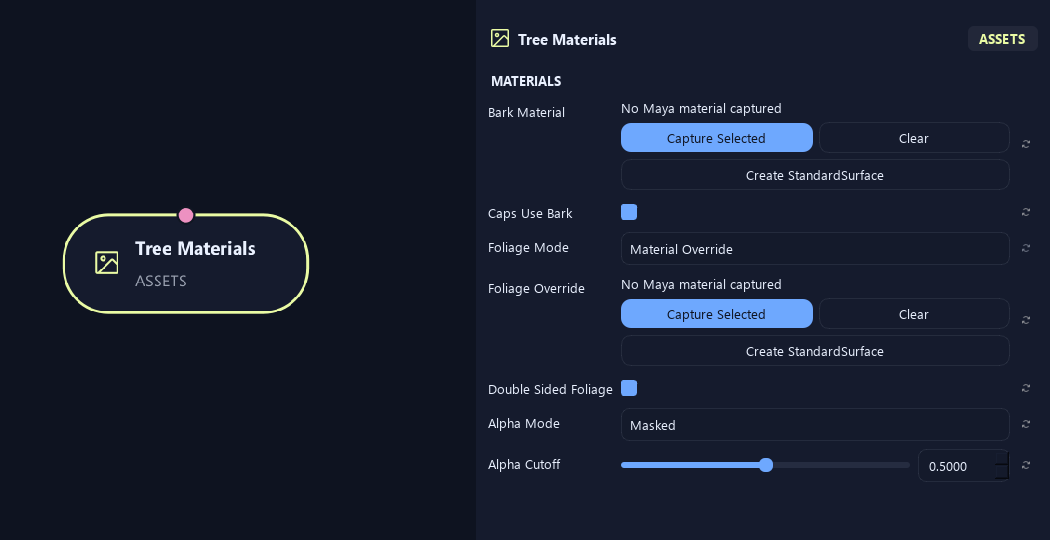
- Bark Material
Assigns bark material. Capture Selected uses your material; Create StandardSurface makes one; Clear removes the assignment.
- Caps Use Bark
Uses bark material on end caps. Turn it off for a separate cut-end material.
- Foliage Mode
Source Materials keeps asset materials. Material Override uses one chosen material. Atlas uses the atlas workflow.
- Foliage Override
Chooses the foliage material in Material Override mode.
Available when Foliage Mode is Material Override.
- Double Sided Foliage
Marks foliage as visible from both sides for material/export setup. Match this in the destination shader.
- Alpha Mode
Opaque is solid. Masked cuts away pixels below a threshold. Blend uses gradual transparency.
- Alpha Cutoff
Sets the opacity threshold for Masked mode. Higher values remove more partly transparent edges.
Available when Alpha Mode is Masked.
Materials (2)
Shown example: Foliage Mode = Material Override.
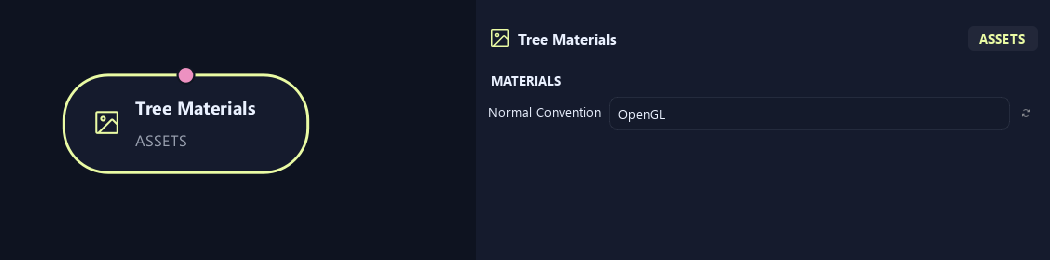
- Normal Convention
Chooses OpenGL or DirectX normal-map convention. Match the destination shader.
What is ZenGrove used for?
Explore all 44 nodes with illustrated Maya views and plain-English explanations of every setting. Build trunks and branches, place foliage, shape growth, add wind and prepare your output.
Which host application does ZenGrove support?
ZenGrove is built for Autodesk Maya and is distributed through AO Studio Tools.
Where can I download ZenGrove?
Download the current AO Studio Tools package from https://aostudio.tools/getthetools.html and install it through AO.Hub.