
ZenGrove
Grow a plant, one node at a time.
Grow a plant, one node at a time.
Explore all 44 nodes with illustrated Maya views and plain-English explanations of every setting. Build trunks and branches, place foliage, shape growth, add wind and prepare your output.
Tree Root
Sets the name, overall size and starting positions of your trees. Place whole trees at a point, on a grid, around a ring or across an area; the connected Trunk node adds its own stems at every origin.
Materials
Tree
Tree Root places the tree origins. Trunk creates its complete local pattern at every origin. For example, three tree origins with two trunks at each make six stems.
Point keeps positions together. Grid uses Count X × Count Z and spacing in each direction. Radial places them evenly around a ring. Random fills a centered rectangle. Global Scale affects both the plants and these placement distances.
Tree Root's Pattern Rotation rotates the origin positions. Trunk's Pattern Rotation rotates its local positions and growth directions. Trunk's Orientation, Tilt and Rotate Pattern then shape the stem directions.
Legacy Cluster keeps the earlier distribution when an older graph is loaded. Cluster Radius appears in that mode when Instance Count is greater than one. Tree Root placement repeats procedural Trunk patterns; it does not duplicate curves captured by Curve Input.
Setup
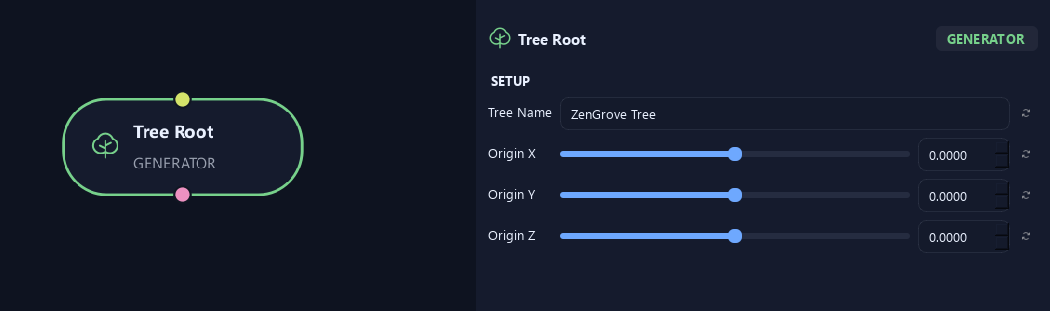
- Tree Name
Gives this tree, collection or output a recognizable name.
- Origin X
Moves the tree's starting point along world X.
- Origin Y
Moves the tree's starting point up or down along world Y.
- Origin Z
Moves the tree's starting point along world Z.
Placement
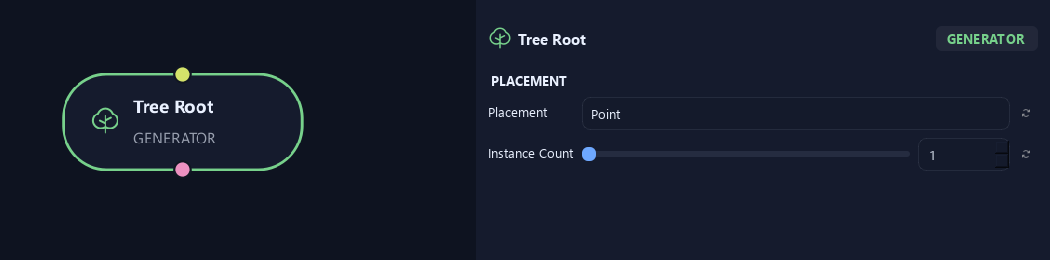
- Placement
Chooses where whole trees begin. Point keeps every instance at the same origin. Grid makes rows and columns; Radial places origins around a ring; Random spreads them across a rectangle. Legacy Cluster preserves the arrangement from older graphs.
- Instance Count
Sets the number of independent tree origins in Point, Radial, Random and Legacy Cluster modes. Grid uses Count X multiplied by Count Z instead. Every origin receives the full pattern made by the connected Trunk node.
Available when Placement is Point or Radial or Random or Legacy Cluster.
Scale
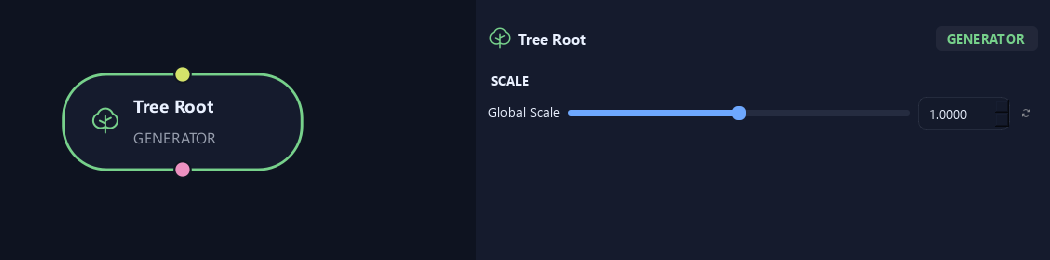
- Global Scale
Changes overall tree size, including the spacing of its starting points.
Placement
Shown example: Placement = Radial.
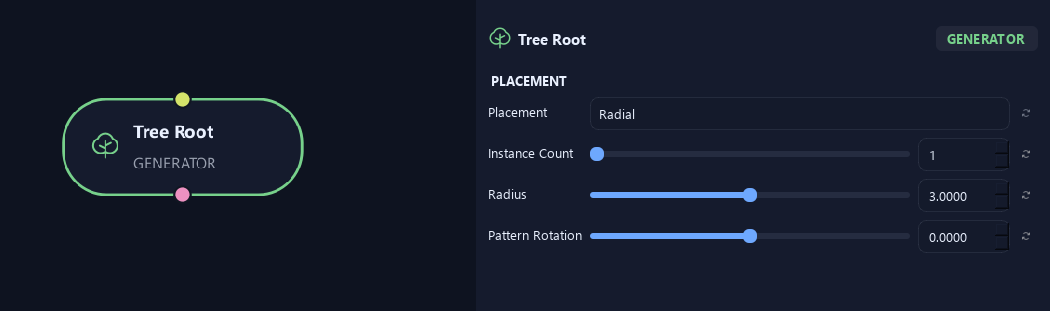
- Placement
Chooses where whole trees begin. Point keeps every instance at the same origin. Grid makes rows and columns; Radial places origins around a ring; Random spreads them across a rectangle. Legacy Cluster preserves the arrangement from older graphs.
- Instance Count
Sets the number of independent tree origins in Point, Radial, Random and Legacy Cluster modes. Grid uses Count X multiplied by Count Z instead. Every origin receives the full pattern made by the connected Trunk node.
Available when Placement is Point or Radial or Random or Legacy Cluster.
- Radius
Sets the radius of the ring of tree origins. Zero places them all at the center. Global Scale also scales this radius.
Available when Placement is Radial.
- Pattern Rotation
Rotates the grid, ring or random arrangement around the Tree Root origin on the ground plane. It moves the origins without choosing new random positions. Use the Trunk node's Pattern Rotation to rotate its local stem arrangement and growth directions.
Available when Placement is Grid or Radial or Random.
Placement
Shown example: Placement = Random.
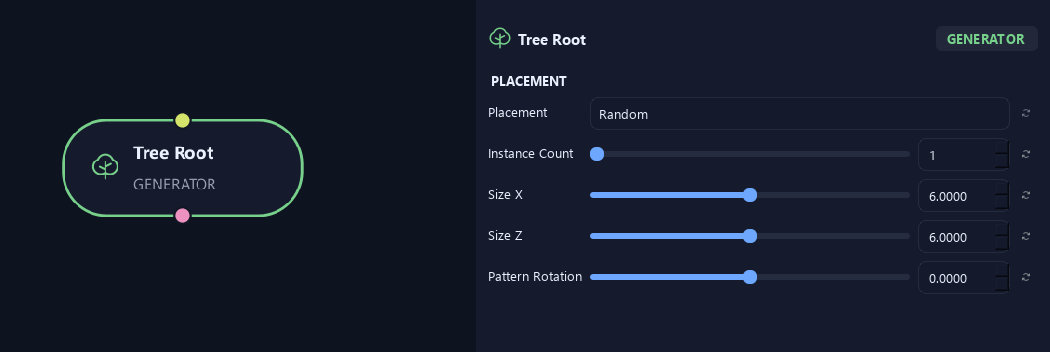
- Placement
Chooses where whole trees begin. Point keeps every instance at the same origin. Grid makes rows and columns; Radial places origins around a ring; Random spreads them across a rectangle. Legacy Cluster preserves the arrangement from older graphs.
- Instance Count
Sets the number of independent tree origins in Point, Radial, Random and Legacy Cluster modes. Grid uses Count X multiplied by Count Z instead. Every origin receives the full pattern made by the connected Trunk node.
Available when Placement is Point or Radial or Random or Legacy Cluster.
- Size X
Sets the full width of the random placement rectangle in X. The area is centered on the Tree Root origin and follows Global Scale.
Available when Placement is Random.
- Size Z
Sets the full depth of the random placement rectangle in Z. The area is centered on the Tree Root origin and follows Global Scale.
Available when Placement is Random.
- Pattern Rotation
Rotates the grid, ring or random arrangement around the Tree Root origin on the ground plane. It moves the origins without choosing new random positions. Use the Trunk node's Pattern Rotation to rotate its local stem arrangement and growth directions.
Available when Placement is Grid or Radial or Random.
Advanced
Shown example: Placement = Random.
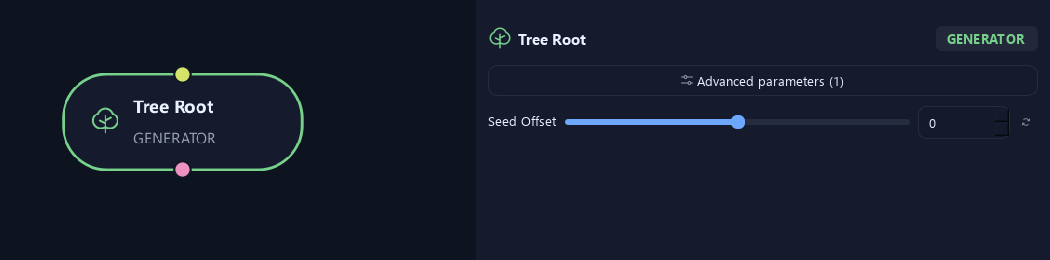
- Seed Offset
Chooses another repeatable arrangement in Random mode. Keep the same seed and placement settings to reproduce the positions.
Available when Placement is Random.
Placement
Shown example: Placement = Legacy Cluster · Instance Count = 2.
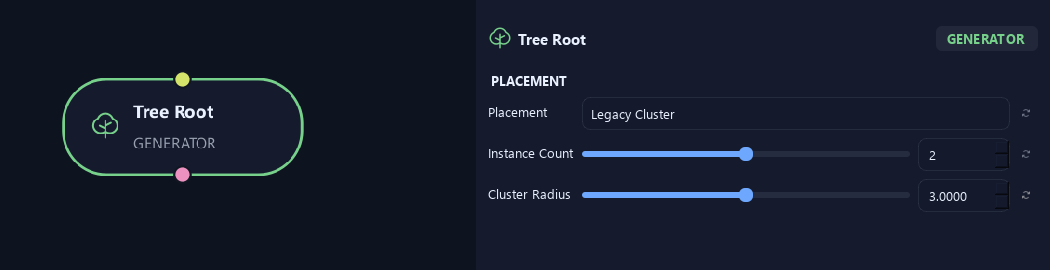
- Placement
Chooses where whole trees begin. Point keeps every instance at the same origin. Grid makes rows and columns; Radial places origins around a ring; Random spreads them across a rectangle. Legacy Cluster preserves the arrangement from older graphs.
- Instance Count
Sets the number of independent tree origins in Point, Radial, Random and Legacy Cluster modes. Grid uses Count X multiplied by Count Z instead. Every origin receives the full pattern made by the connected Trunk node.
Available when Placement is Point or Radial or Random or Legacy Cluster.
- Cluster Radius
Sets how far the extra origins spread from the first origin in Legacy Cluster mode. This preserves the earlier cluster layout when opening older graphs. Global Scale also scales this distance.
Available when Placement is Legacy Cluster and Instance Count is greater than 1.
Placement
Shown example: Placement = Grid.
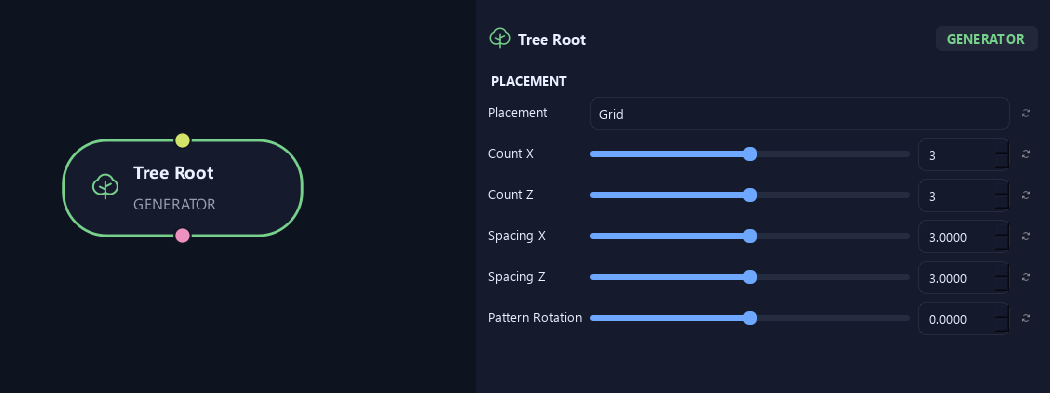
- Placement
Chooses where whole trees begin. Point keeps every instance at the same origin. Grid makes rows and columns; Radial places origins around a ring; Random spreads them across a rectangle. Legacy Cluster preserves the arrangement from older graphs.
- Count X
Sets the number of tree origins across the grid in X. The total number of origins is Count X multiplied by Count Z.
Available when Placement is Grid.
- Count Z
Sets the number of tree origins across the grid in Z. A 3 by 3 grid gives nine tree origins.
Available when Placement is Grid.
- Spacing X
Sets the gap between tree origins in X. The grid is centered on the Tree Root origin; Global Scale also scales the spacing.
Available when Placement is Grid.
- Spacing Z
Sets the gap between tree origins in Z. Global Scale also scales the spacing.
Available when Placement is Grid.
- Pattern Rotation
Rotates the grid, ring or random arrangement around the Tree Root origin on the ground plane. It moves the origins without choosing new random positions. Use the Trunk node's Pattern Rotation to rotate its local stem arrangement and growth directions.
Available when Placement is Grid or Radial or Random.
What is ZenGrove used for?
Explore all 44 nodes with illustrated Maya views and plain-English explanations of every setting. Build trunks and branches, place foliage, shape growth, add wind and prepare your output.
Which host application does ZenGrove support?
ZenGrove is built for Autodesk Maya and is distributed through AO Studio Tools.
Where can I download ZenGrove?
Download the current AO Studio Tools package from https://aostudio.tools/getthetools.html and install it through AO.Hub.