
ZenGrove
Grow a plant, one node at a time.
Grow a plant, one node at a time.
Explore all 44 nodes with illustrated Maya views and plain-English explanations of every setting. Build trunks and branches, place foliage, shape growth, add wind and prepare your output.
Self Collision
Helps branches avoid each other or another connected branch structure. Natural attachment areas are excluded so branches can still join their parents.
Branches · Collider
Branches
Self Collision checks branch spacing. Collision checks Maya mesh obstacles. They run one after the other, so either can move branches into something the earlier node already avoided. Inspect the final result; changing their order does not guarantee both conditions at once.
Affect
- Affect
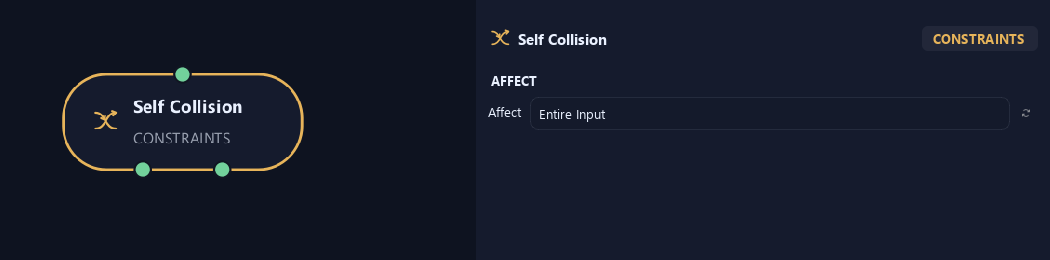
Chooses which branches are affected. Active Branches uses the latest generated layer. Active + Descendants also includes growth from that layer. Active Generated Hierarchy additionally includes ancestors created by that same generated contribution. Entire Input uses everything arriving here. Attached children follow a moved parent even when they are not reshaped themselves.
Setup
- Collision Mode
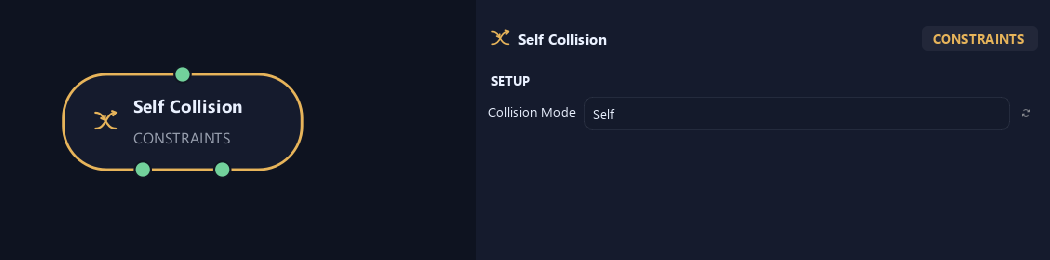
Self avoids branches in the input. Structure avoids only the optional Collider Structure. Self + Structure combines both.
Deformation
- Influence Distance
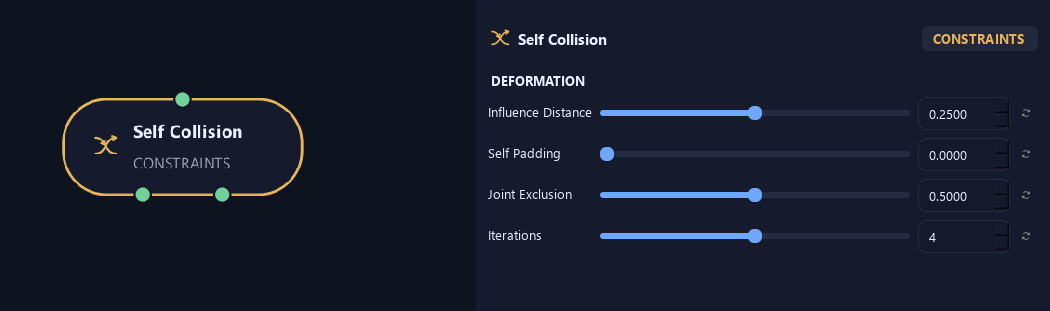
Sets how early branches begin turning before an obstacle. Larger values make the approach more gradual.
- Self Padding
Adds a gap between two branch surfaces, beyond their radii.
- Joint Exclusion
Keeps natural parent, child and sibling joins from pushing themselves apart.
- Iterations
Sets contact-solving passes per growth step. More passes help difficult contacts at a higher processing cost.
Response
- Bend Strength
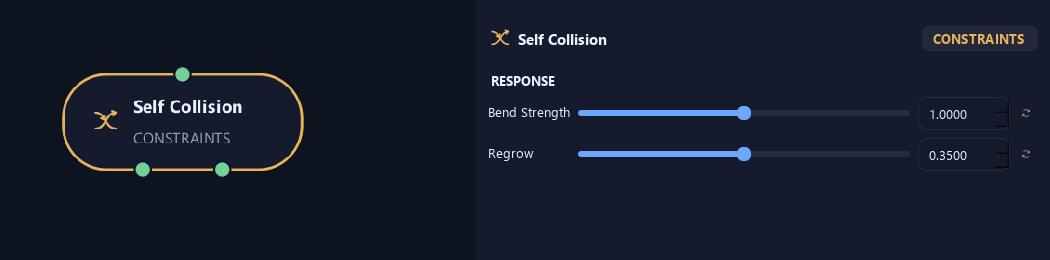
Sets how strongly branches avoid detected intersections.
- Regrow
Sets how quickly growth returns to its intended direction after an obstacle. Zero keeps the constrained direction; one returns immediately.
Advanced
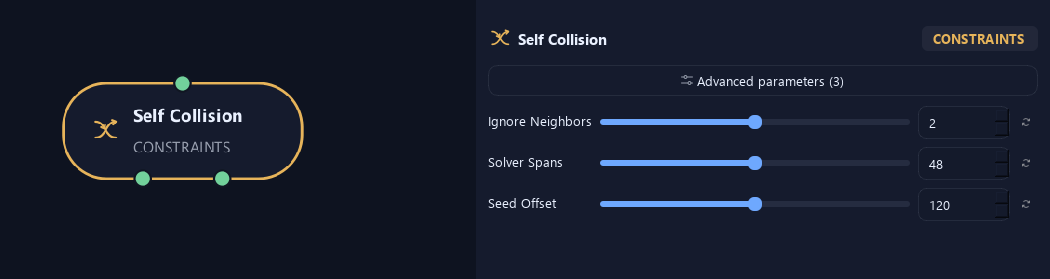
- Ignore Neighbors
Ignores nearby spans of the same branch so neighboring sections do not repel each other.
- Solver Spans
Sets minimum branch samples for detecting crossings. More samples can catch smaller intersections.
- Seed Offset
Changes this node's random variation. Keep the seed and settings unchanged to reproduce the same result.
Deformation
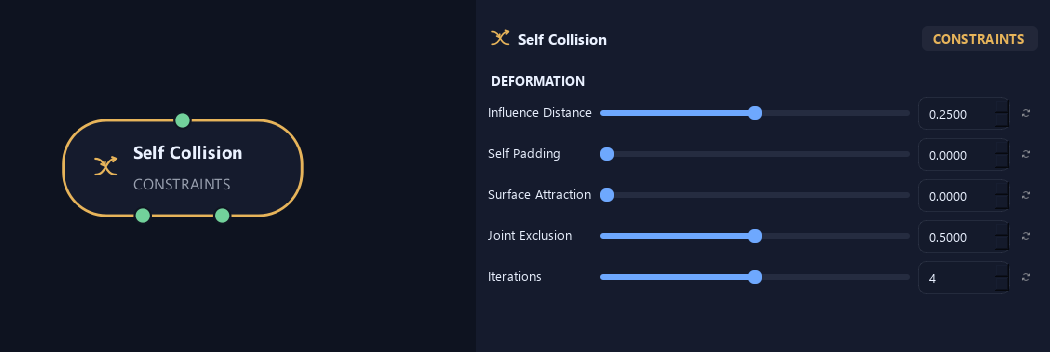
Shown example: Collision Mode = Structure.
- Influence Distance
Sets how early branches begin turning before an obstacle. Larger values make the approach more gradual.
- Self Padding
Adds a gap between two branch surfaces, beyond their radii.
- Surface Attraction
Attracts growth toward Collider Structure while allowing movement along it. Self contacts remain repulsive.
Available when Collision Mode is Structure or Self + Structure.
- Joint Exclusion
Keeps natural parent, child and sibling joins from pushing themselves apart.
- Iterations
Sets contact-solving passes per growth step. More passes help difficult contacts at a higher processing cost.
What is ZenGrove used for?
Explore all 44 nodes with illustrated Maya views and plain-English explanations of every setting. Build trunks and branches, place foliage, shape growth, add wind and prepare your output.
Which host application does ZenGrove support?
ZenGrove is built for Autodesk Maya and is distributed through AO Studio Tools.
Where can I download ZenGrove?
Download the current AO Studio Tools package from https://aostudio.tools/getthetools.html and install it through AO.Hub.