
ZenGrove
Grow a plant, one node at a time.
Grow a plant, one node at a time.
Explore all 44 nodes with illustrated Maya views and plain-English explanations of every setting. Build trunks and branches, place foliage, shape growth, add wind and prepare your output.
Resolution
Controls mesh detail around and along branches. Set an even edge size or choose fixed counts.
Branches
Branches
Setup

- Mode
Uniform Density uses edge size for consistent detail across different branch sizes. Fixed Counts uses the chosen radial and length counts on each path.
Deformation

- Smooth Centerline
Softens corners before resampling. Off preserves deliberately angular guides.
Scale
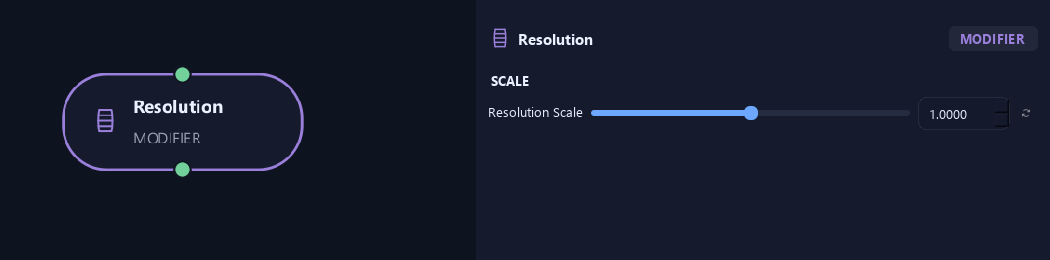
- Resolution Scale
Scales detail around and along branches. 0.5 produces roughly a quarter as many quads.
Geometry
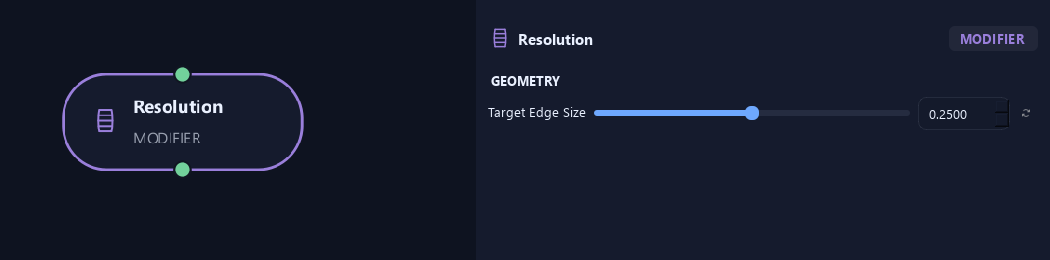
- Target Edge Size
Sets approximate edge length in scene units for Uniform Density. Smaller adds detail.
Available when Mode is Uniform Density.
Advanced
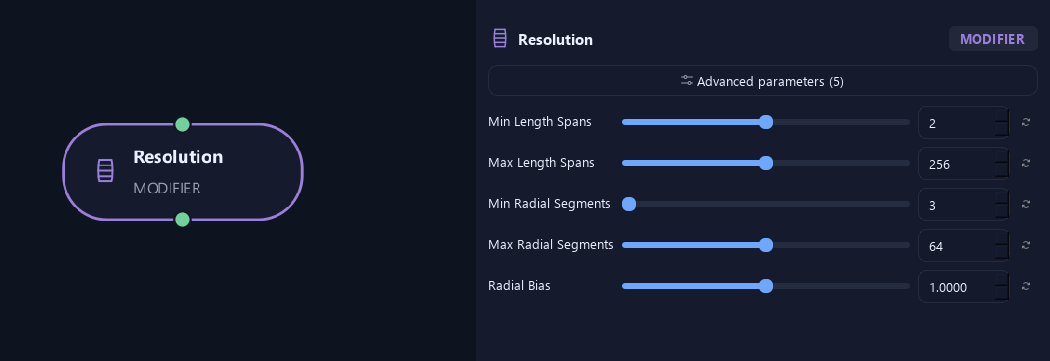
- Min Length Spans
Sets minimum length spans in Uniform Density.
Available when Mode is Uniform Density.
- Max Length Spans
Caps length spans in Uniform Density.
Available when Mode is Uniform Density.
- Min Radial Segments
Sets minimum sides around branches in Uniform Density.
Available when Mode is Uniform Density.
- Max Radial Segments
Caps sides around branches in Uniform Density.
Available when Mode is Uniform Density.
- Radial Bias
Shifts detail toward or away from the circumference relative to lengthwise detail.
Available when Mode is Uniform Density.
Geometry
Shown example: Mode = Fixed Counts.
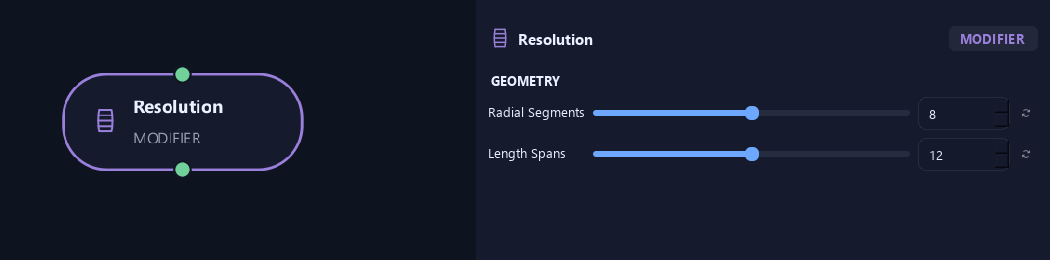
- Radial Segments
Sets sides around each branch in Fixed Counts mode, before Resolution Scale.
Available when Mode is Fixed Counts.
- Length Spans
Sets spans along branches in Fixed Counts mode, before Resolution Scale.
Available when Mode is Fixed Counts.
What is ZenGrove used for?
Explore all 44 nodes with illustrated Maya views and plain-English explanations of every setting. Build trunks and branches, place foliage, shape growth, add wind and prepare your output.
Which host application does ZenGrove support?
ZenGrove is built for Autodesk Maya and is distributed through AO Studio Tools.
Where can I download ZenGrove?
Download the current AO Studio Tools package from https://aostudio.tools/getthetools.html and install it through AO.Hub.