
ZenGrove
Grow a plant, one node at a time.
Grow a plant, one node at a time.
Explore all 44 nodes with illustrated Maya views and plain-English explanations of every setting. Build trunks and branches, place foliage, shape growth, add wind and prepare your output.
LOD
Creates progressively lighter plant versions. Reduce branches, twigs, foliage and mesh detail independently for different viewing distances.
Branches
Branches
Setup
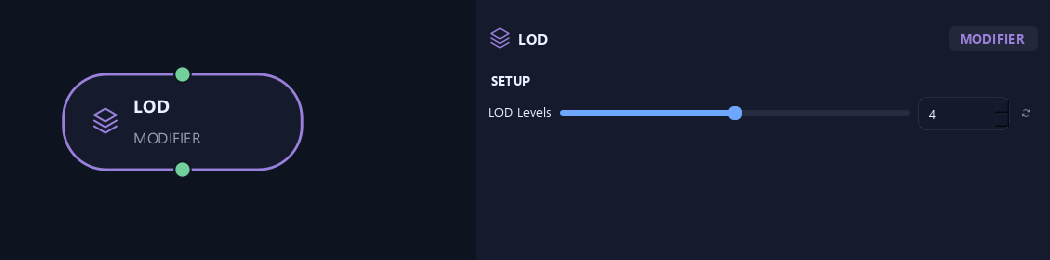
- LOD Levels
Sets the number of LOD versions, including full-detail LOD0.
Generation
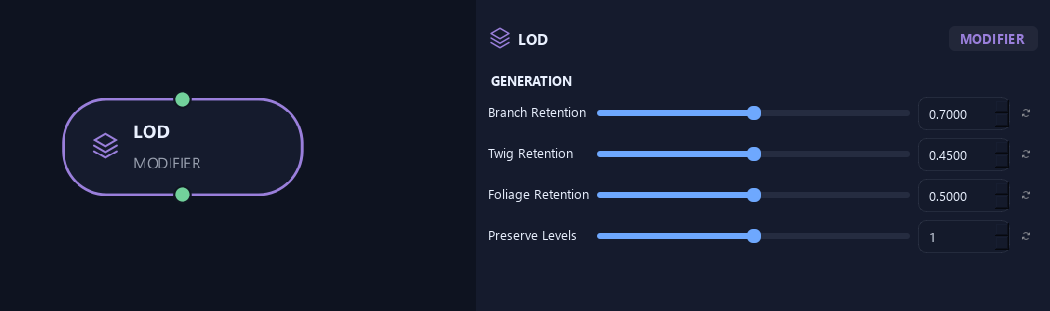
- Branch Retention
Sets the branch fraction retained per LOD step. With 0.7, two steps keep about 0.49 before protected branches are included.
- Twig Retention
Sets a separate fraction of twigs retained per LOD step.
- Foliage Retention
Sets the leaf and asset fraction retained per LOD step. Removed placements stay removed at later levels.
- Preserve Levels
Protects early branch layers. Zero protects trunks; one also protects primary branches.
Geometry
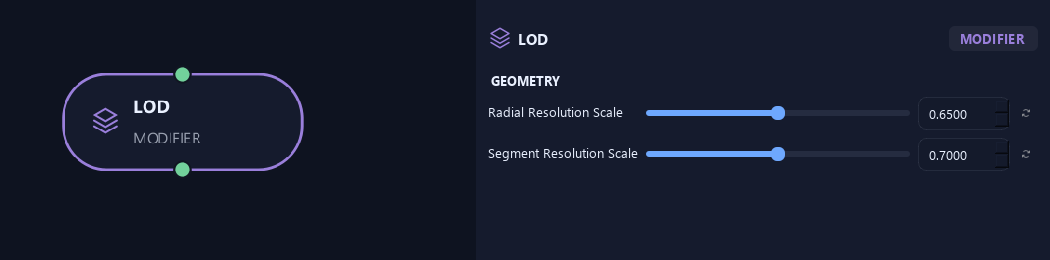
- Radial Resolution Scale
Reduces sides around branches per LOD step.
- Segment Resolution Scale
Reduces spans along branches per LOD step, preserving important attachments and ends.
Preview & Safety
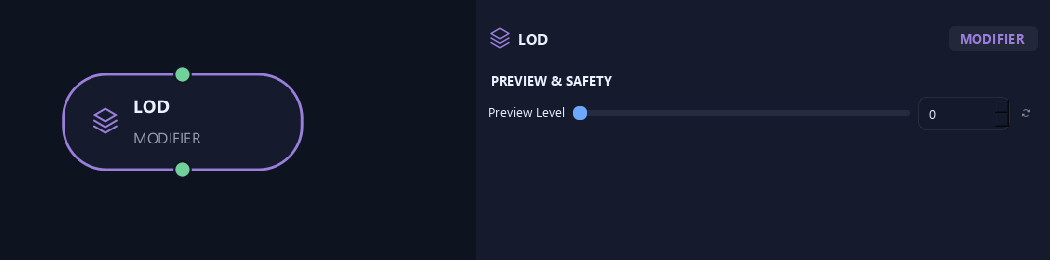
- Preview Level
Chooses the LOD for preview and Build. Game Export still creates every LOD from the full source.
What is ZenGrove used for?
Explore all 44 nodes with illustrated Maya views and plain-English explanations of every setting. Build trunks and branches, place foliage, shape growth, add wind and prepare your output.
Which host application does ZenGrove support?
ZenGrove is built for Autodesk Maya and is distributed through AO Studio Tools.
Where can I download ZenGrove?
Download the current AO Studio Tools package from https://aostudio.tools/getthetools.html and install it through AO.Hub.