
ZenGrove
Grow a plant, one node at a time.
Grow a plant, one node at a time.
Explore all 44 nodes with illustrated Maya views and plain-English explanations of every setting. Build trunks and branches, place foliage, shape growth, add wind and prepare your output.
Linear Force
Steers growth toward a world-space direction, for a preferred growing direction or a wind-shaped silhouette.
Branches
Branches
Affect
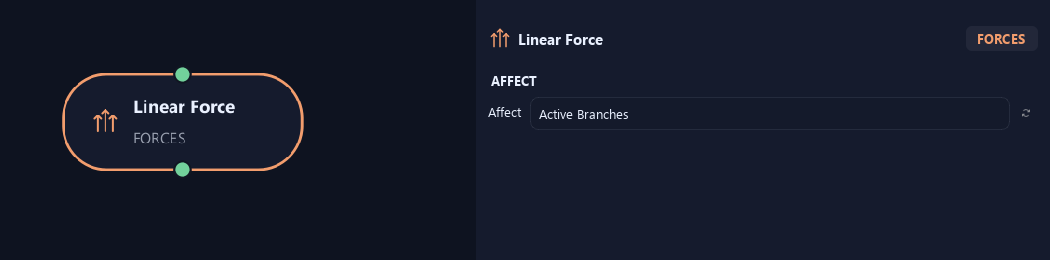
- Affect
Chooses which branches are affected. Active Branches uses the latest generated layer. Active + Descendants also includes growth from that layer. Active Generated Hierarchy additionally includes ancestors created by that same generated contribution. Entire Input uses everything arriving here. Attached children follow a moved parent even when they are not reshaped themselves.
Distribution
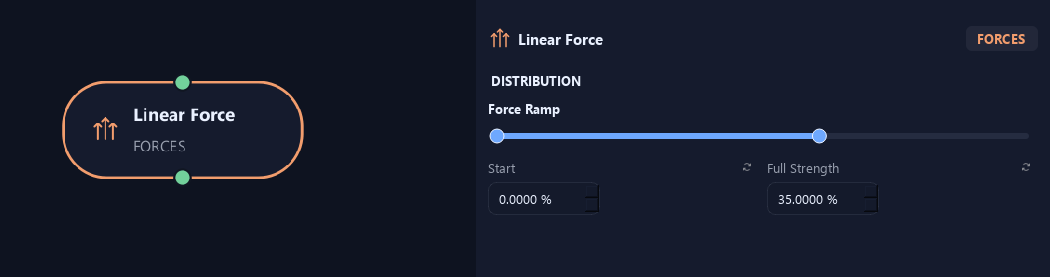
- Force Ramp — Start %
Sets where the force starts along a branch. Zero is base and one is tip.
- Force Ramp — Full Strength %
Sets where the force reaches full strength. It ramps between Start and this point, then stays at full strength.
Deformation
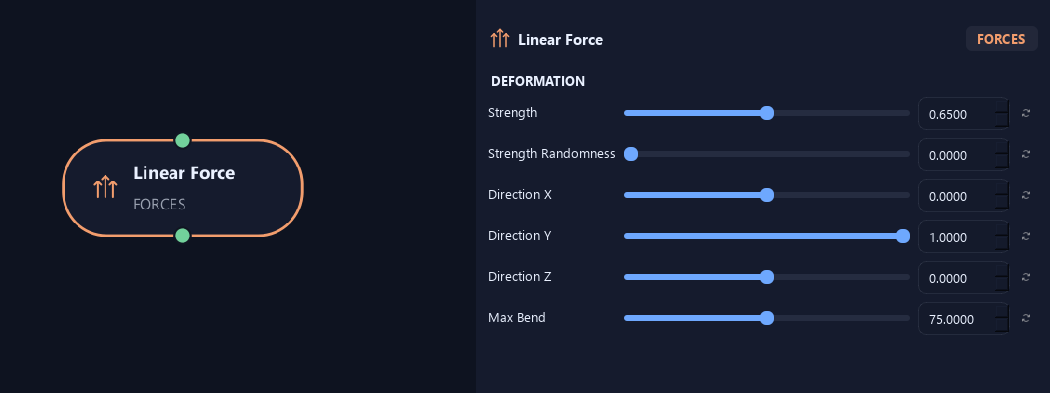
- Strength
Sets how strongly growth follows the chosen direction. Direction-vector length does not change strength.
- Strength Randomness
Varies force strength between branches.
- Direction X
Sets the desired direction's X component. Positive and negative point to opposite sides.
- Direction Y
Sets the vertical direction component. Positive points up; negative points down.
- Direction Z
Sets the desired direction's Z component.
- Max Bend
Limits total force-driven turning along a branch, in degrees.
Advanced
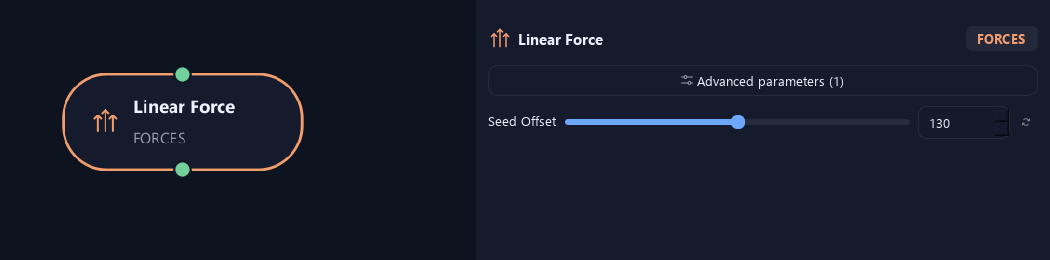
- Seed Offset
Changes this node's random variation. Keep the seed and settings unchanged to reproduce the same result.
What is ZenGrove used for?
Explore all 44 nodes with illustrated Maya views and plain-English explanations of every setting. Build trunks and branches, place foliage, shape growth, add wind and prepare your output.
Which host application does ZenGrove support?
ZenGrove is built for Autodesk Maya and is distributed through AO Studio Tools.
Where can I download ZenGrove?
Download the current AO Studio Tools package from https://aostudio.tools/getthetools.html and install it through AO.Hub.