
ZenGrove
Grow a plant, one node at a time.
Grow a plant, one node at a time.
Explore all 44 nodes with illustrated Maya views and plain-English explanations of every setting. Build trunks and branches, place foliage, shape growth, add wind and prepare your output.
Foliage Normals
Softens foliage shading using surface directions from a canopy-shaped proxy mesh. It helps individual leaf cards read as a fuller crown in High-quality builds.
Growth
Growth
Setup
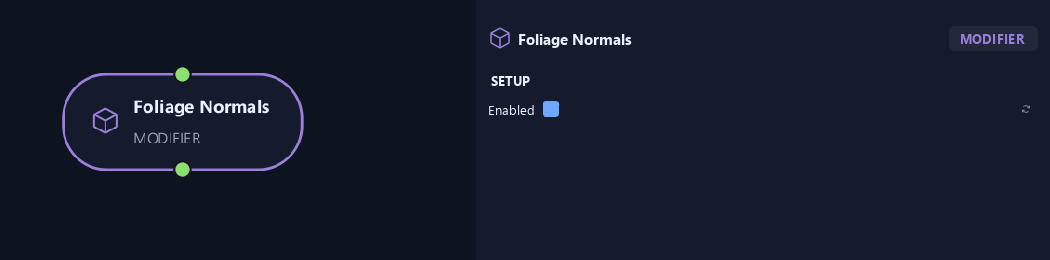
- Enabled
Turns the effect on or off while keeping its settings.
Input
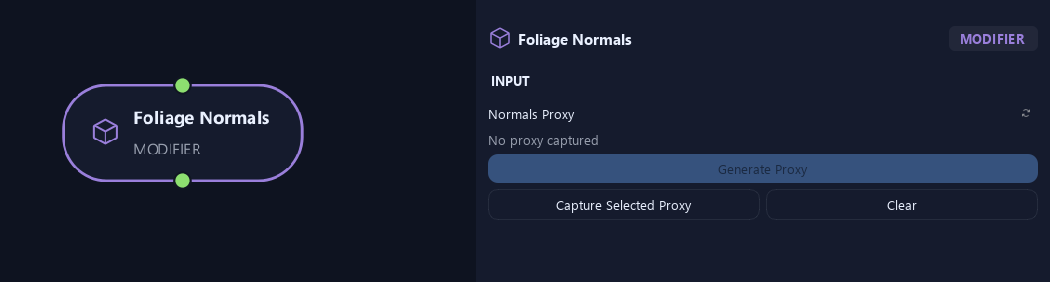
- Normals Proxy
Generate Proxy makes a canopy-shaped mesh; Capture Selected Proxy assigns your own; Clear removes it. It guides leaf normals in High builds.
Geometry
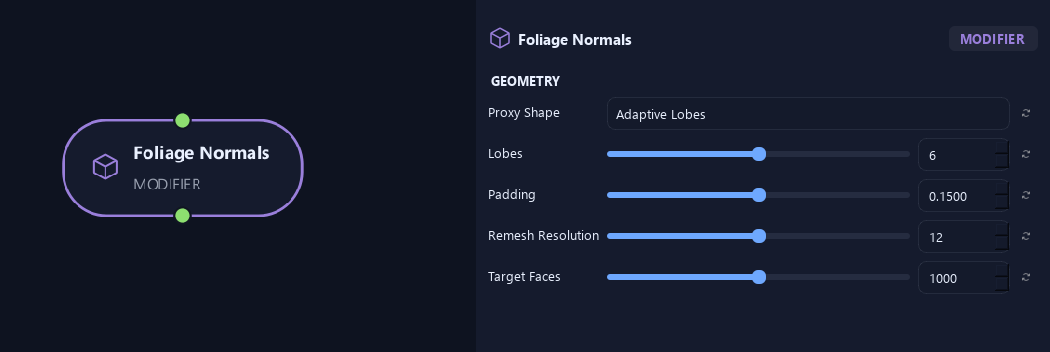
- Proxy Shape
Adaptive Lobes fits several overlapping canopy shapes. Single Ellipsoid uses one overall rounded shape.
- Lobes
Limits the number of fitted shapes for Adaptive Lobes.
Available when Proxy Shape is Adaptive Lobes.
- Padding
Expands proxy shapes beyond sampled leaf positions.
- Remesh Resolution
Controls edge density when remeshing the proxy. Higher values add detail.
- Target Faces
Sets the approximate face count for the editable proxy.
Preview & Safety
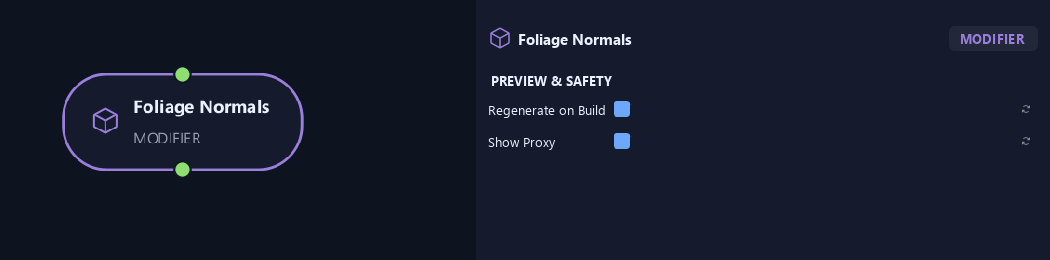
- Regenerate on Build
Rebuilds the proxy before Preview and High builds. Turn it off to keep manual edits.
- Show Proxy
Shows the proxy while authoring. Builds hide it; enable this again to edit it.
What is ZenGrove used for?
Explore all 44 nodes with illustrated Maya views and plain-English explanations of every setting. Build trunks and branches, place foliage, shape growth, add wind and prepare your output.
Which host application does ZenGrove support?
ZenGrove is built for Autodesk Maya and is distributed through AO Studio Tools.
Where can I download ZenGrove?
Download the current AO Studio Tools package from https://aostudio.tools/getthetools.html and install it through AO.Hub.