
ZenGrove
Grow a plant, one node at a time.
Grow a plant, one node at a time.
Explore all 44 nodes with illustrated Maya views and plain-English explanations of every setting. Build trunks and branches, place foliage, shape growth, add wind and prepare your output.
Branch
Adds a new layer of branches to the incoming stems. Choose how many appear, where they appear and how their angle, length and thickness vary along the parent.
Branches
Branches
Generation
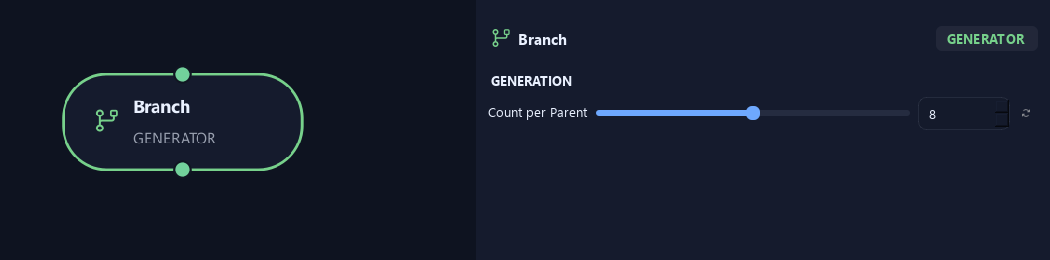
- Count per Parent
Sets new growth per parent. Random, Parallel and Alternating count individual children. Opposite counts sites with two children each; Whorled counts sites with Whorl Count children each. Count 8 and Whorl Count 3 produce 24 children before any split-range allocation.
Distribution
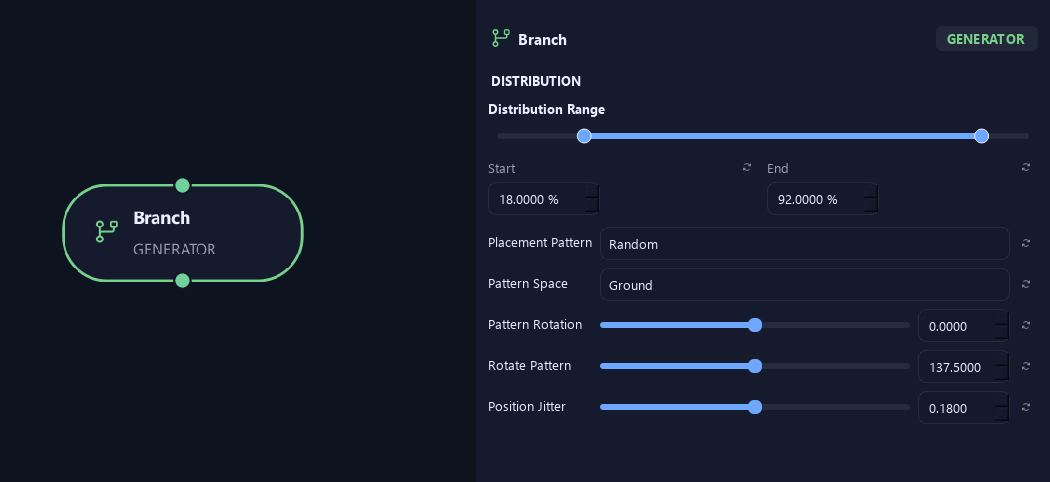
- Distribution Range — Start %
Sets where placement begins on the parent. Zero is the base and one is the tip; the range slider displays percentages.
- Distribution Range — End %
Sets where placement ends. Together with Start, this defines the Distribution Range.
- Placement Pattern
Random distributes freely. Parallel pairs a total child count. Alternating switches sides along the parent. Opposite creates two children per site. Whorled creates a ring of children per site.
- Pattern Space
Ground aligns the pattern to the horizontal world plane. Parent turns it with the branch. Opposite and Whorled always follow the parent.
Available when Placement Pattern is Random or Parallel or Alternating.
- Pattern Rotation
Rotates the whole arrangement around the parent without choosing new random positions.
- Rotate Pattern
Rotates each successive site around the parent. With Opposite, zero aligns pairs and 90 degrees crosses each pair over the previous one.
- Position Jitter
Loosens spacing along the parent while keeping paired sites together.
Orientation
- Angle
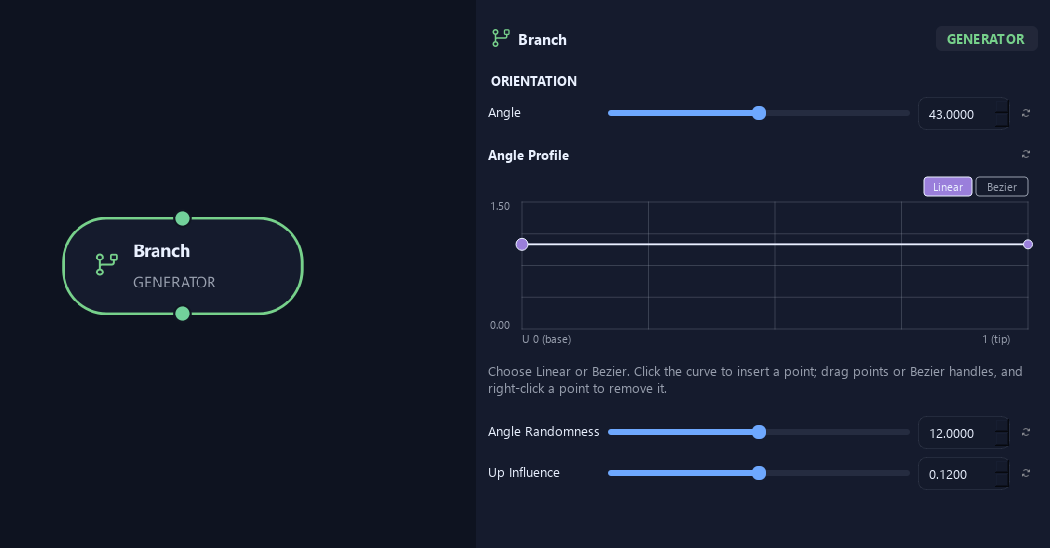
Sets the angle away from the parent direction. Small values follow it; larger values open the growth outward.
- Angle Profile
Multiplies Angle by attachment position on the parent: left is base and right is tip. One keeps the angle, lower values close it and higher values open it.
- Angle Randomness
Varies the angle between branches or leaves. Zero keeps it consistent.
- Up Influence
Biases the growing direction upward. Negative values bias it downward.
Shape
- Length
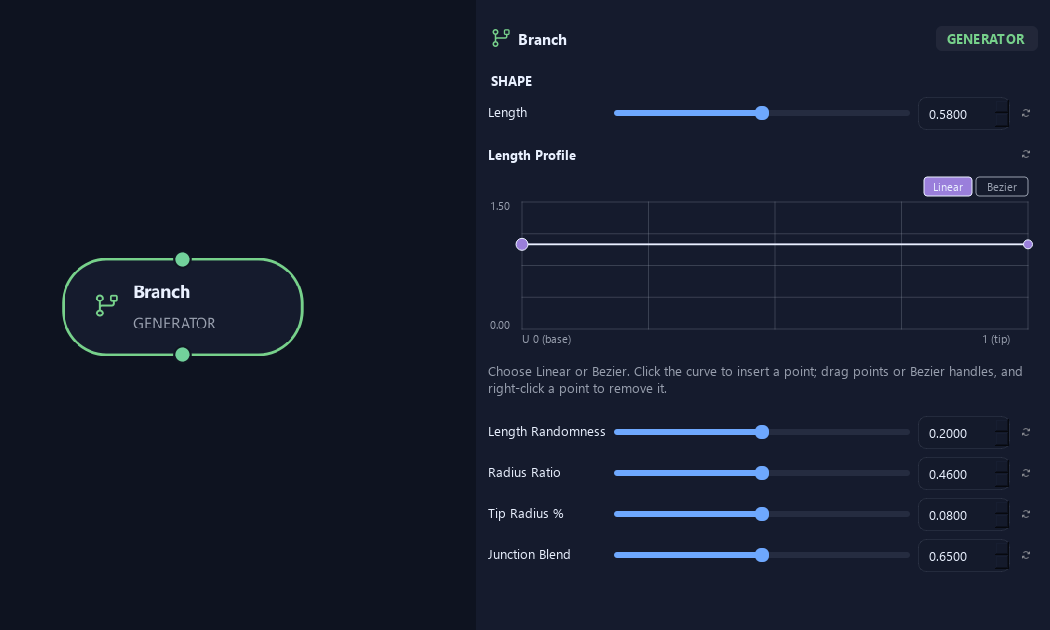
Sets child length relative to parent length. For example, 0.5 starts at half the parent length, before profiles and randomness.
- Length Profile
Multiplies child length by its attachment position. Left is the parent base and right is its tip. One keeps Length; 0.5 halves it.
- Length Randomness
Varies length between branches. Zero keeps lengths consistent.
- Radius Ratio
Sets child base radius relative to parent radius at the attachment.
- Tip Radius %
Sets tip radius as a fraction of child base radius. For example, 0.08 leaves 8% at the tip.
- Junction Blend
Softens the change in direction and thickness at the parent connection. Zero makes a harder junction.
Deformation
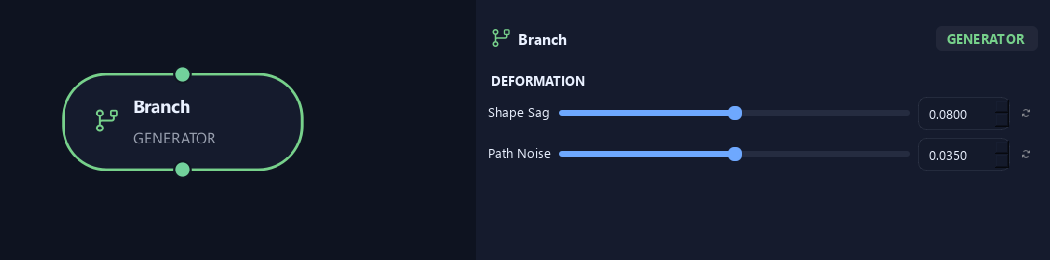
- Shape Sag
Adds sag to the new branch shape. Positive droops; negative lifts.
- Path Noise
Adds small irregular bends to the generated path.
Scale
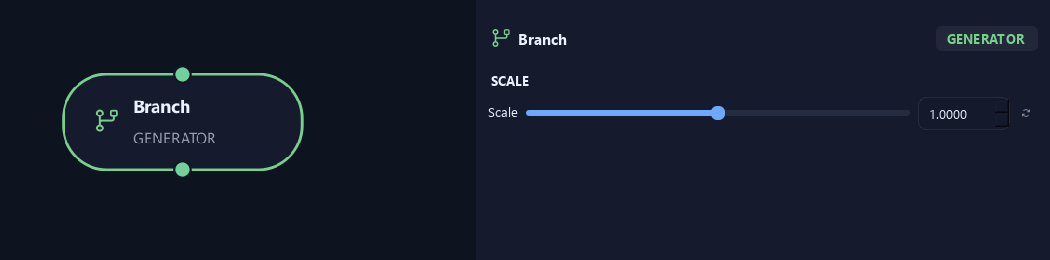
- Scale
Scales the asset or generated child uniformly. One keeps its size; 0.5 halves it.
Geometry
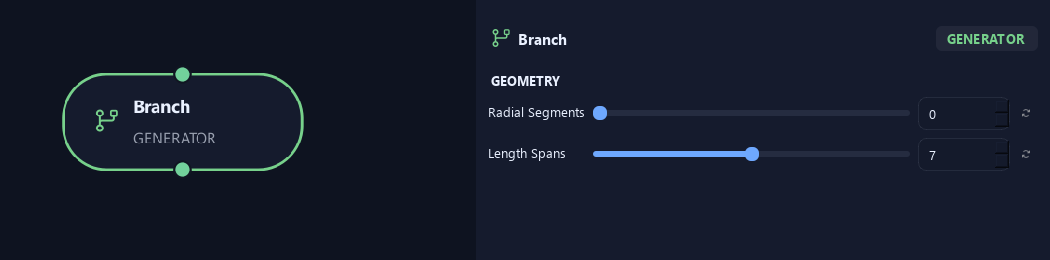
- Radial Segments
Sets sides around the branch tube. More sides look rounder. Where zero is available, it inherits Output.
- Length Spans
Sets spans along the branch. More spans allow smoother bends and add geometry.
Advanced
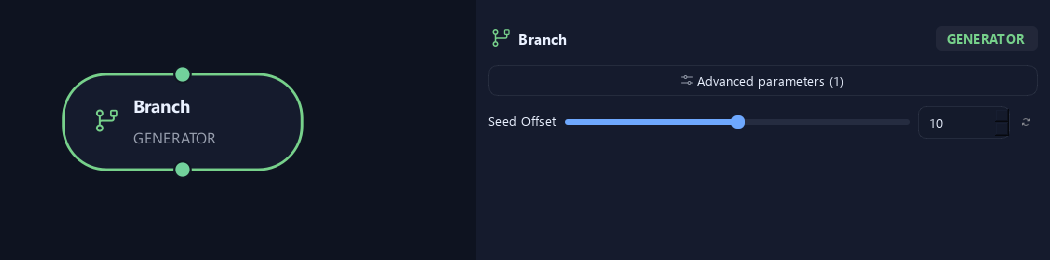
- Seed Offset
Changes this node's random variation. Keep the seed and settings unchanged to reproduce the same result.
Distribution
Shown example: Placement Pattern = Whorled.
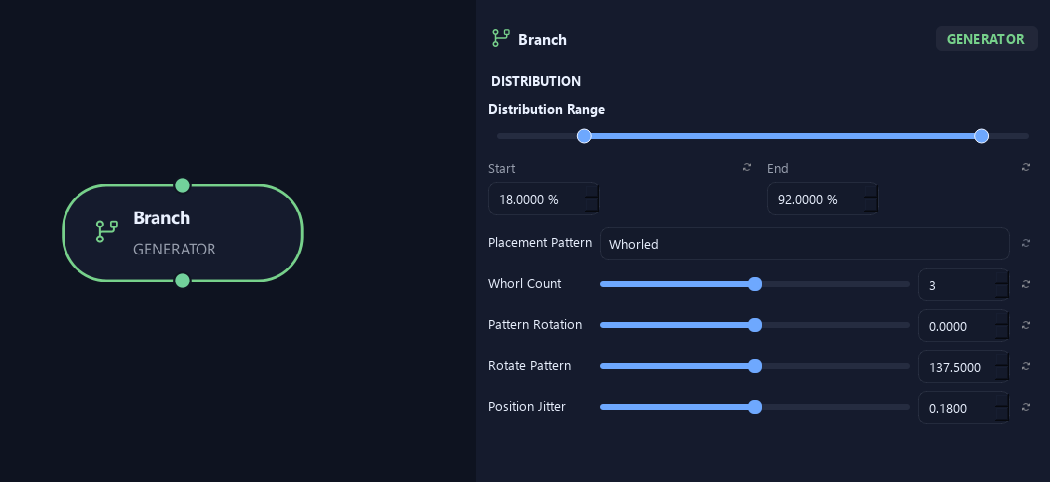
- Distribution Range — Start %
Sets where placement begins on the parent. Zero is the base and one is the tip; the range slider displays percentages.
- Distribution Range — End %
Sets where placement ends. Together with Start, this defines the Distribution Range.
- Placement Pattern
Random distributes freely. Parallel pairs a total child count. Alternating switches sides along the parent. Opposite creates two children per site. Whorled creates a ring of children per site.
- Whorl Count
Sets children per site in Whorled mode. Opposite always uses two.
Available when Placement Pattern is Whorled.
- Pattern Rotation
Rotates the whole arrangement around the parent without choosing new random positions.
- Rotate Pattern
Rotates each successive site around the parent. With Opposite, zero aligns pairs and 90 degrees crosses each pair over the previous one.
- Position Jitter
Loosens spacing along the parent while keeping paired sites together.
What is ZenGrove used for?
Explore all 44 nodes with illustrated Maya views and plain-English explanations of every setting. Build trunks and branches, place foliage, shape growth, add wind and prepare your output.
Which host application does ZenGrove support?
ZenGrove is built for Autodesk Maya and is distributed through AO Studio Tools.
Where can I download ZenGrove?
Download the current AO Studio Tools package from https://aostudio.tools/getthetools.html and install it through AO.Hub.