
AO.Hub
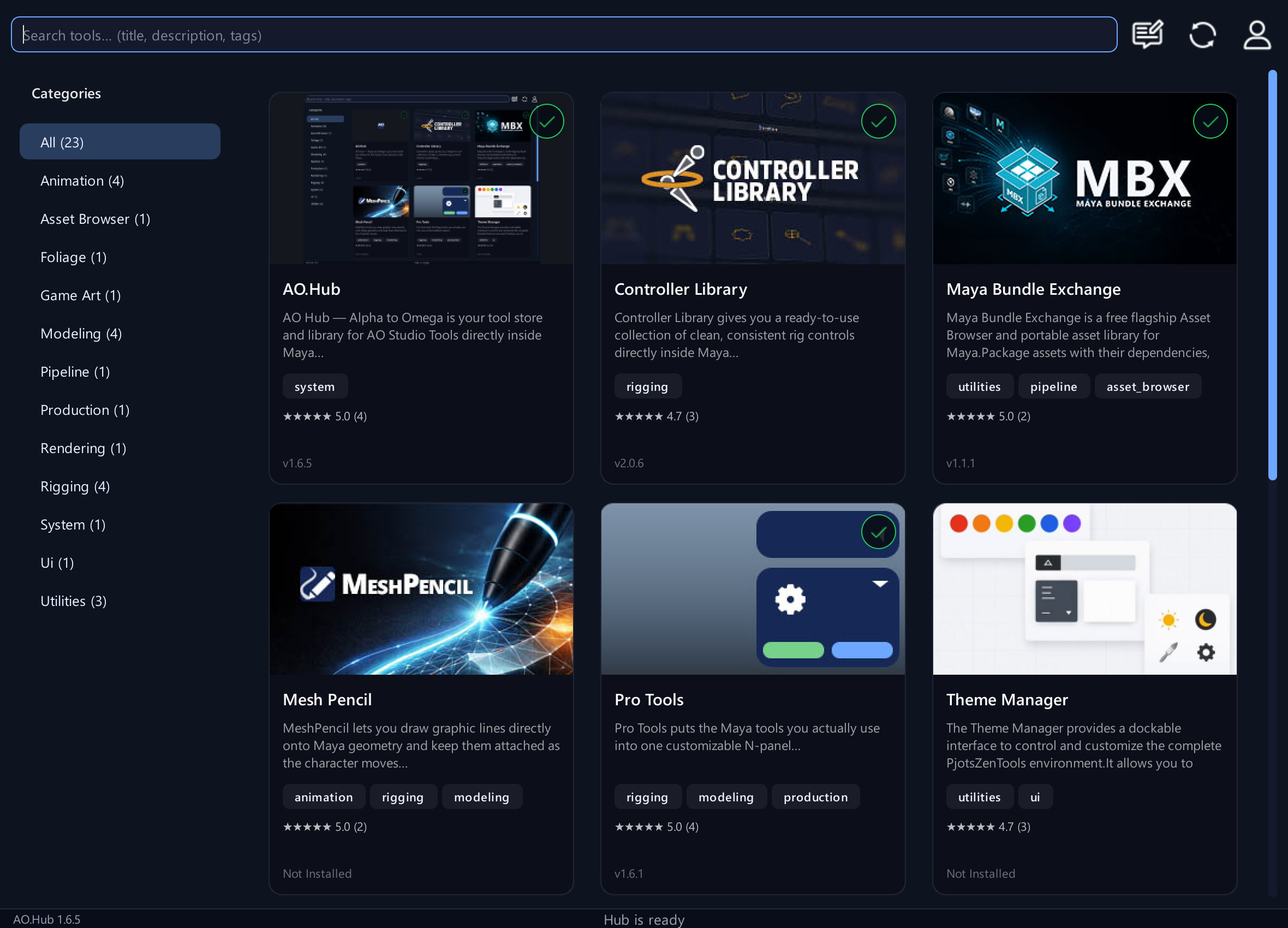
Install, create your account and manage your tools inside Maya.
Install, create your account and manage your tools inside Maya.
Illustrated guides for registration, email confirmation, login and password reset, the Pro trial, education access, updates, bug reports and tool requests.
Tools
Refresh, updates and common questions
Keep the Hub current and find the right next step when access or installation looks wrong.
Step by step
- If you have just verified an email or received new access, log in and refresh the Hub before checking the tool again.
- Use the Hub update controls when a newer installed-tool version is offered. Follow any restart instructions.
- If a tool does not launch, note the tool name, version, Maya version and any error text.
- For a missing verification email after 20 minutes, Register again after checking the email spelling and spam/junk folder.
- For a reproducible issue, send a bug report from Feedback Center. For education access, check whether your mentor assignment or school-domain approval is complete.
What is the correct first-time order?
Install AO.Hub by dragging the extracted installer into Maya. Restart Maya, then Create account, confirm the email and log in.
What if no verification email arrives?
Check spam/junk. If no email has arrived after 20 minutes, Register again and carefully enter the correct email address; the first address may have been mistyped.
May I use Pro tools for paid jobs during the trial?
No. The 14-day Pro trial is for personal evaluation and learning. Paid client work and other paid jobs require an appropriate commercial license.
How does education access work?
Private educators and mentors can distribute access after AO Studio Tools enables their educator permissions. Schools can have their whole email domain approved; verified accounts on that domain then receive three years of access automatically.
Where do I report bugs or request a tool?
Open Feedback Center from the Hub toolbar. Choose Report a bug, or Submit tool request when your signed-in account has a commercial license. Describe the issue or workflow and wait for the result after Send.