Studio Tools

ZenCables

Ribbon-driven procedural cable bundles with directable layout, overrides, animation, and final bake output.

Version 1.6.0
Overview v1.6.0

Ribbon-driven procedural cable bundles with directable layout, overrides, animation, and final bake output.

ZenCables builds art-directable cable bundles between two endpoints with ribbon controllers, seeded layout variation, section and cable overrides, look controls, mesh density tuning, and a clean geo-only bake for final output.

Features

Build A Ribbon-Driven Cable Rig

Creates a procedural cable bundle between two endpoints with start, end, mid master, ribbon controllers, and a global move control for fast layout in the scene.

  • Use the Move control first to place and orient the whole setup before shaping individual ribbon sections.
  • Ribbon controller count defines how much directable shaping you get between the endpoints.
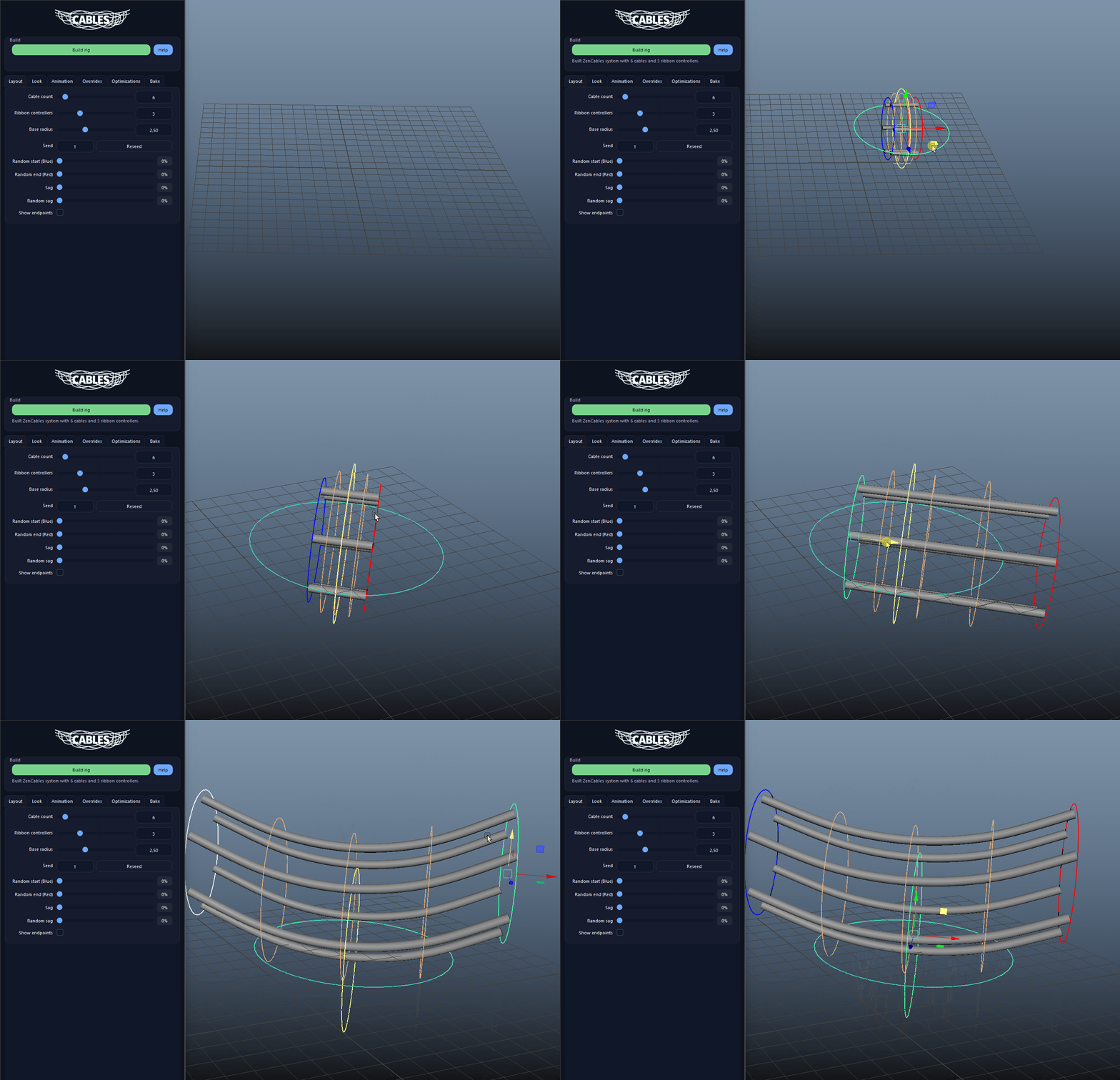
Build A Ribbon-Driven Cable Rig demo

Stable Seeded Layout Variation

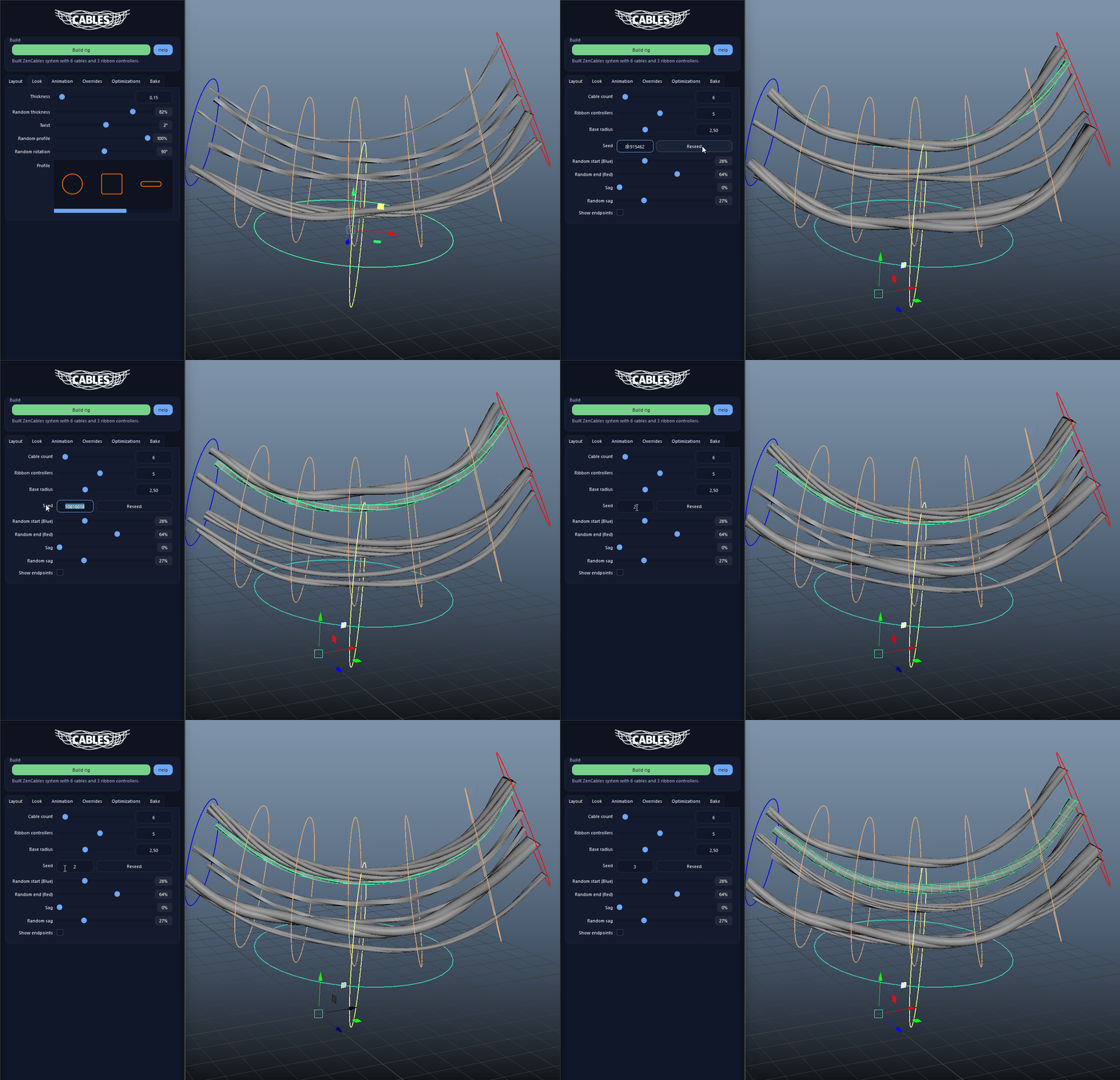
Seed, random start, random end, and random sag work together to create repeatable layout variants without manually rebuilding the rig from scratch.

  • The same seed reproduces the same cable arrangement and look variation.
  • Use random start and end to spread cables both angularly and radially inside the endpoint rings.
Stable Seeded Layout Variation demo

Shape The Bundle With Sag And Ribbon Controllers

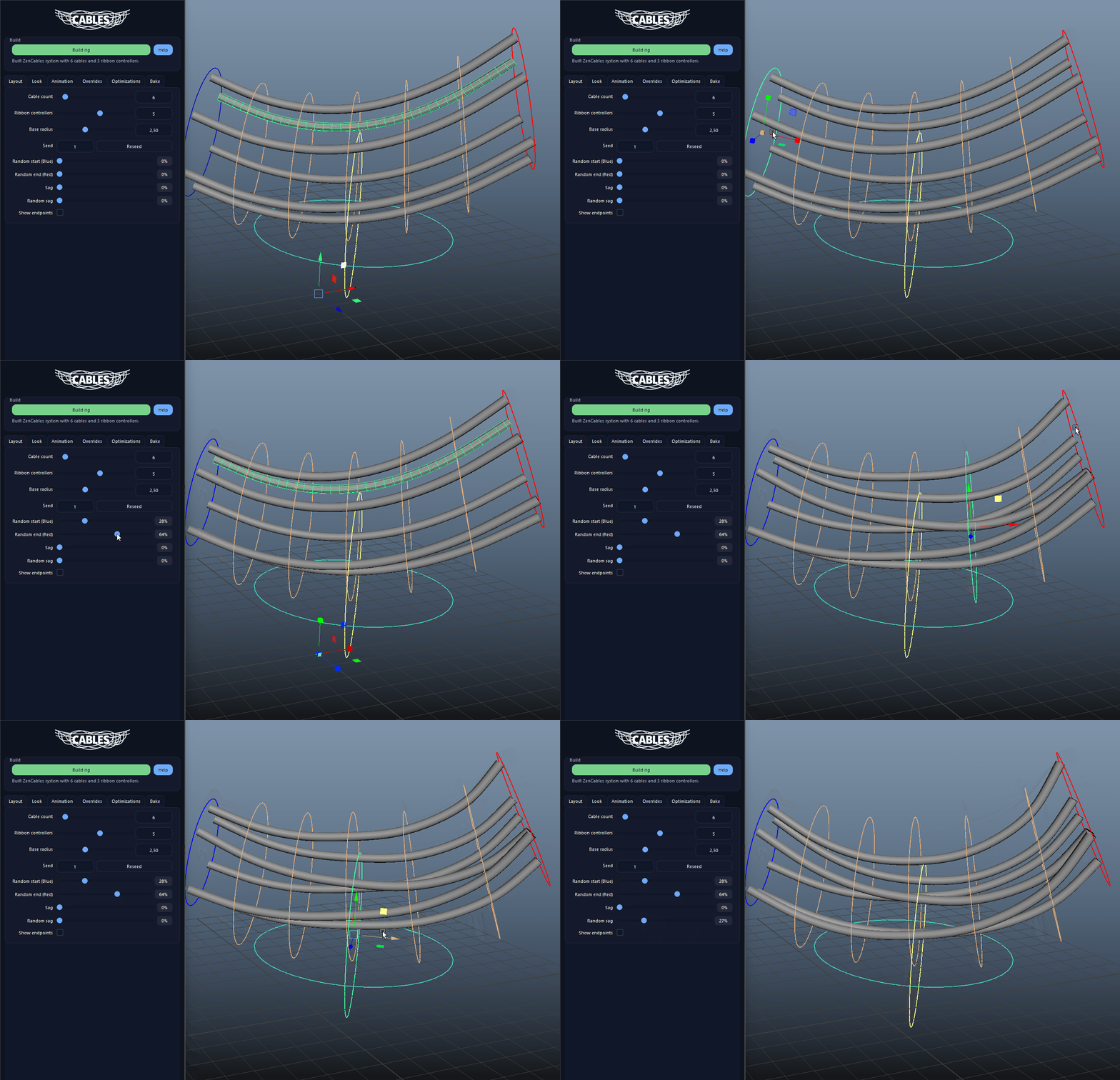
Global sag, additive random sag, and multiple ribbon controllers make it easy to push the bundle into clean drapes, overhangs, and hero shapes.

  • Sag affects the overall bundle, while ribbon controllers give you local sculpting control.
  • Section overrides can reduce or remove sag on specific ribbon sections for cleaner overhangs.
Shape The Bundle With Sag And Ribbon Controllers demo

Control Look, Profiles And Variation

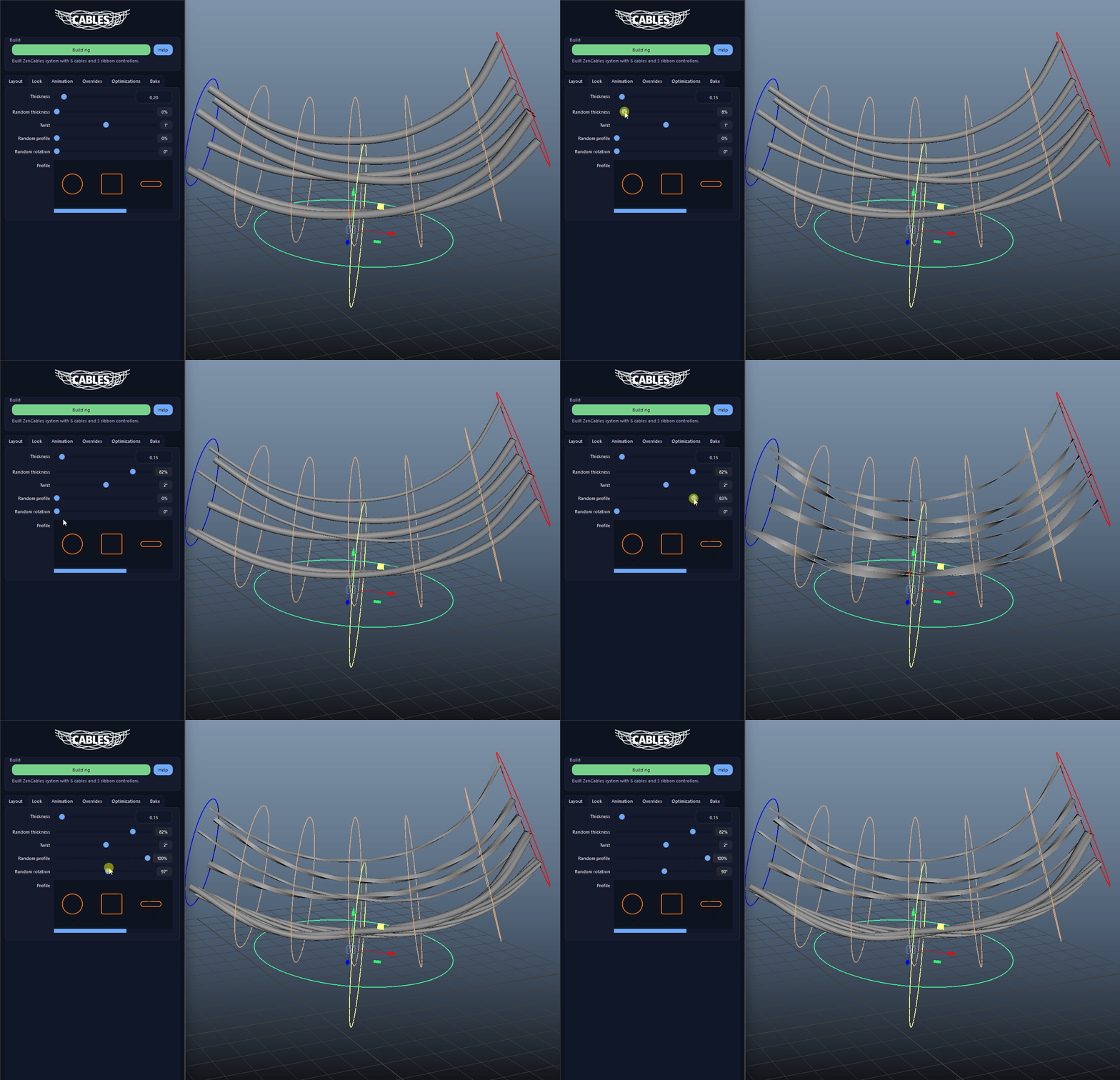
Adjust thickness, twist, random thickness, random profile, and random rotation to move quickly from clean harnesses to loose, varied cable bundles.

  • Round, Rect, Flat, Twin, and Bundle profiles cover both simple and stylized cable looks.
  • Random thickness and random profile are stable, so rebuilds do not reshuffle the look unexpectedly.
Control Look, Profiles And Variation demo

Add Bounce And Per-Cable Motion

Bounce drives the main bundle motion, while optional per-cable wobble adds extra animation breakup for cables that should feel more alive.

  • Keep Bounce broad and use cable wobble for smaller, noisier breakup.
  • Cable offset helps stagger the animation phase between neighboring cables.
Add Bounce And Per-Cable Motion demo

Section And Cable Overrides

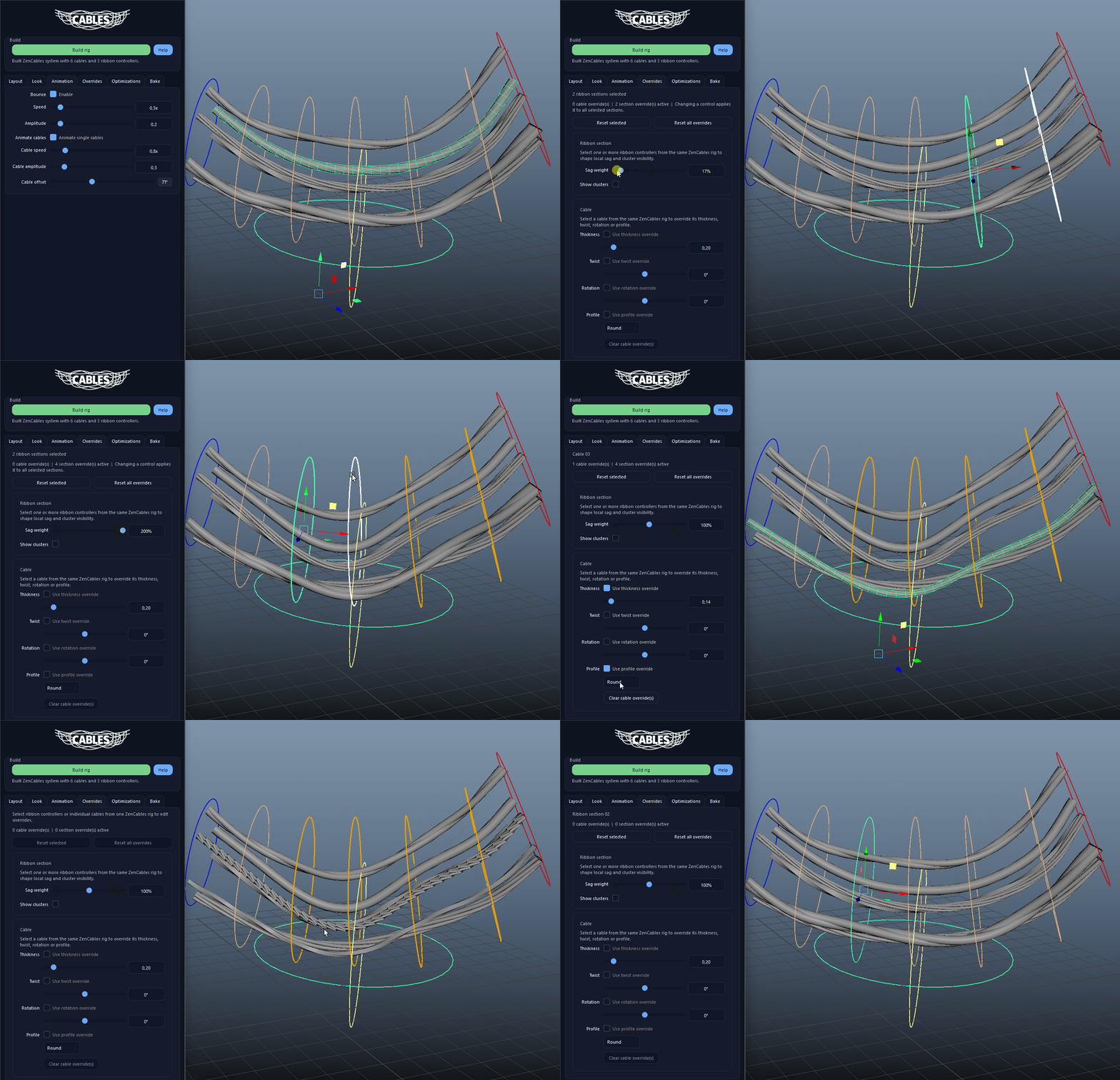
Override individual ribbon sections or selected cables with local sag weighting, cluster visibility, thickness, twist, rotation, and profile changes without breaking the shared rig.

  • Select one or more ribbon controllers to edit section-level overrides.
  • Select a cable mesh or cable curve to override just that cable's look.
Section And Cable Overrides demo

Tune Mesh Density For Performance

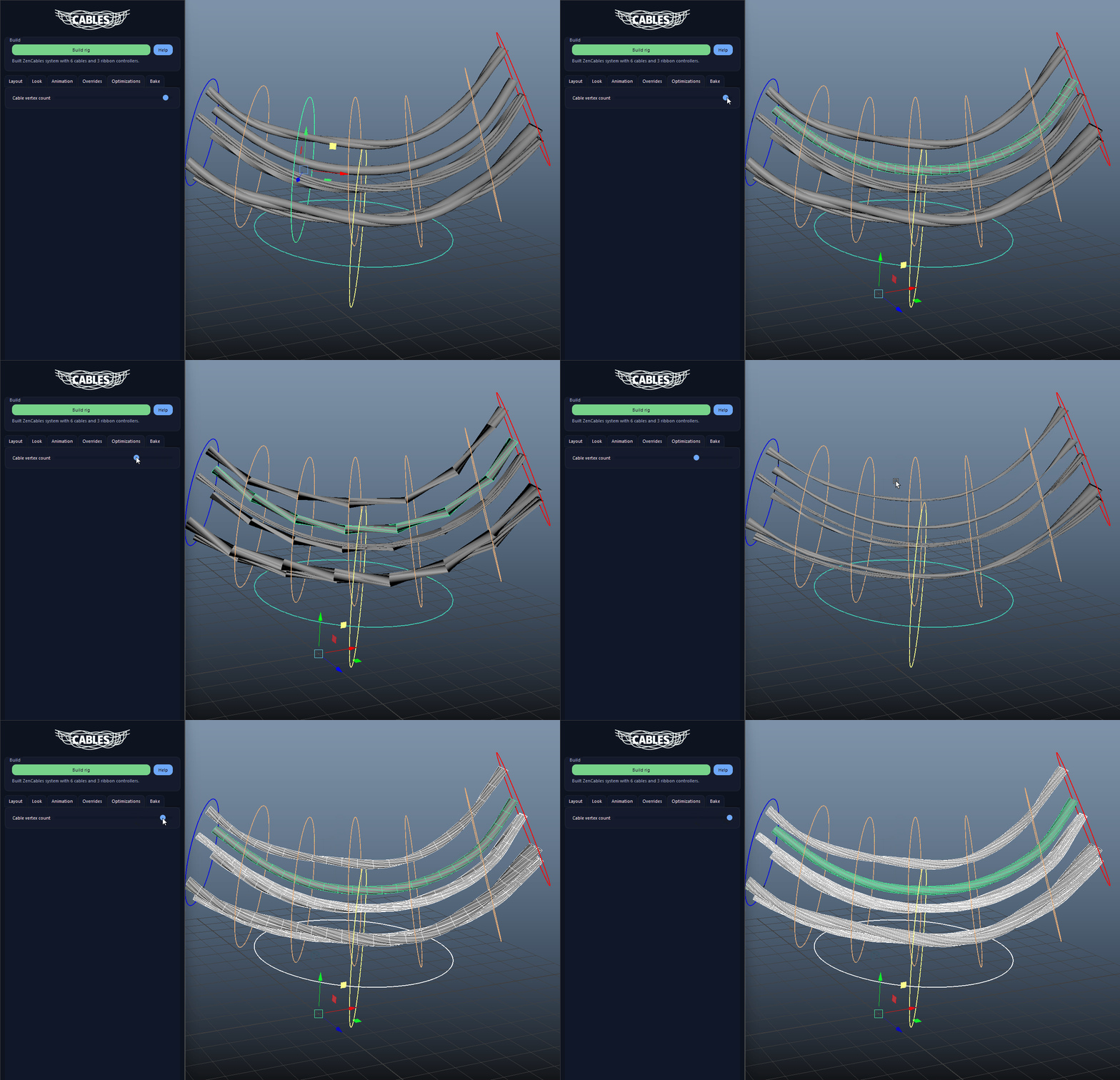
The Optimizations tab lets you lower or raise cable mesh density across the full rig so you can keep the setup lighter while working and denser for final output.

  • Use lighter mesh density while shaping dense bundles.
  • Raise the density again before creating the final baked output.
Tune Mesh Density For Performance demo

Bake Clean Geo For Final Output

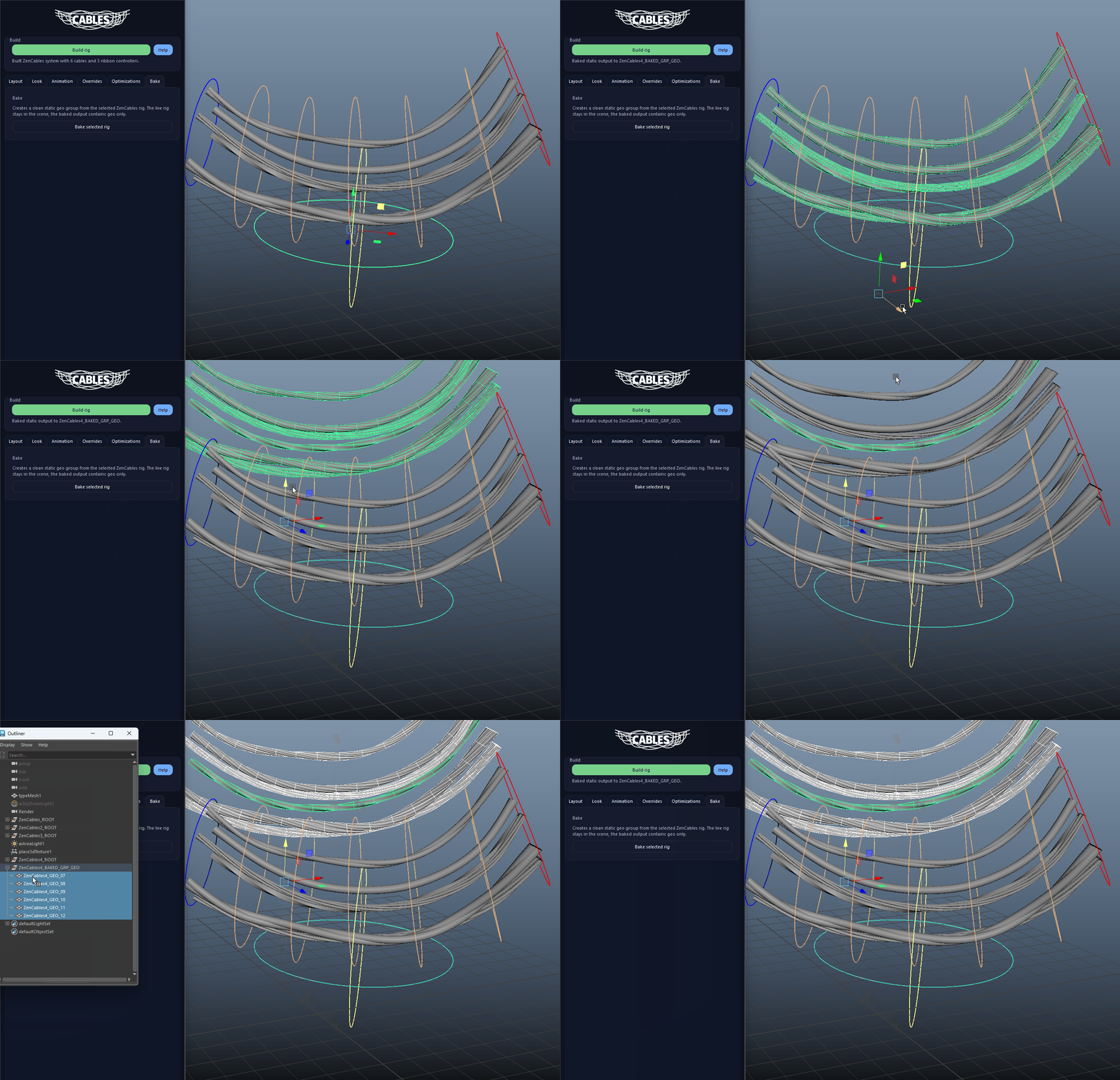
Bake selected rig creates a clean static geo-only result that can be handed off for shots or exports without the live cable rig overhead.

  • The live rig stays available in the scene, while the baked result contains only the final geometry.
  • Bake is ideal once layout, overrides, and look are approved.
Bake Clean Geo For Final Output demo
FAQ

What is ZenCables used for?

ZenCables builds art-directable cable bundles between two endpoints with ribbon controllers, seeded layout variation, section and cable overrides, look controls, mesh density tuning, and a clean geo-only bake for final output.

Which host application does ZenCables support?

ZenCables is built for Autodesk Maya and is distributed through AO Studio Tools.

Where can I download ZenCables?

Download the current AO Studio Tools package from https://aostudio.tools/getthetools.html and install it through AO.Hub.