Studio Tools

Control Shapes Witcher

Safely copy and swap controller shapes without breaking transforms or constraints.

Overview

Safely copy and swap controller shapes without breaking transforms or constraints.

Control Shapes Witcher lets you copy a donor controller’s shapes and paste them onto selected targets while preserving rig integrity. Use Top Axis to align orientation to your rig standards, and optionally keep the donor’s color for consistent visual design across control sets.

Features

Copy Donor Shapes

Captures the shapes of the selected donor controller into a temporary hidden storage group, ready to be applied to other controllers.

  • Select a valid controller transform that has visible shapes.
  • This only stores shapes and does not affect transforms or constraints.
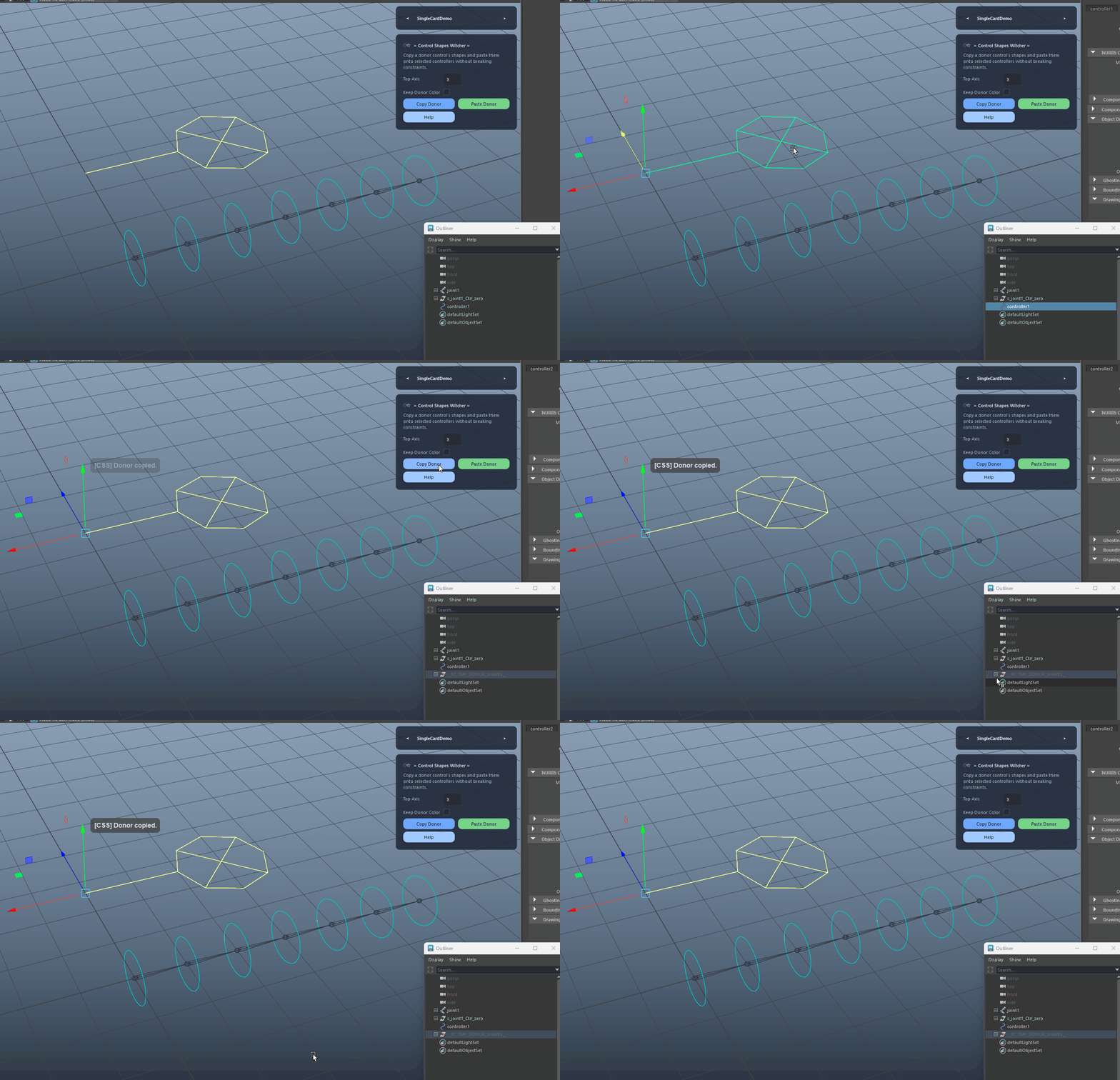
Copy Donor Shapes demo

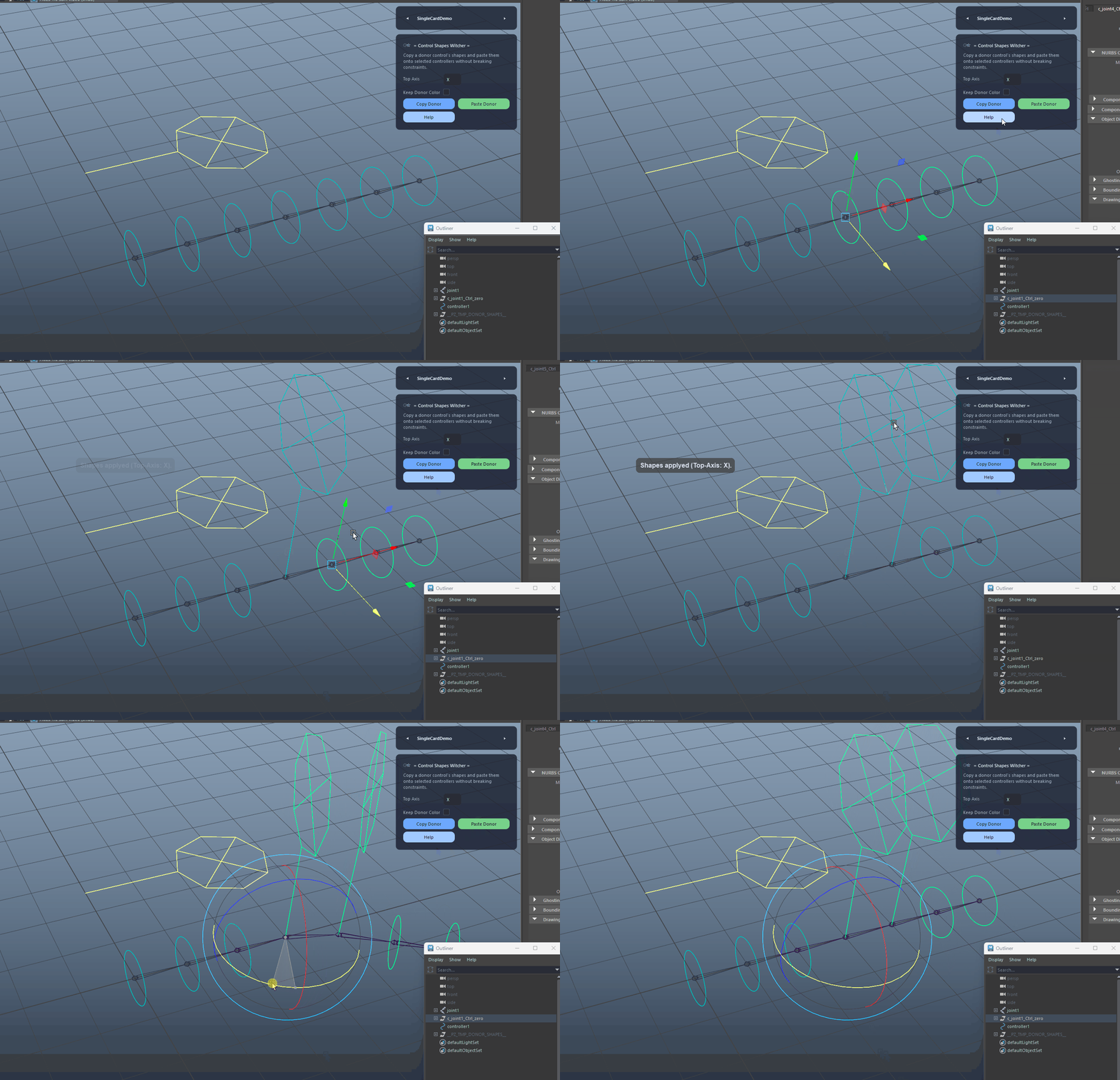
Paste Donor Shapes

Replaces shapes on selected target controllers without touching their transforms or constraints, preserving the target's visual overrides by default.

  • Works on multiple selected targets in one go.
  • Automatically restores target color/line width unless overridden by the option below.
Paste Donor Shapes demo

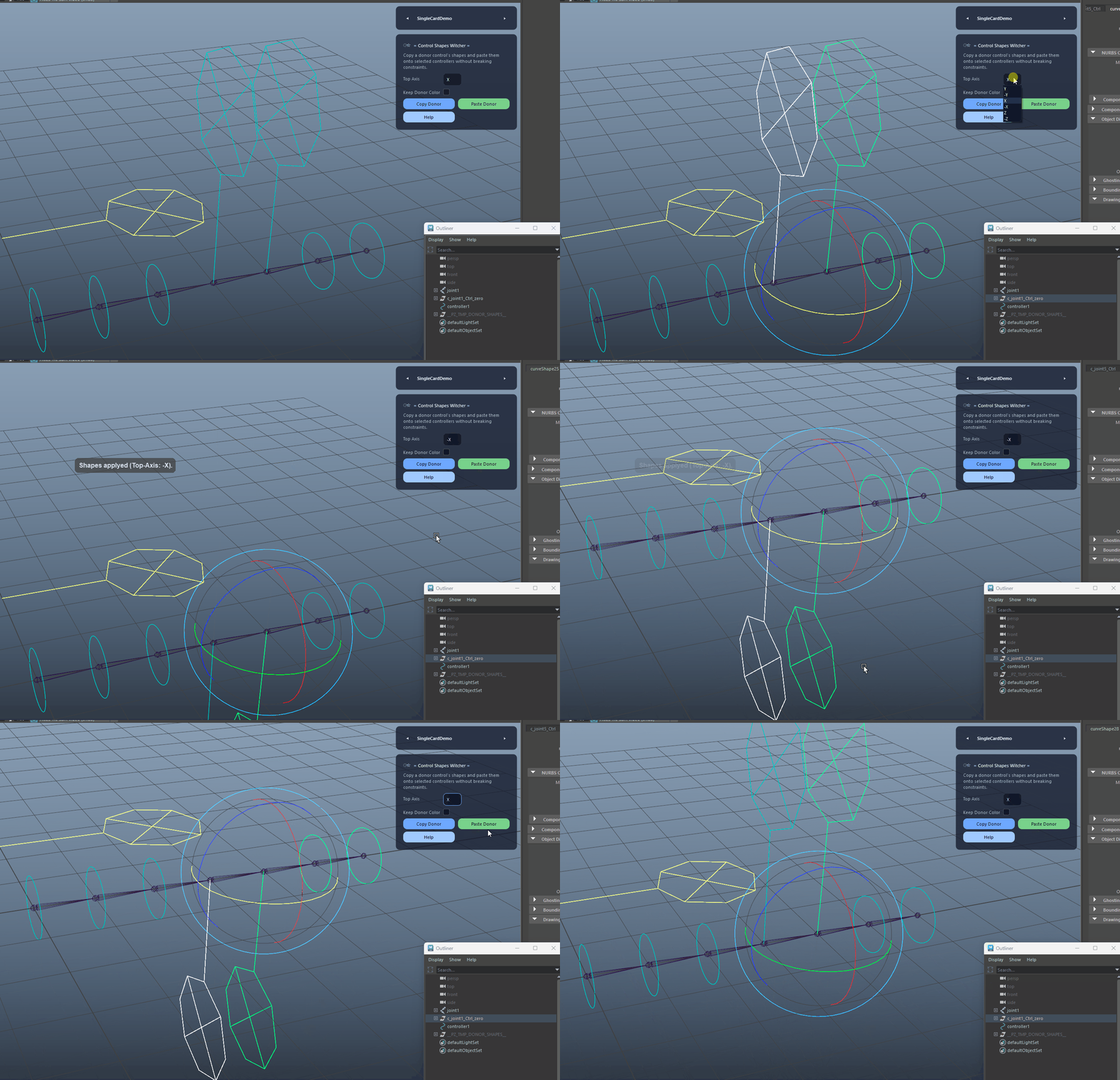
Top Axis Orientation

Defines the donor shape orientation (Y, -Y, X, -X, Z, -Z) so the pasted control aligns correctly with your rig conventions.

Top Axis Orientation demo

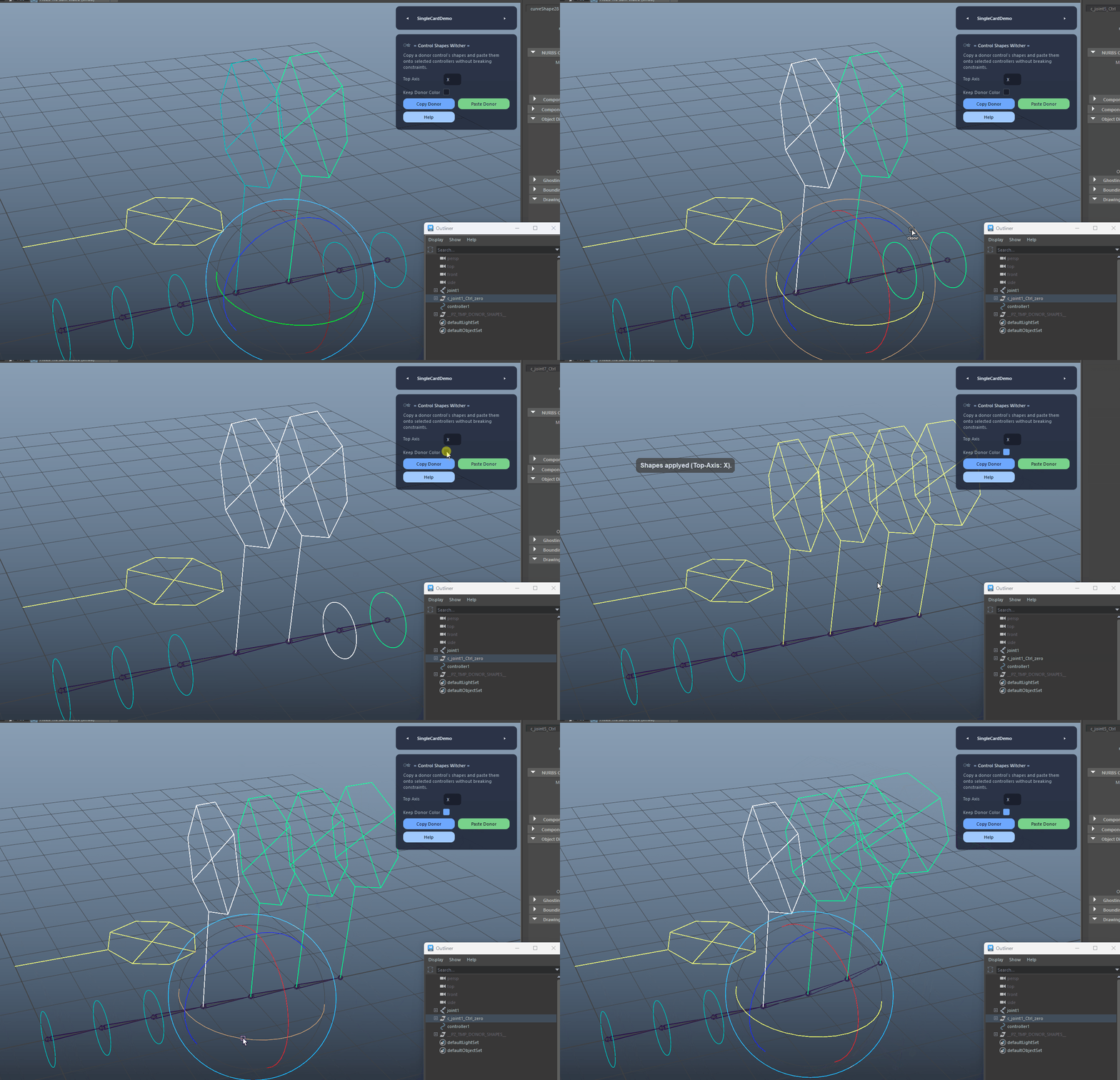
Keep Donor Color

If enabled, the pasted shapes will adopt the donor’s color/line width instead of restoring the target’s overrides.

Keep Donor Color demo
FAQ

What is Control Shapes Witcher used for?

Control Shapes Witcher lets you copy a donor controller’s shapes and paste them onto selected targets while preserving rig integrity. Use Top Axis to align orientation to your rig standards, and optionally keep the donor’s color for consistent visual design across control sets.

Which host application does Control Shapes Witcher support?

Control Shapes Witcher is built for Autodesk Maya and is distributed through AO Studio Tools.

Where can I download Control Shapes Witcher?

Download the current AO Studio Tools package from https://aostudio.tools/getthetools.html and install it through AO.Hub.