
Browse by appearance
Recognize the shape you need from its preview. Look through the collection visually and choose a control that fits your rig.
Your controller shapes, easy to find.
Browse controller shapes visually, find what you need by category and create it in your Maya scene. Add your own controls to the library so the shapes you build today are ready for the next rig.
A verified AO.Hub account is required. No Pro trial needed.
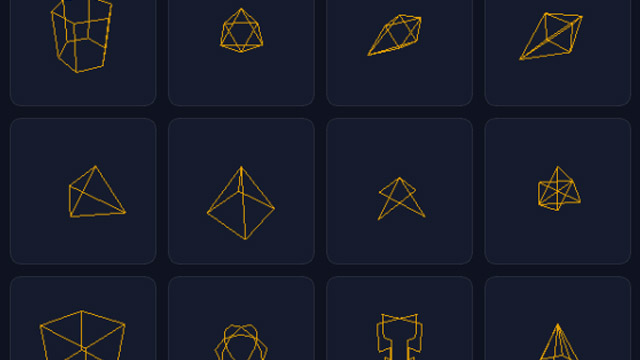
Recognize the shape you need from its preview. Look through the collection visually and choose a control that fits your rig.
Browse categories to narrow down the collection and find related shapes together.
Choose a library entry and create the controller shape in your scene, ready to use in your rig.
Capture controller shapes from your Maya scene and add them to the library. Keep your custom designs available for future projects.
Controller Library is free for noncommercial use with a verified AO.Hub account. Commercial work requires a commercial license.
Start with the included collection and add your own controller shapes as you work. Find them by preview and category when the next rig needs them.
Get help with installation, browsing the library and adding your own controller shapes through AO.Hub, email or Discord.