Studio Tools

Control Creator

Rapid FK controller generation with clean offsets, consistent naming, and flexible constraint options.

Overview

Rapid FK controller generation with clean offsets, consistent naming, and flexible constraint options.

Control Creator builds an FK-ready controller hierarchy from selected joints to the tip. It creates zero and optional offset groups, sizes controllers based on joint radius with a multiplier, applies a color tint, matches rotate order, and supports point/orient/parent plus optional scale constraints for fast, consistent rig setup.

Features

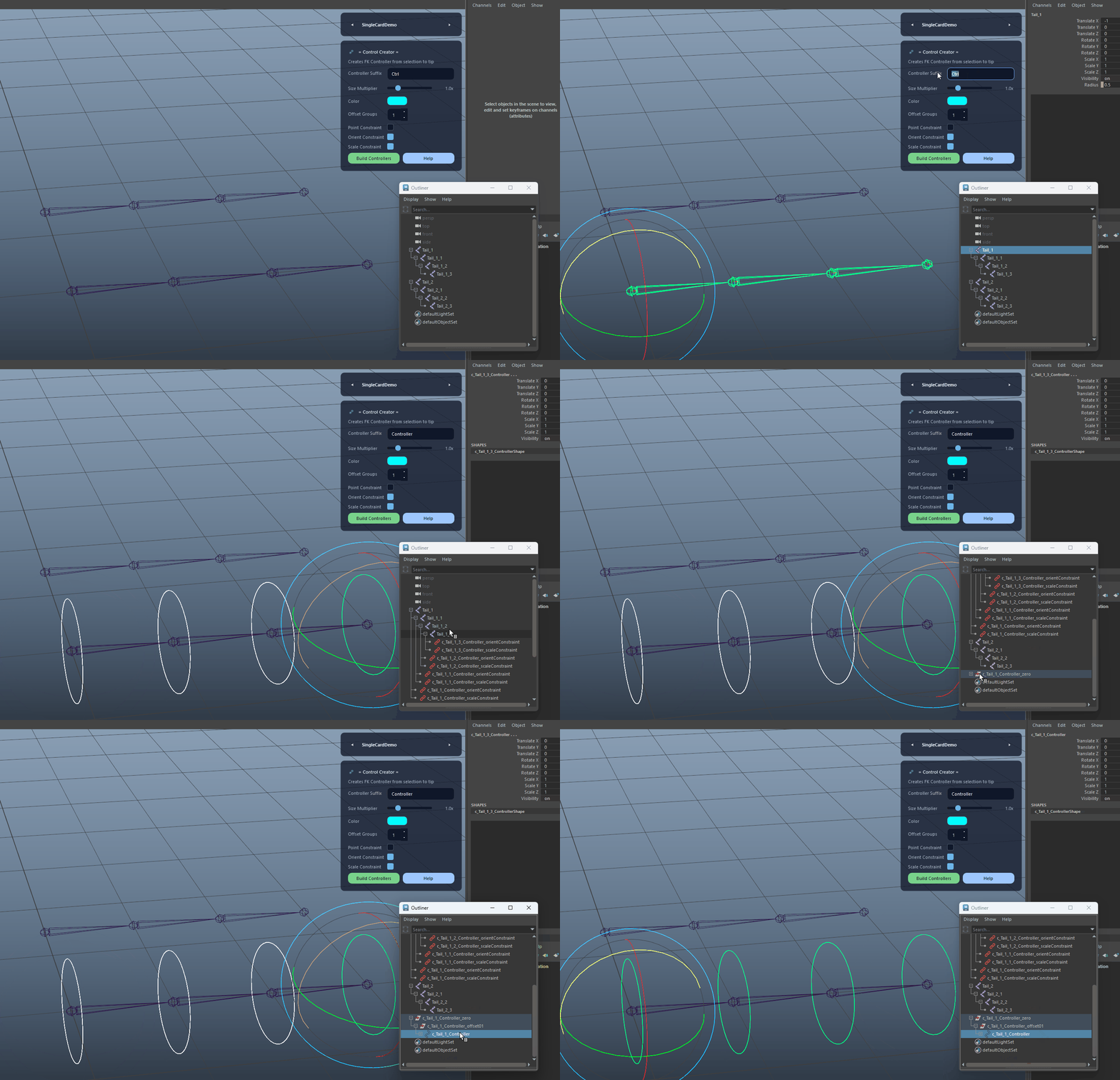
Build FK Controllers From Selection

Creates an FK controller chain from the selected joint(s) down to the tip, including clean zero groups and optional offset groups.

  • Select one or more joints to define the hierarchy roots.
  • Controllers are automatically parented for an FK-friendly setup.
Build FK Controllers From Selection demo

Consistent Naming With Suffix

Generates controller names using a stable prefix and user-defined suffix (e.g. tail_joint → c_tail_joint_Ctrl) with safe auto-increment if duplicates exist.

Consistent Naming With Suffix demo

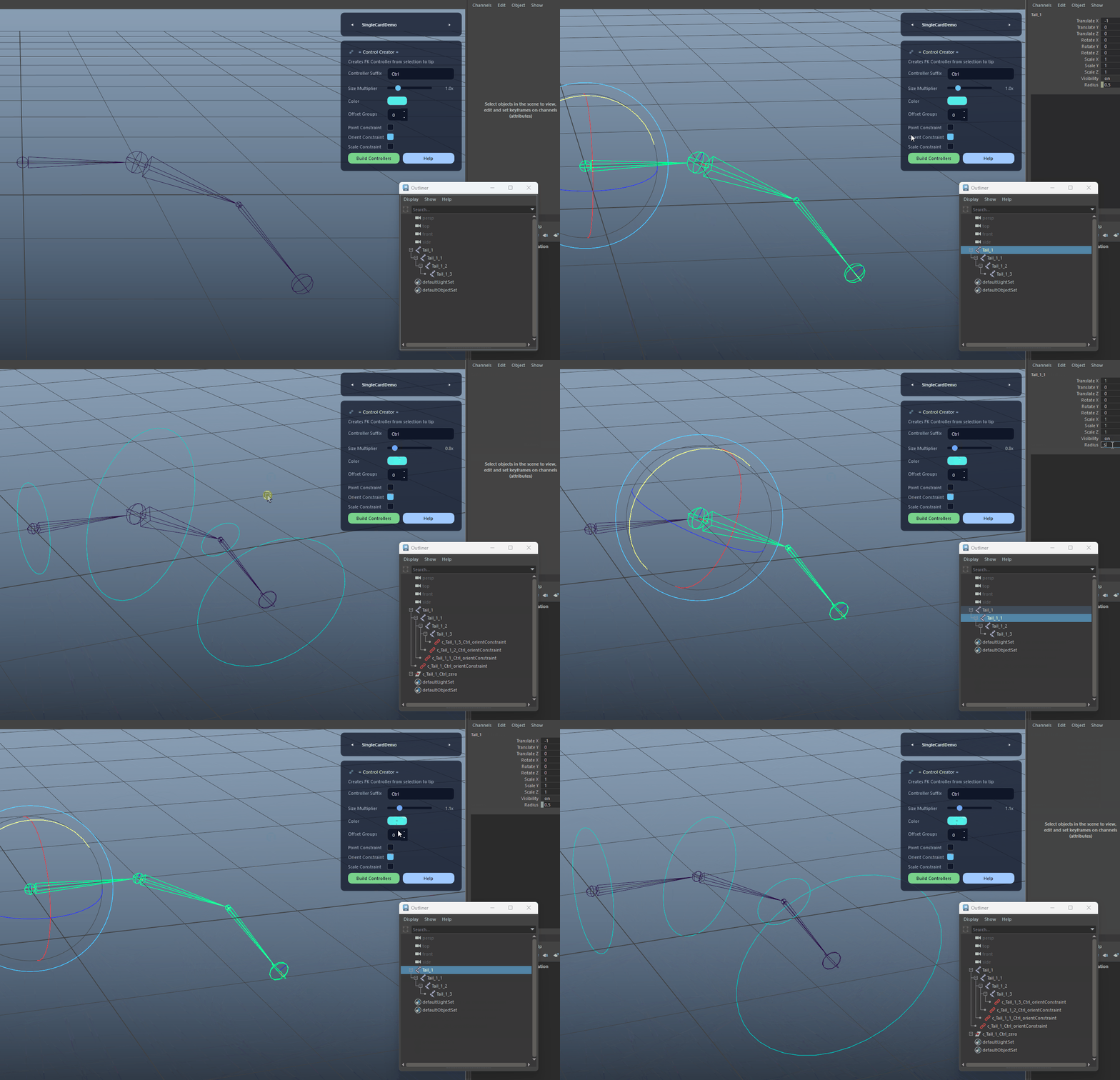
Size Driven By Joint Radius

Scales controller size using joint.radius multiplied by the user-defined Size Multiplier for quick proportional results.

Size Driven By Joint Radius demo

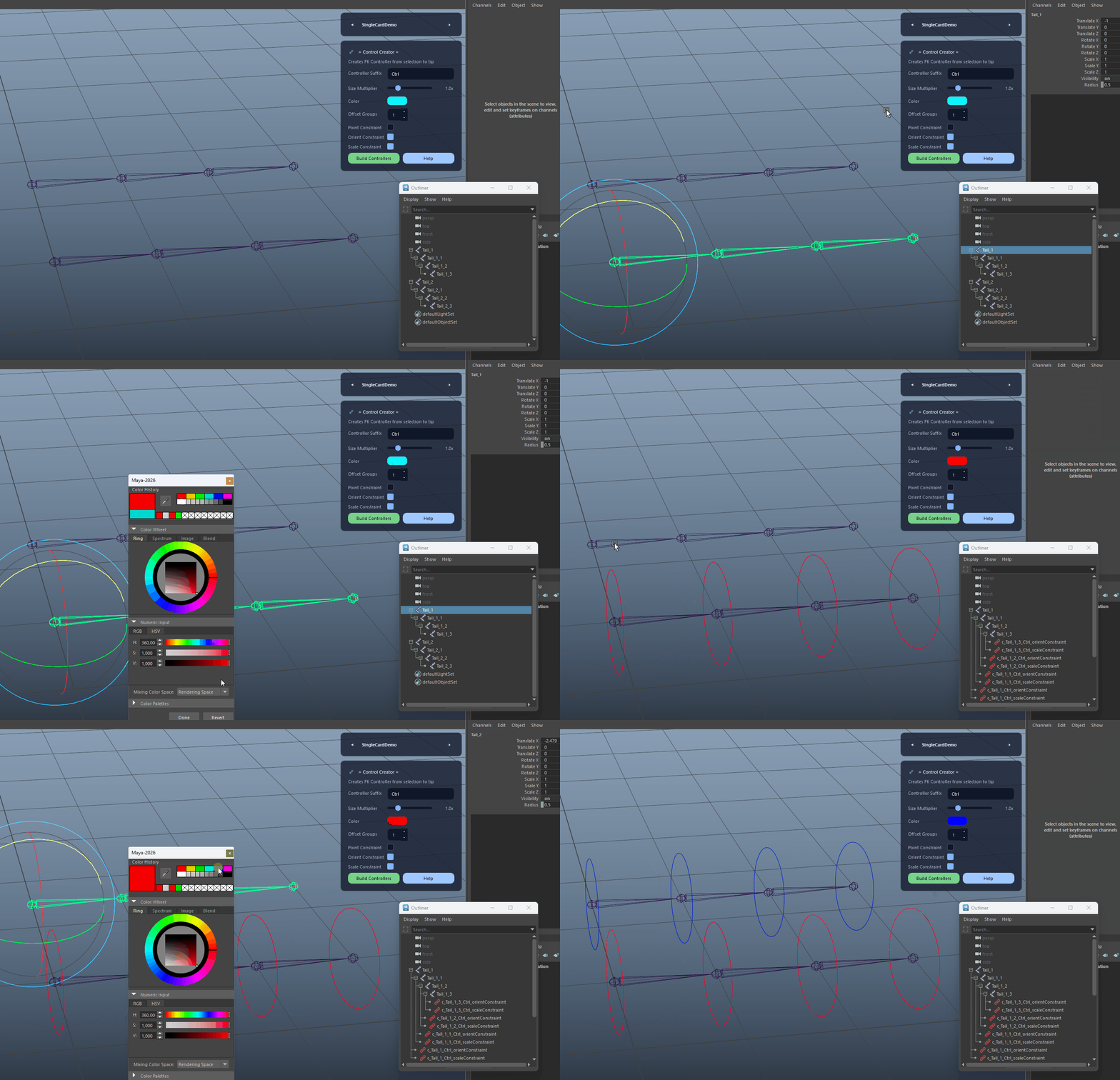
Controller Color Tint

Applies an RGB tint as an override color on controller shapes for immediate visual differentiation.

Controller Color Tint demo

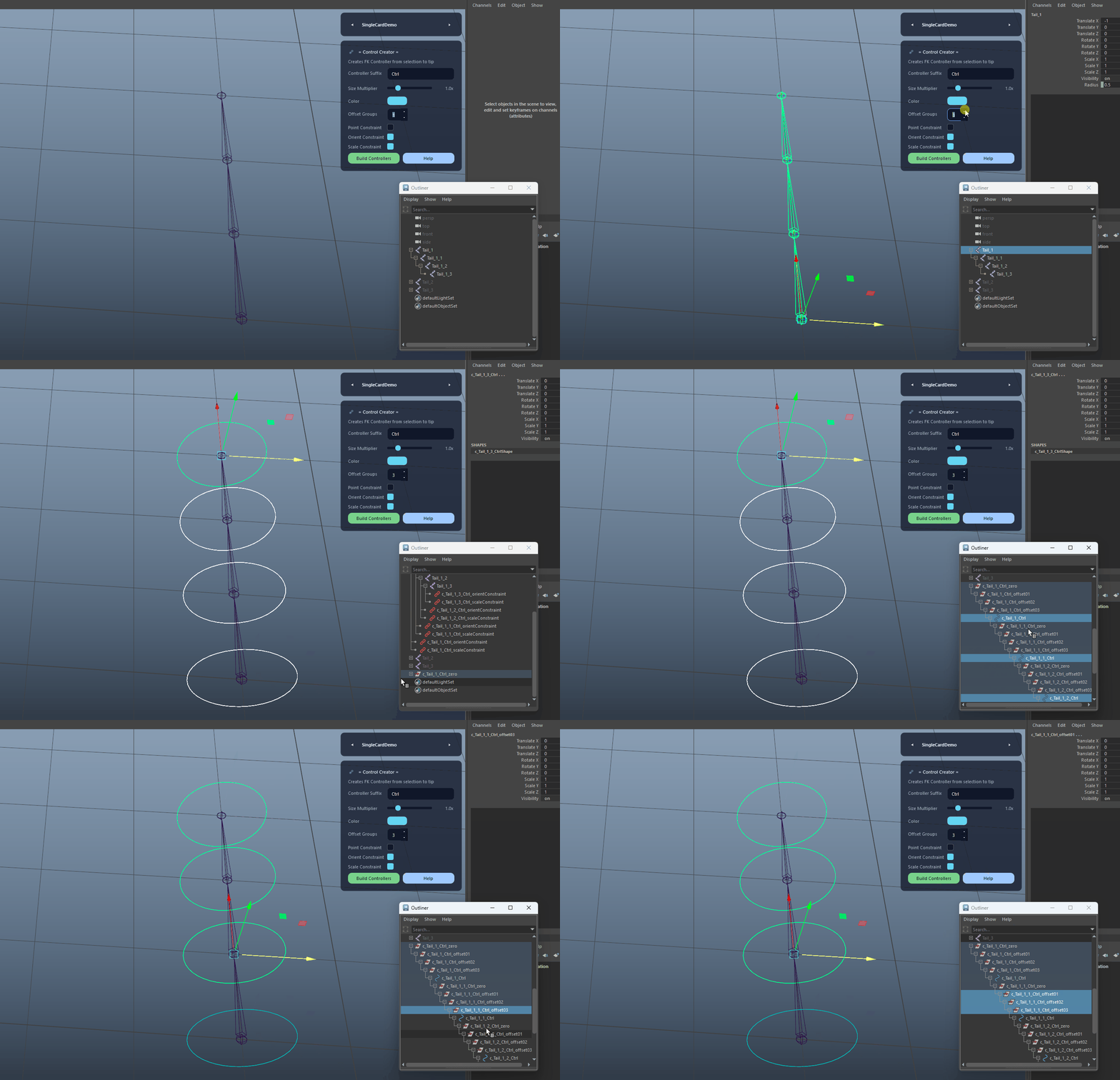
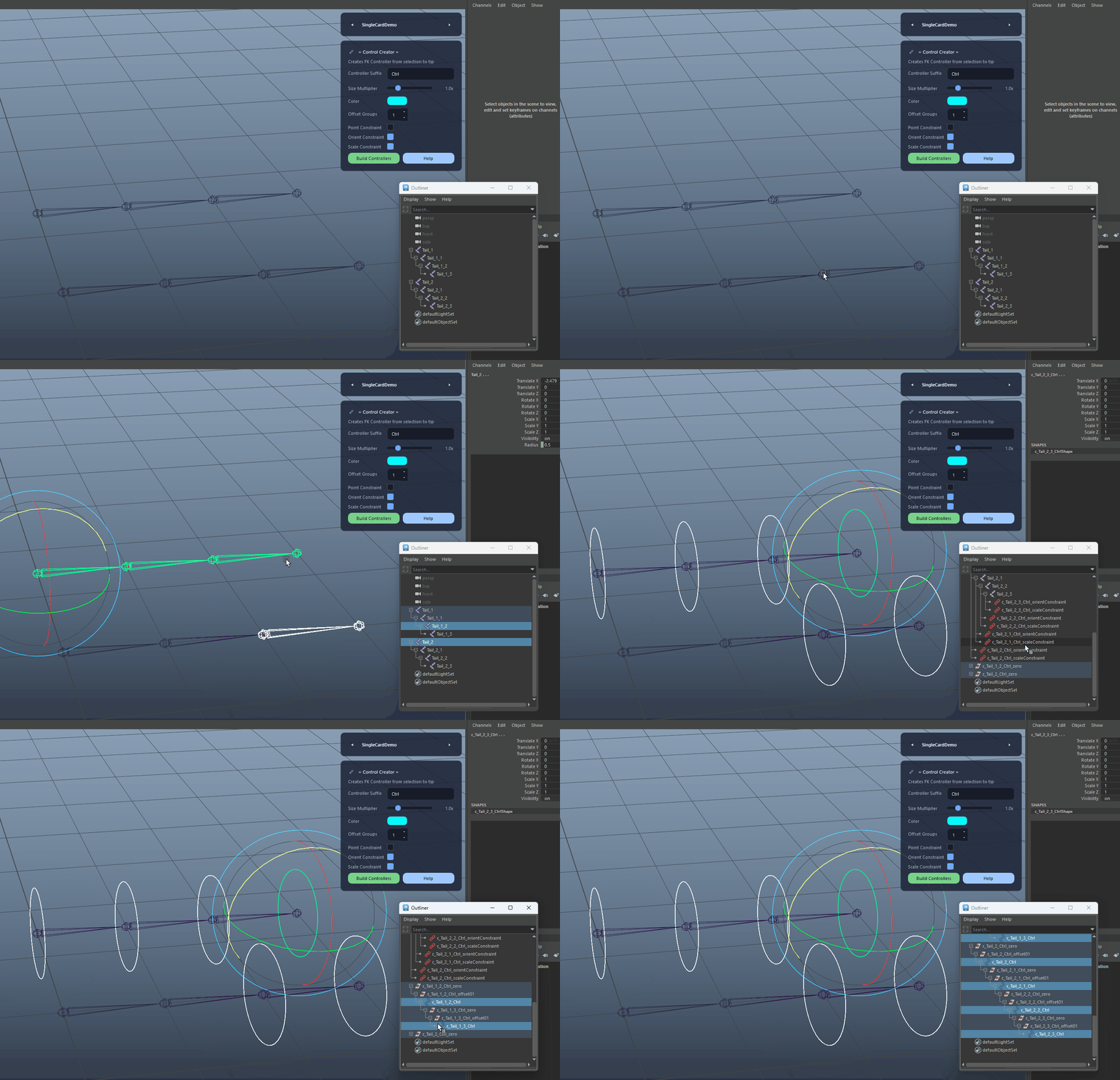
Configurable Offset Groups

Creates a user-defined number of extra offset groups above the controller to support clean rig layering and flexible animation-friendly adjustments.

  • Set to 0 for a minimal hierarchy.
  • Use multiple offsets for advanced rig layering.
Configurable Offset Groups demo

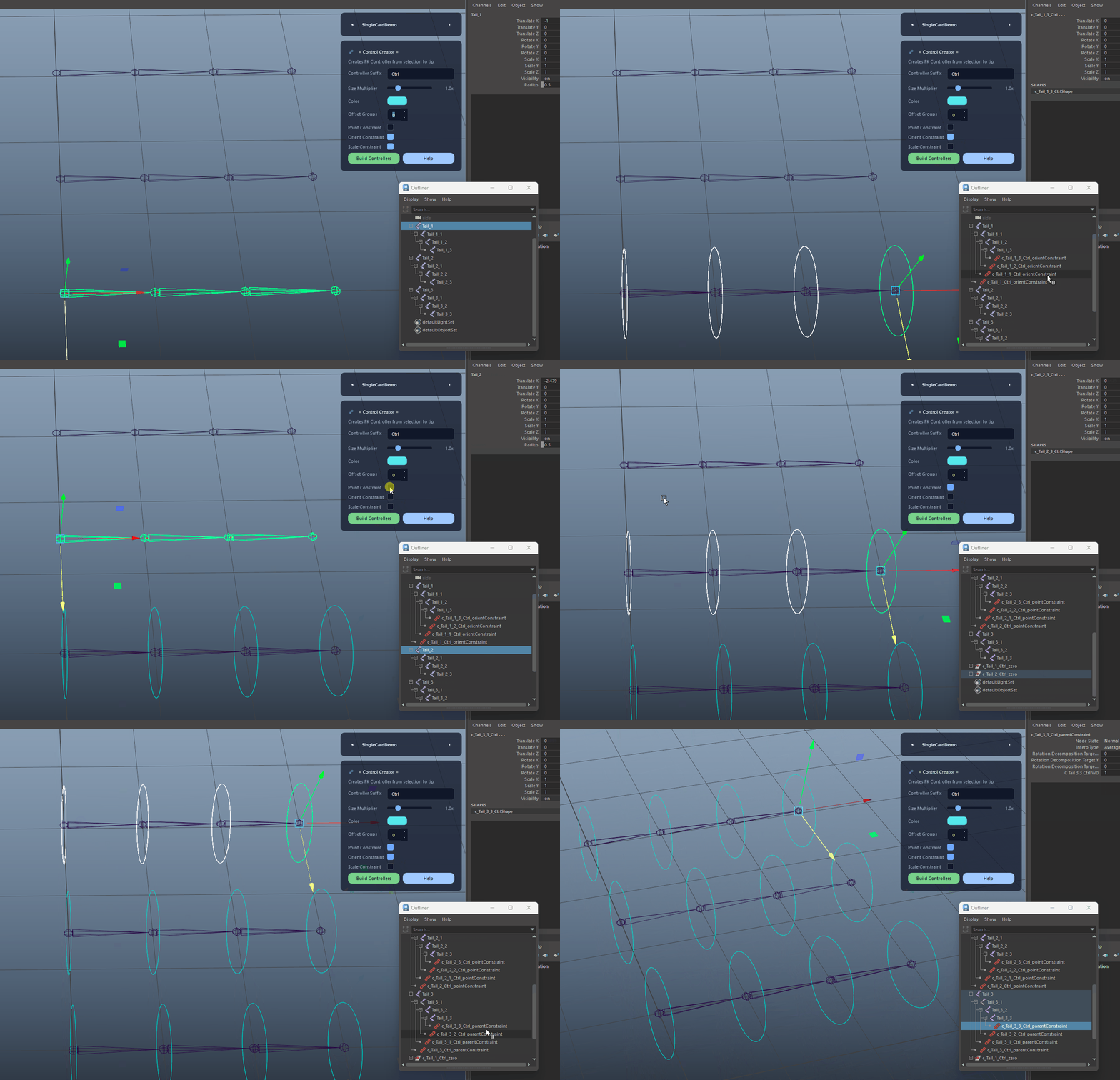
Point, Orient and Scale Constraint Options

Supports point, orient or combined parent constraints, with optional scale constraints to match the intended rig behavior per chain.

Point, Orient and Scale Constraint Options demo

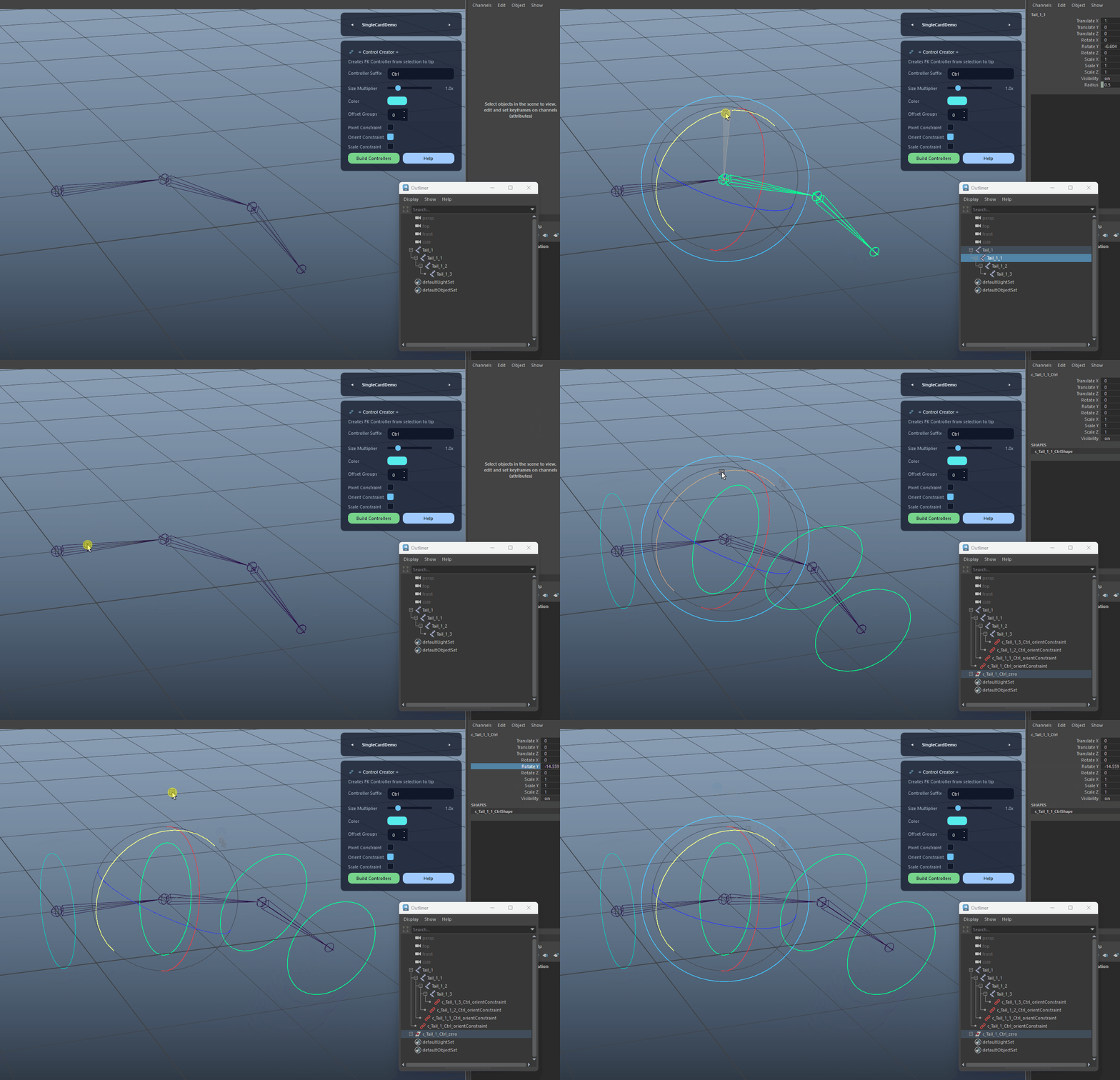
Orientation Matching

Matches the Orientation of Joints, and additionaly matches the roatetOrder from joints zero, offset and controller nodes for predictable animation results.

Orientation Matching demo
FAQ

What is Control Creator used for?

Control Creator builds an FK-ready controller hierarchy from selected joints to the tip. It creates zero and optional offset groups, sizes controllers based on joint radius with a multiplier, applies a color tint, matches rotate order, and supports point/orient/parent plus optional scale constraints for fast, consistent rig setup.

Which host application does Control Creator support?

Control Creator is built for Autodesk Maya and is distributed through AO Studio Tools.

Where can I download Control Creator?

Download the current AO Studio Tools package from https://aostudio.tools/getthetools.html and install it through AO.Hub.