Studio Tools

Vertex Distributor Pro

Art-directable vertex redistribution driven by a smart helper curve.

Overview

Art-directable vertex redistribution driven by a smart helper curve.

Vertex Distributor Pro builds a tagged preview curve from a selected edge chain and distributes vertices along it. You can simplify or complexify the curve, manually edit it, and re-distribute for precise shape control. With Auto Apex detection, closed-loop handling, and an option to preserve original spacing, the tool offers reliable, production-friendly edge cleanup and refinement.

Features

Distribute + Preview Curve

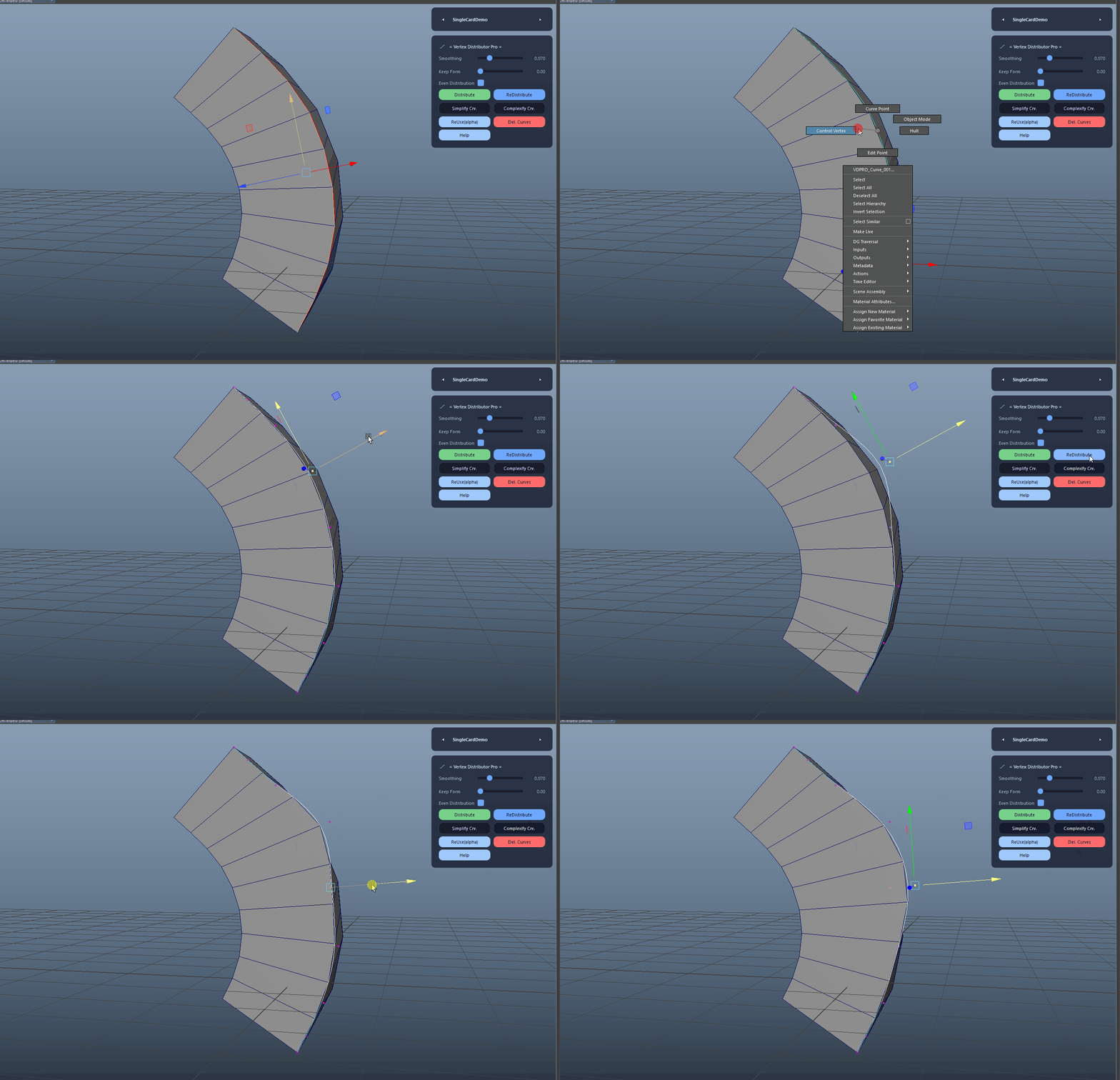
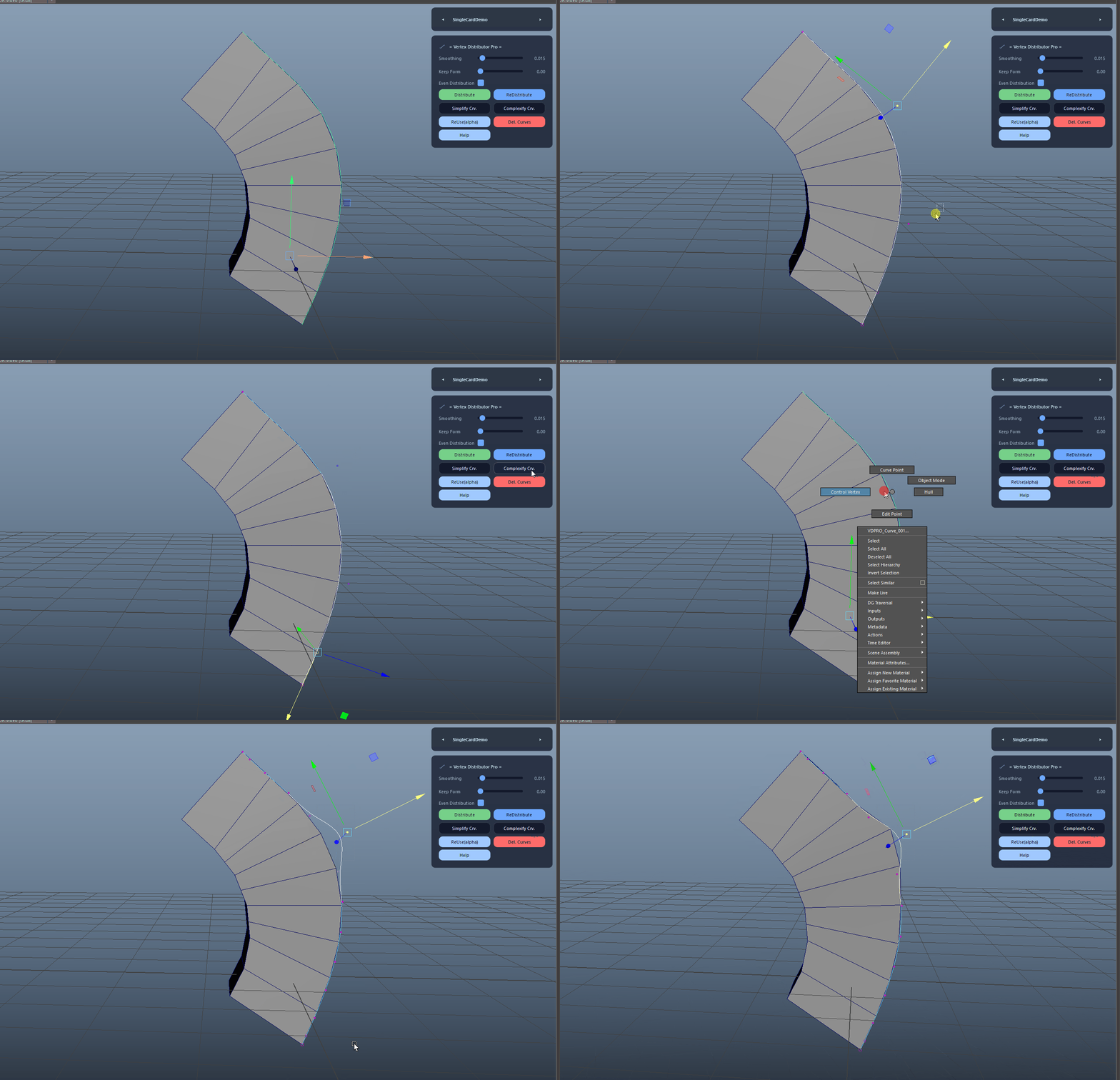
Creates a tagged helper NURBS curve from the selected edge chain and automatically distributes vertices along it. The preview is smoothed and resampled for clean, art-directable results.

  • This action builds the helper curve and can auto-distribute right away.
  • The helper curve is named using the VDPRO_Curve prefix and a stable tag.
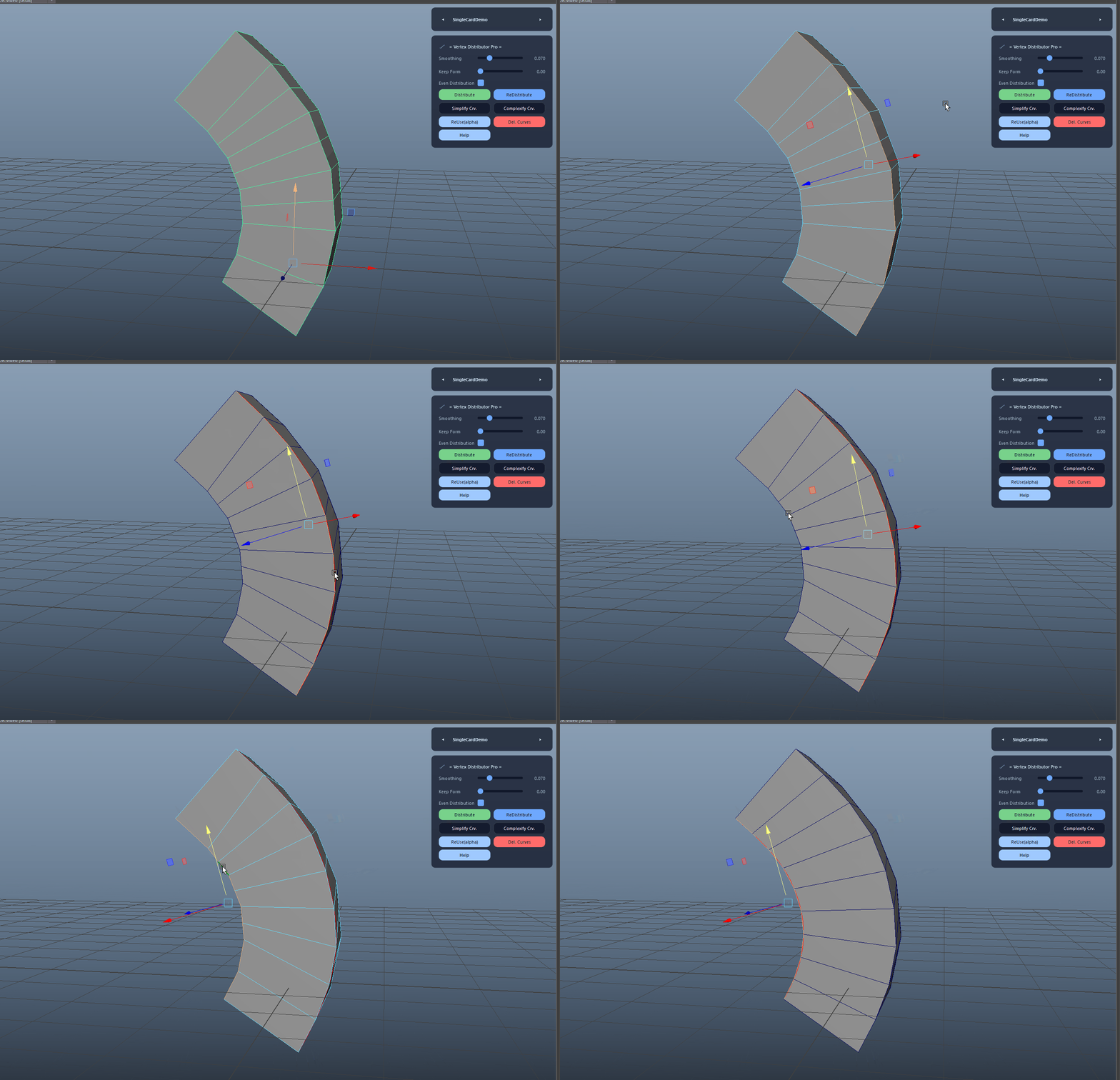
Distribute + Preview Curve demo

ReDistribute After Curve Edits

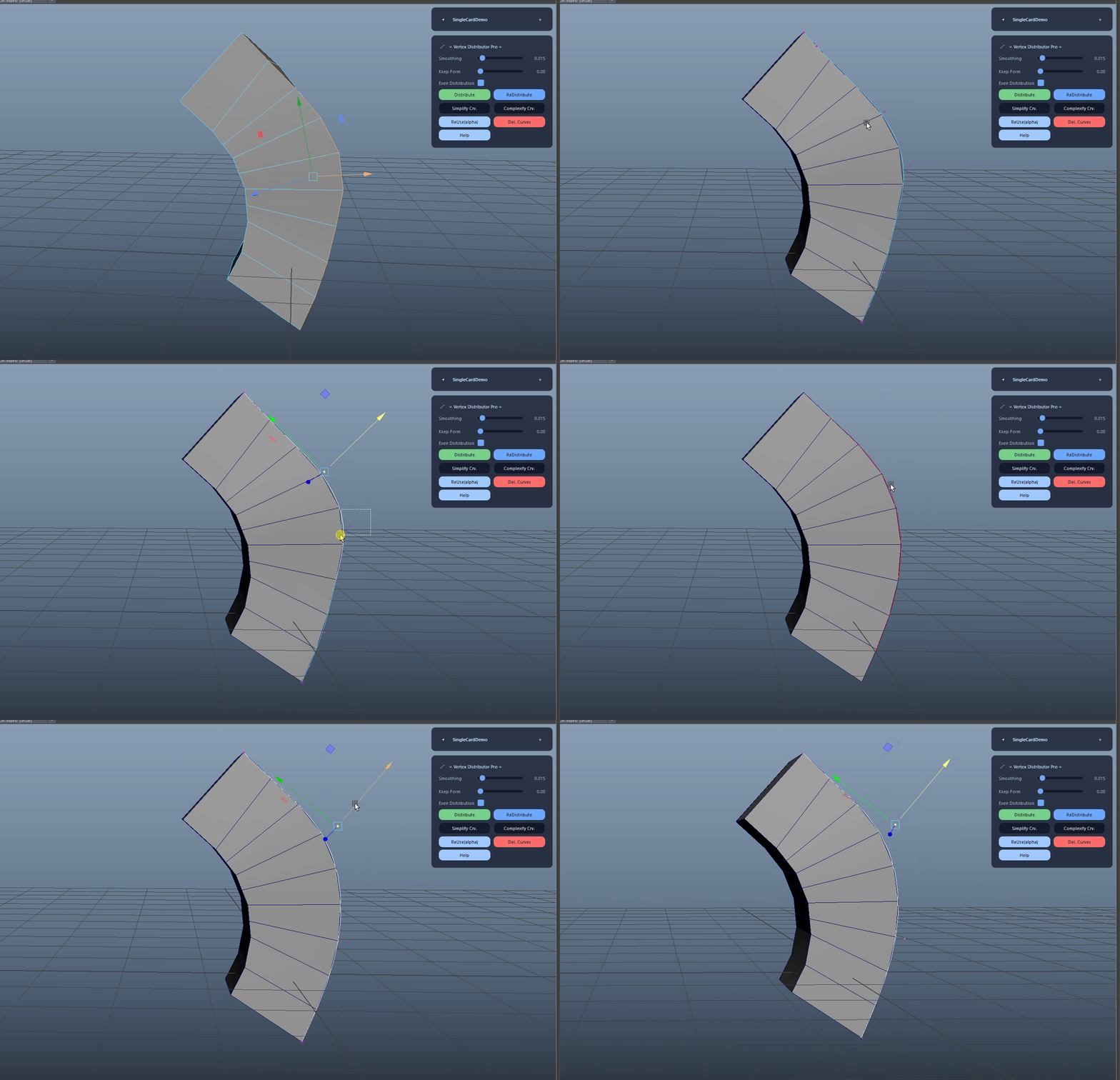
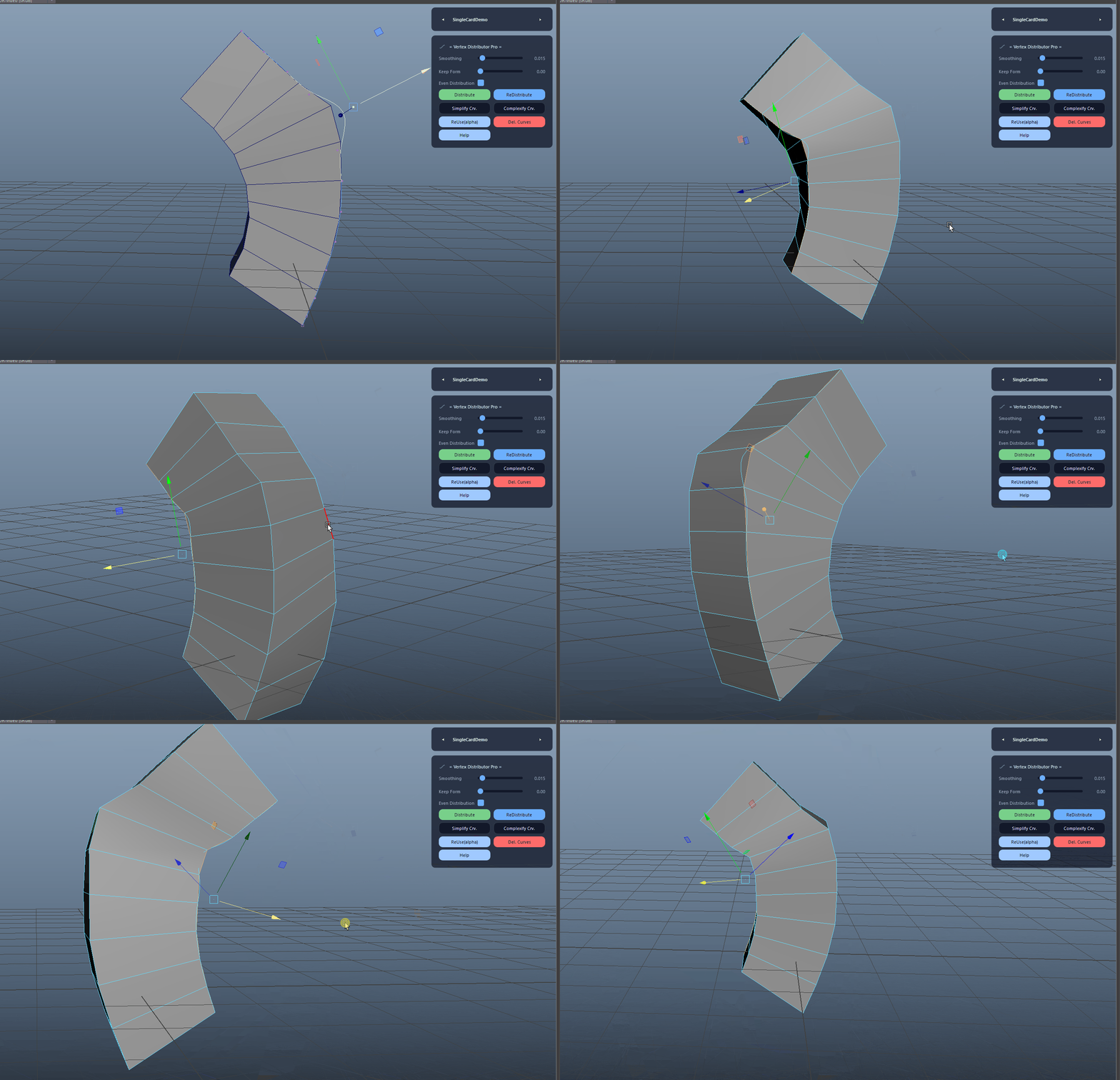
Repositions the cached ordered vertices along the current VDPRO curve. Use this after you manually edit the helper curve to refine the final shape.

ReDistribute After Curve Edits demo

Smoothing Control

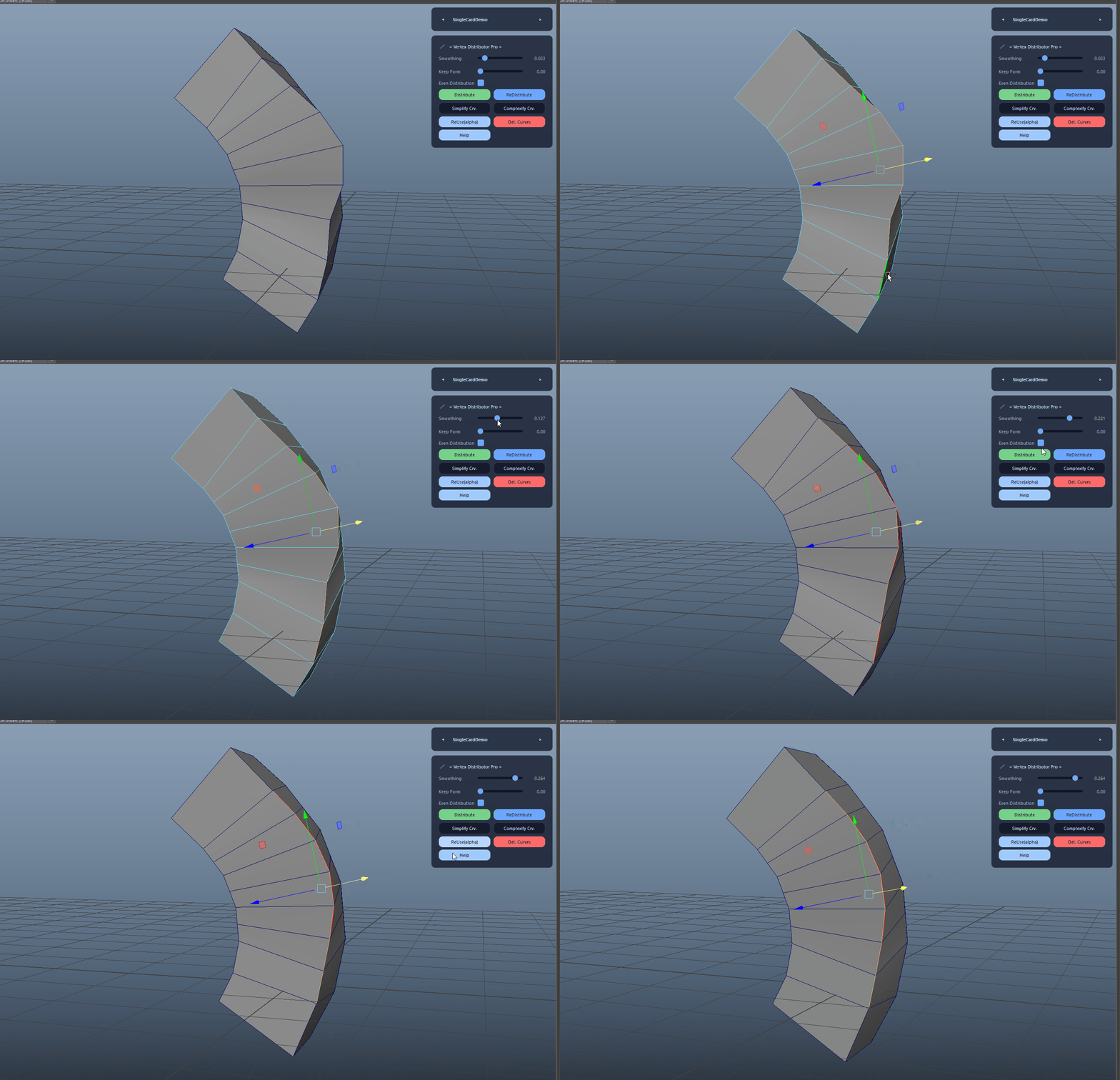
Controls the moving-average smoothing window used when building the preview curve. Higher values reduce jitter and create cleaner arcs; lower values preserve more local shape.

Smoothing Control demo

Even vs. Preserve Spacing

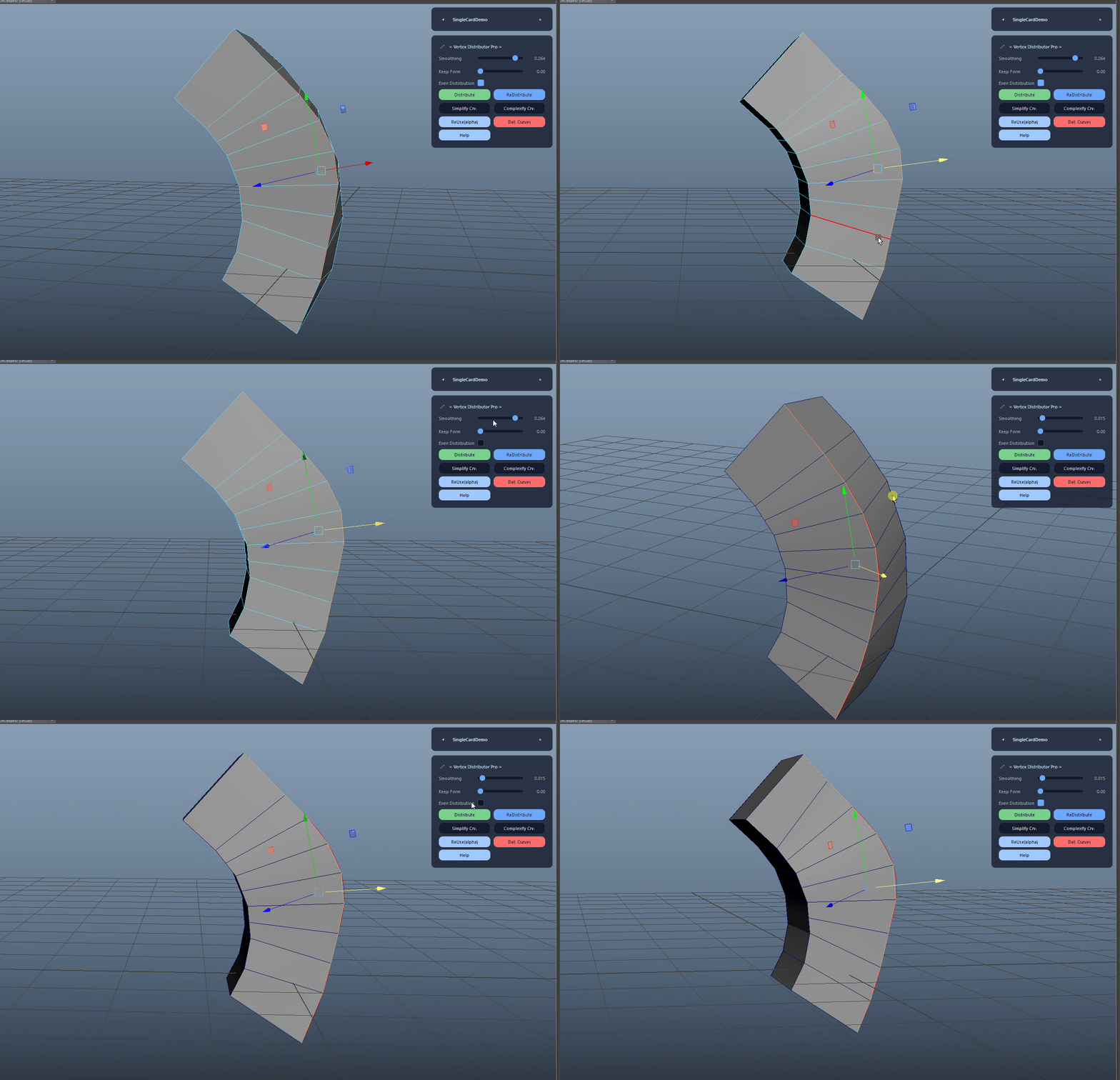
Even Distribution places vertices at equal arc-length intervals on the helper curve. When disabled, the tool preserves the original relative spacing of the chain by scaling the stored cumulative lengths to the new curve length.

  • This is the key option for keeping intentional edge rhythm while changing the curve shape.
Even vs. Preserve Spacing demo

Simplify Curve

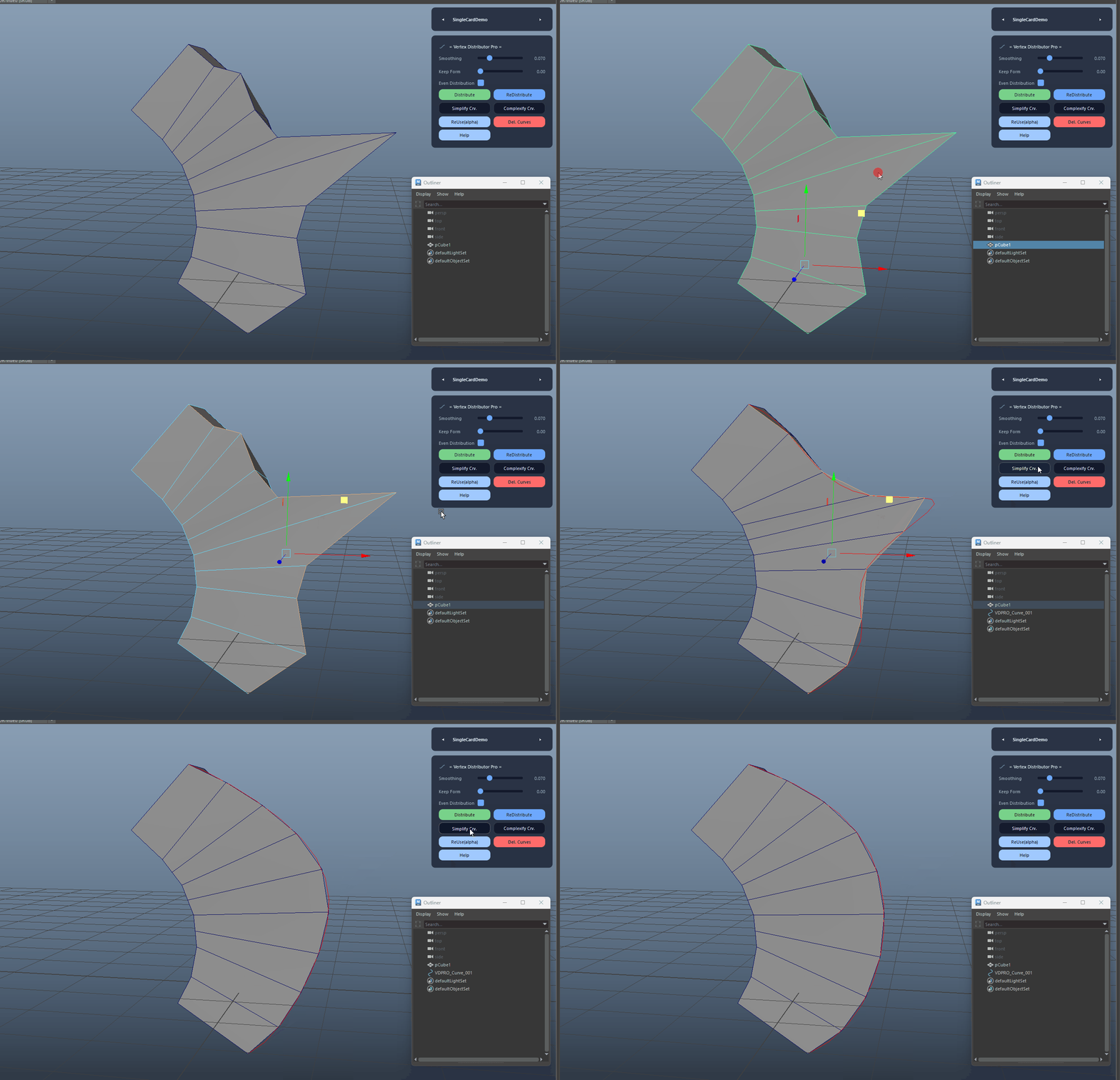
Rebuilds the helper curve with one fewer span and then redistributes vertices. This is ideal for smoothing out overly dense or noisy curve shapes.

Simplify Curve demo

Complexify Curve

Rebuilds the helper curve with one additional span and then redistributes vertices. This adds more control for shaping tighter or more detailed silhouettes.

Complexify Curve demo

ReUse Curve (Alpha)

Reuses the last VDPRO helper curve on a new edge chain. The tool aligns, rotates, scales, and snaps the curve to the new chain direction, and can auto-flip curve direction and vertex order for the best fit before redistributing.

  • Great for consistent shapes across multiple similar edge chains.
  • The curve start anchor can be matched to the best chain end automatically.
ReUse Curve (Alpha) demo

Closed Loop Support

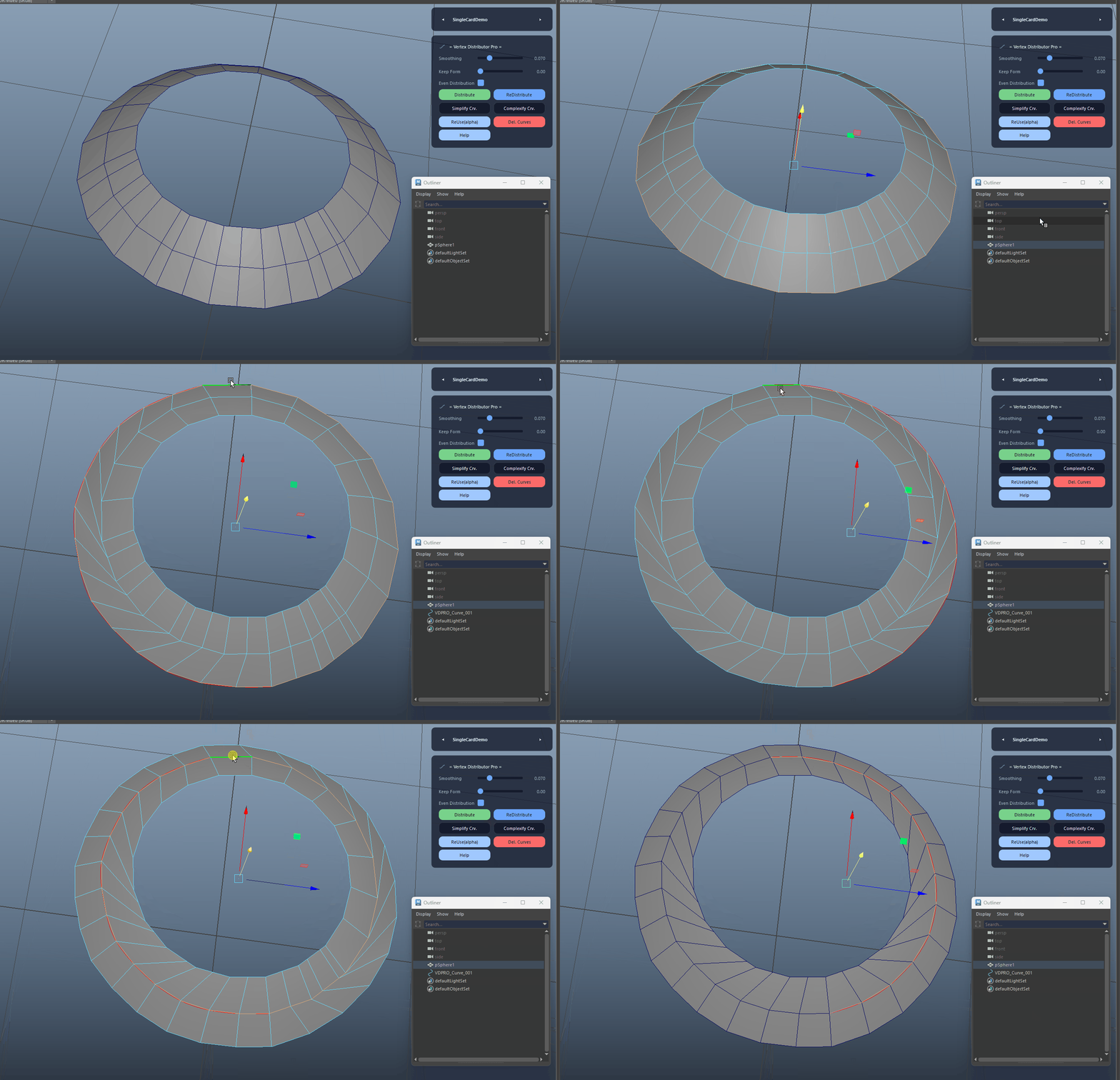
If the selected edges form a loop, the tool breaks the ring at the farthest vertex pair to create a stable open chain for preview and distribution.

Closed Loop Support demo

Auto Apex Detection

Automatically finds a robust mid/apex vertex using a weighted mix of chord-distance and curvature with a centrality boost, ensuring reliable corner awareness even on uneven chains.

Auto Apex Detection demo

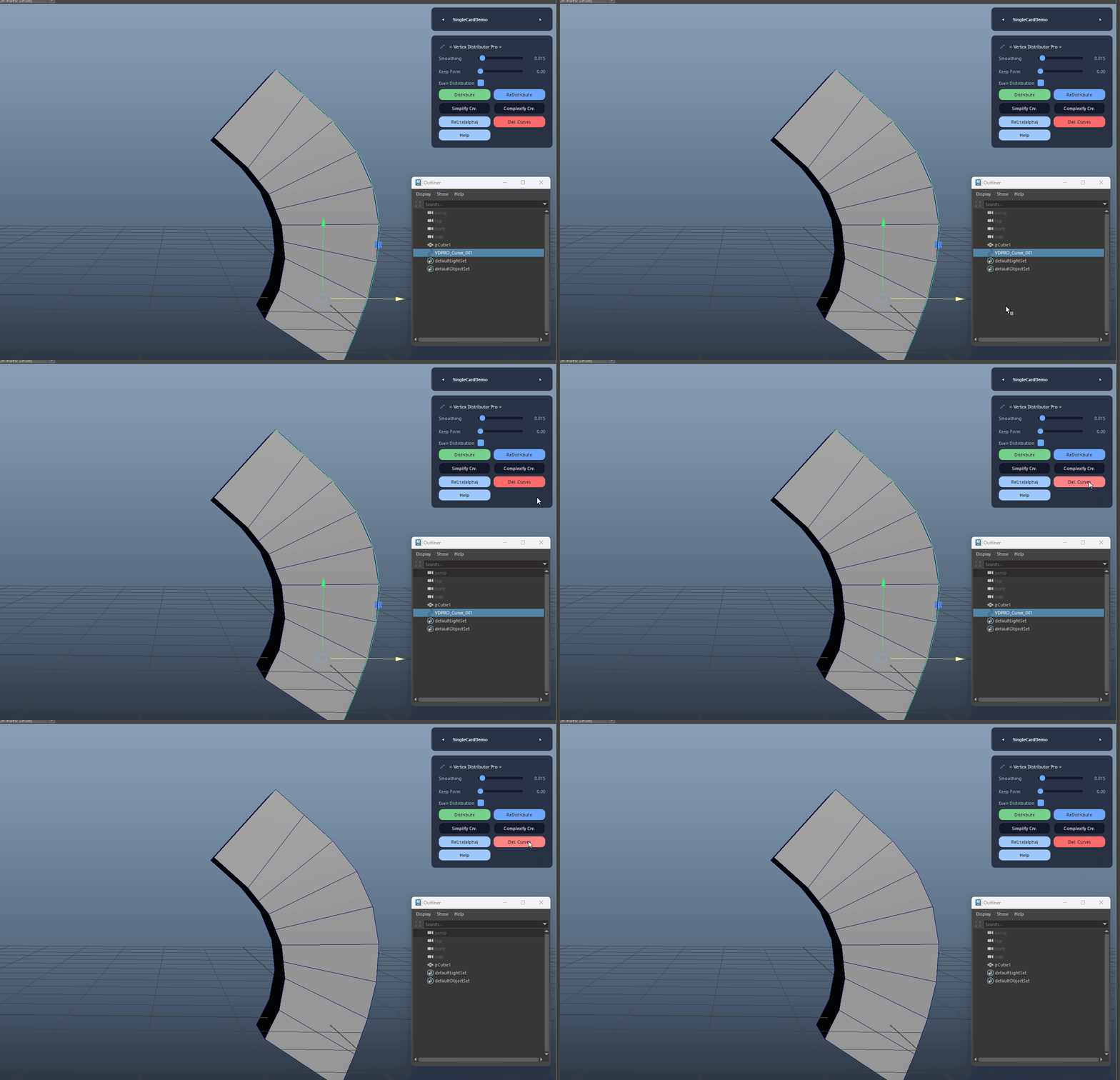
Delete Helper Curves

Deletes all tagged VDPRO helper curves and clears the internal state to reset the tool for a fresh distribution session.

Delete Helper Curves demo
FAQ

What is Vertex Distributor Pro used for?

Vertex Distributor Pro builds a tagged preview curve from a selected edge chain and distributes vertices along it. You can simplify or complexify the curve, manually edit it, and re-distribute for precise shape control. With Auto Apex detection, closed-loop handling, and an option to preserve original spacing, the tool offers reliable, production-friendly edge cleanup and refinement.

Which host application does Vertex Distributor Pro support?

Vertex Distributor Pro is built for Autodesk Maya and is distributed through AO Studio Tools.

Where can I download Vertex Distributor Pro?

Download the current AO Studio Tools package from https://aostudio.tools/getthetools.html and install it through AO.Hub.