Studio Tools

SeeThrough

Adjust Maya UI opacity instantly with a precise, slider-driven workflow.

Overview

Adjust Maya UI opacity instantly with a precise, slider-driven workflow.

SeeThrough sets the Maya main window transparency directly to your chosen slider value for predictable UI visibility control. It clamps values between 0.30 and 1.00 and applies opacity at the MayaWindow level, making it ideal for working with heavy reference, clean layouts, and dense animation or modeling sessions.

Features

Apply Transparency (Slider-Driven)

Sets the Maya main window opacity directly to the current slider value. This is not a toggle: every click applies the exact value for predictable, repeatable UI visibility control.

  • The tool clamps values between 0.30 and 1.00 for safe readability.
  • Useful for working with reference, video plates, or dense viewport layouts.
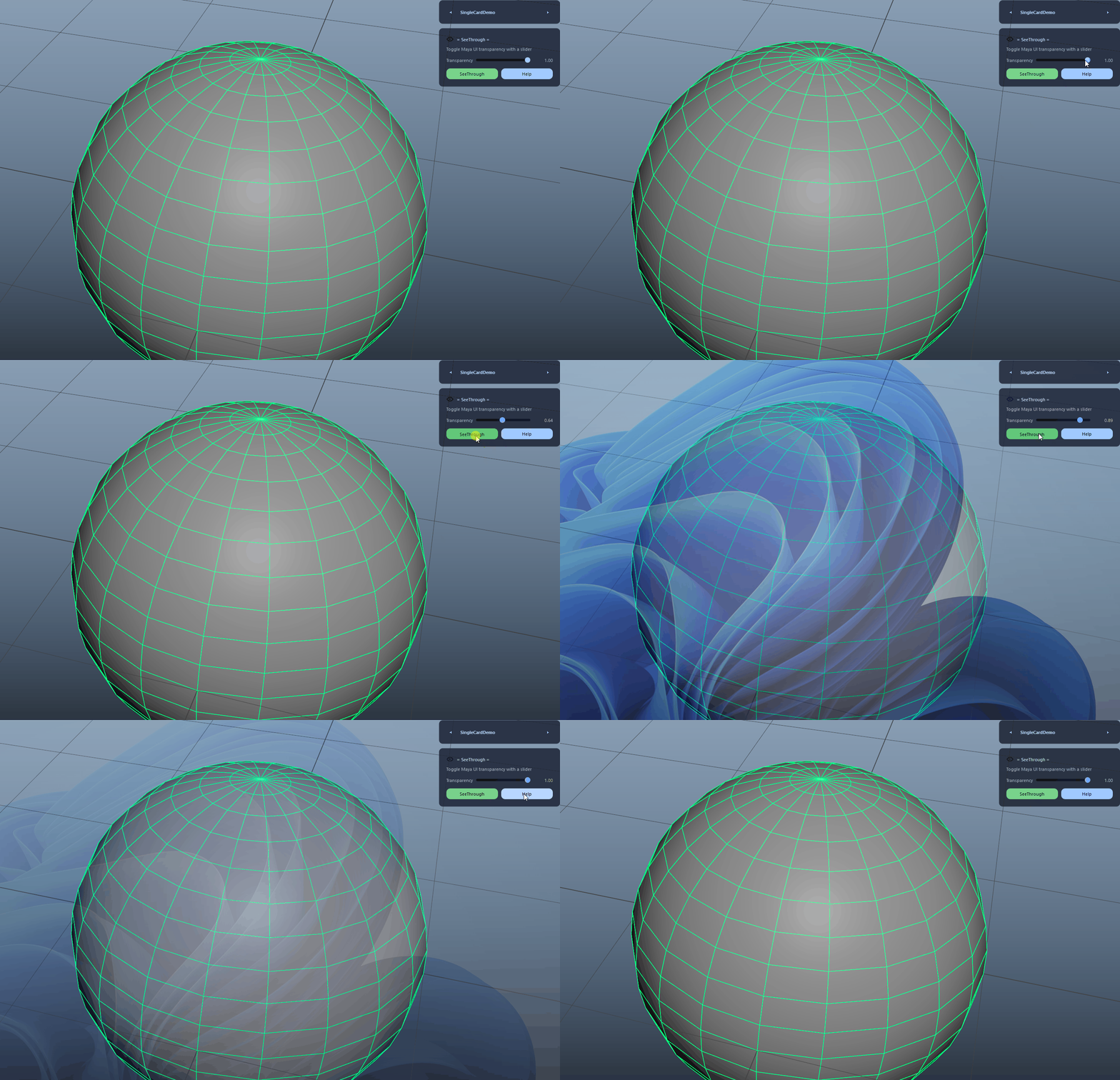
Apply Transparency (Slider-Driven) demo

Safe MayaWindow Detection

Finds the top-level Qt widget named 'MayaWindow' and applies opacity at the root level, ensuring consistent behavior without affecting individual panels.

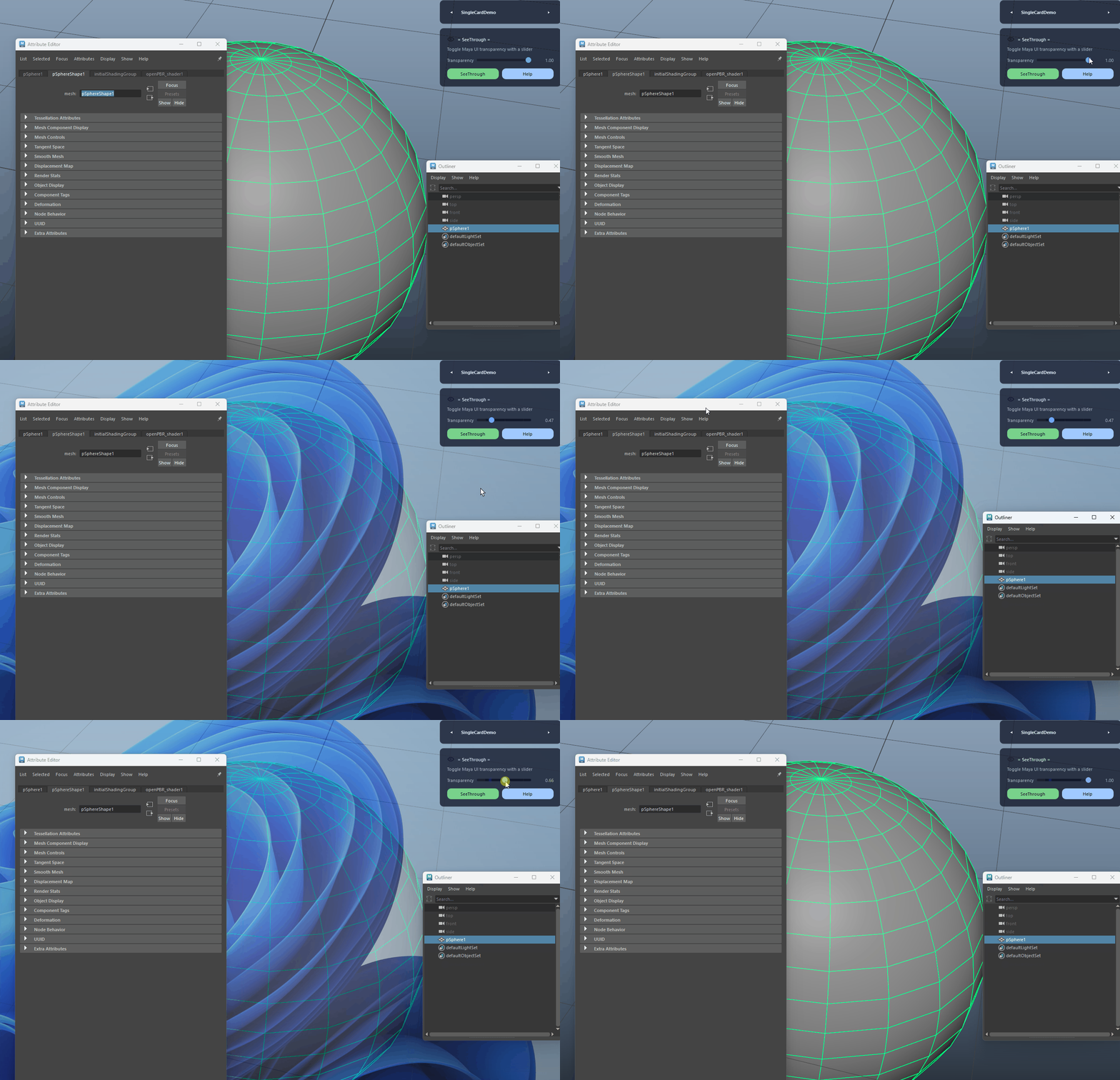
Safe MayaWindow Detection demo
FAQ

What is SeeThrough used for?

SeeThrough sets the Maya main window transparency directly to your chosen slider value for predictable UI visibility control. It clamps values between 0.30 and 1.00 and applies opacity at the MayaWindow level, making it ideal for working with heavy reference, clean layouts, and dense animation or modeling sessions.

Which host application does SeeThrough support?

SeeThrough is built for Autodesk Maya and is distributed through AO Studio Tools.

Where can I download SeeThrough?

Download the current AO Studio Tools package from https://aostudio.tools/getthetools.html and install it through AO.Hub.