
Smart Target Filtering
Automatically collects meaningful transform nodes while excluding default cameras, joints, and referenced nodes to avoid accidental cleanup of protected or external content.
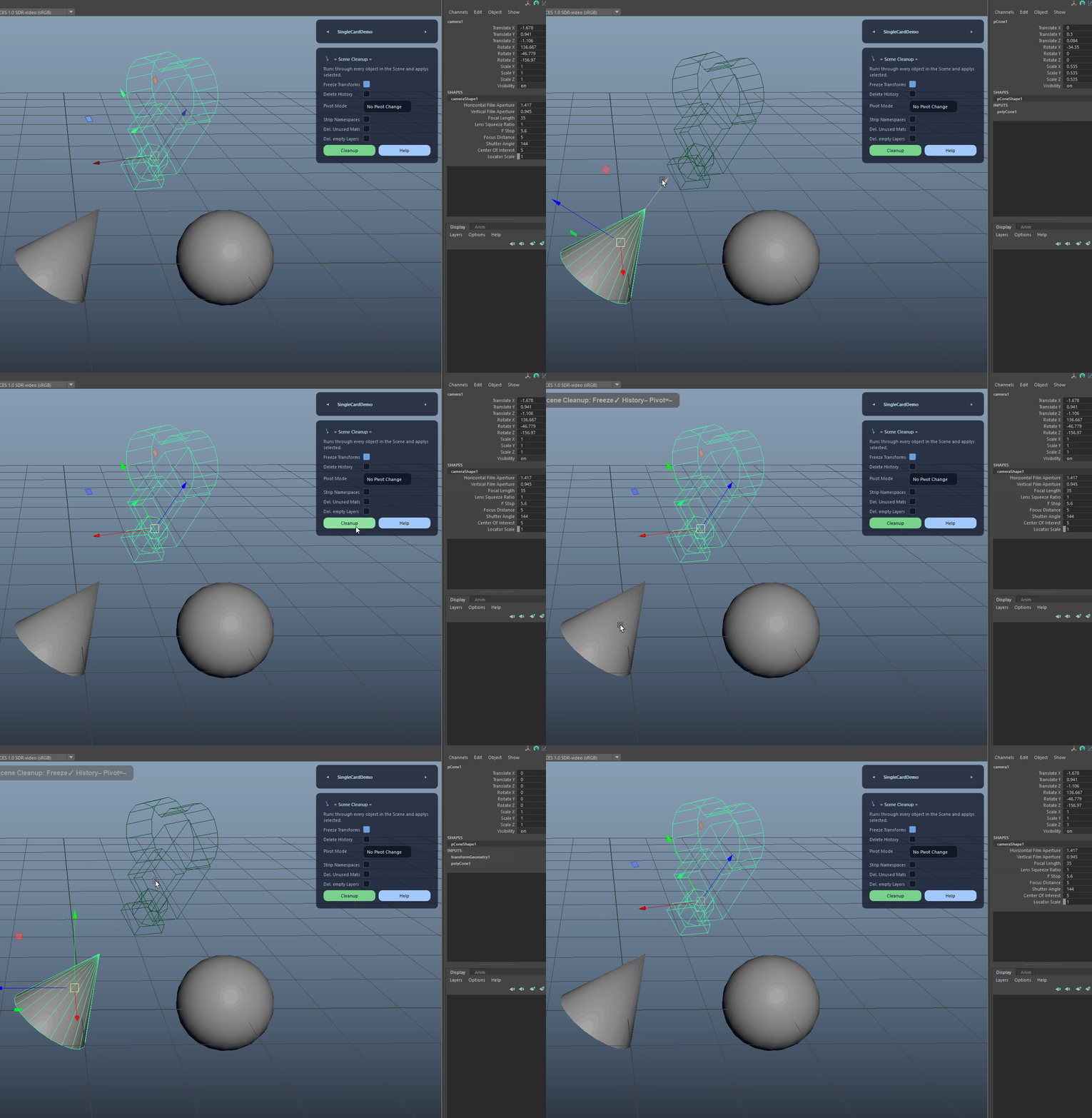
Fast pre-flight cleanup for production-ready scenes.
Fast pre-flight cleanup for production-ready scenes.
Removes common junk nodes, fixes naming issues, and helps ensure consistent export-ready scenes.
Automatically collects meaningful transform nodes while excluding default cameras, joints, and referenced nodes to avoid accidental cleanup of protected or external content.
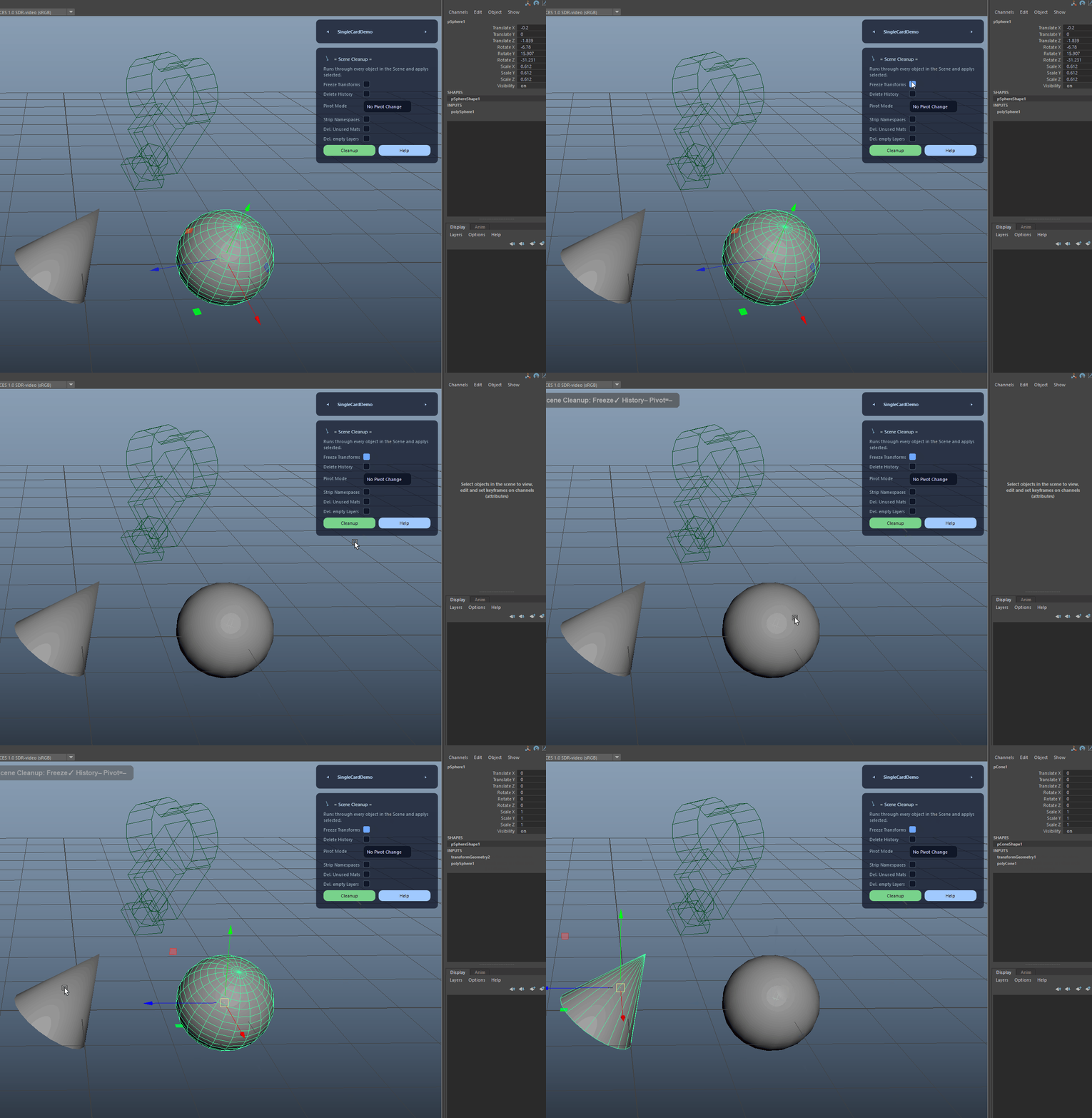
Applies identity transforms (translate, rotate, scale) with preserved normals for clean, export-friendly objects.
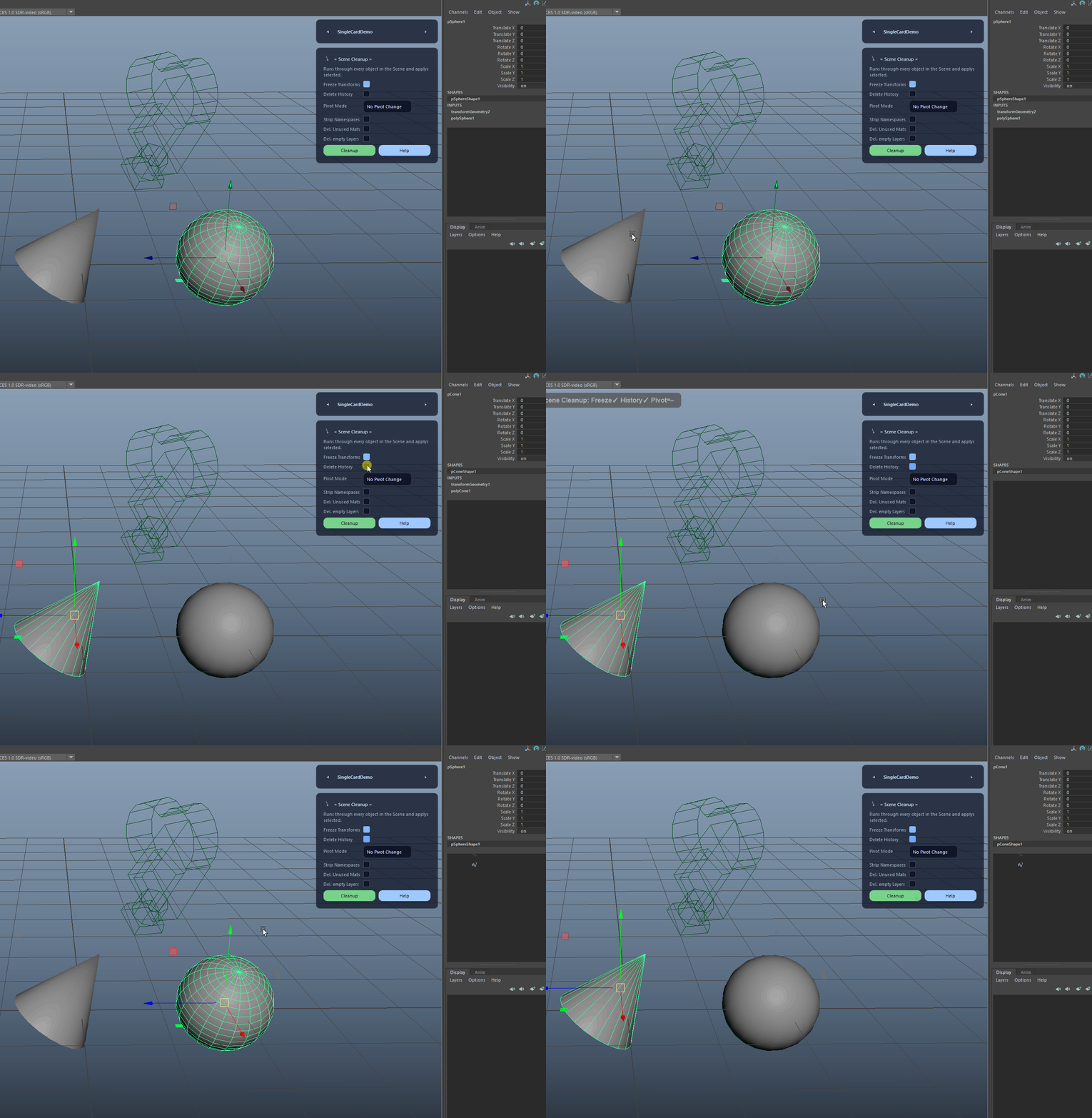
Deletes construction history on all cleanup targets to reduce scene bloat and prevent unexpected downstream issues.
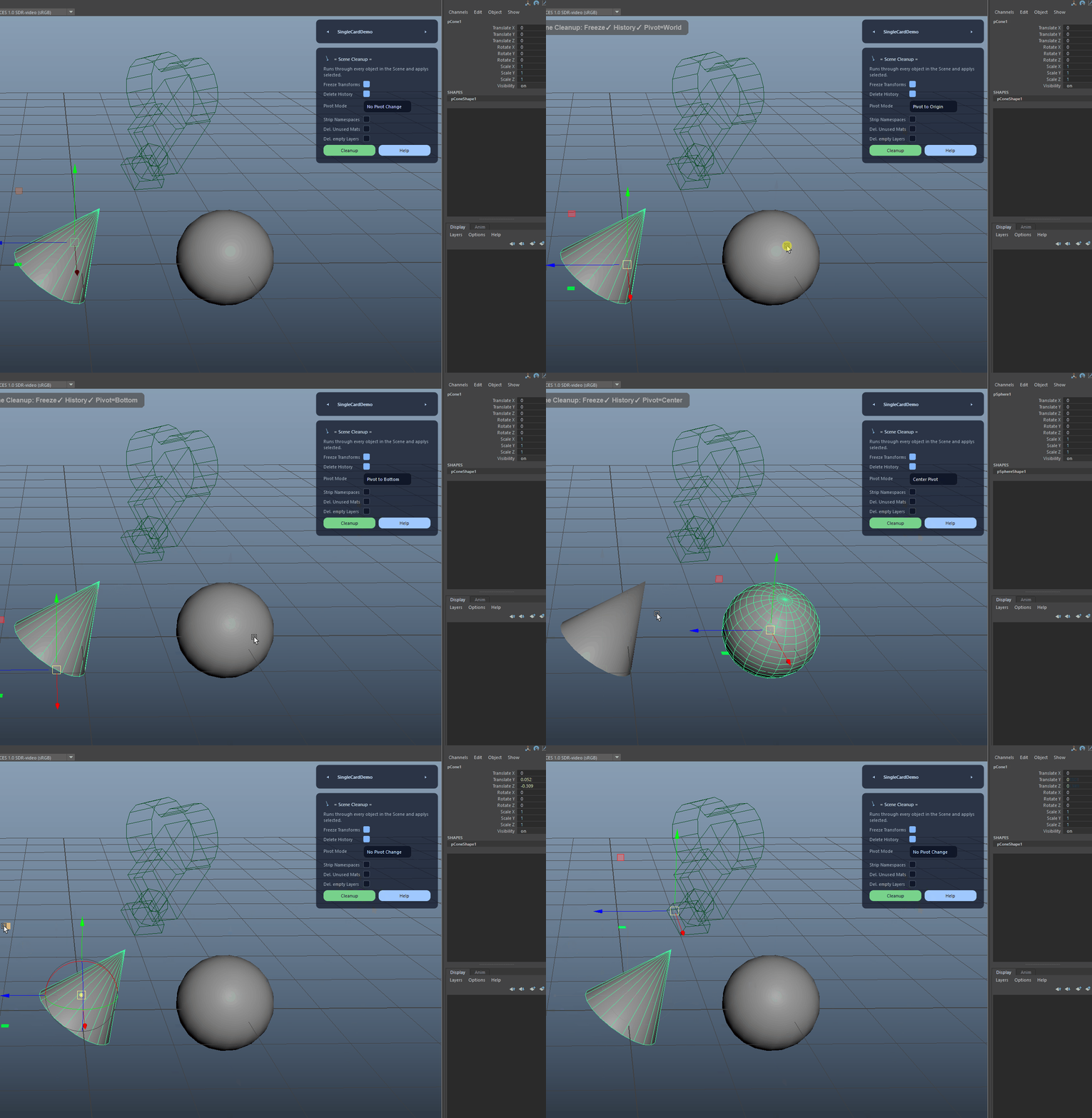
Optionally adjusts pivots after cleanup. Choose between no change, center pivot, pivot to bottom of the bounding box, or pivot to world origin.
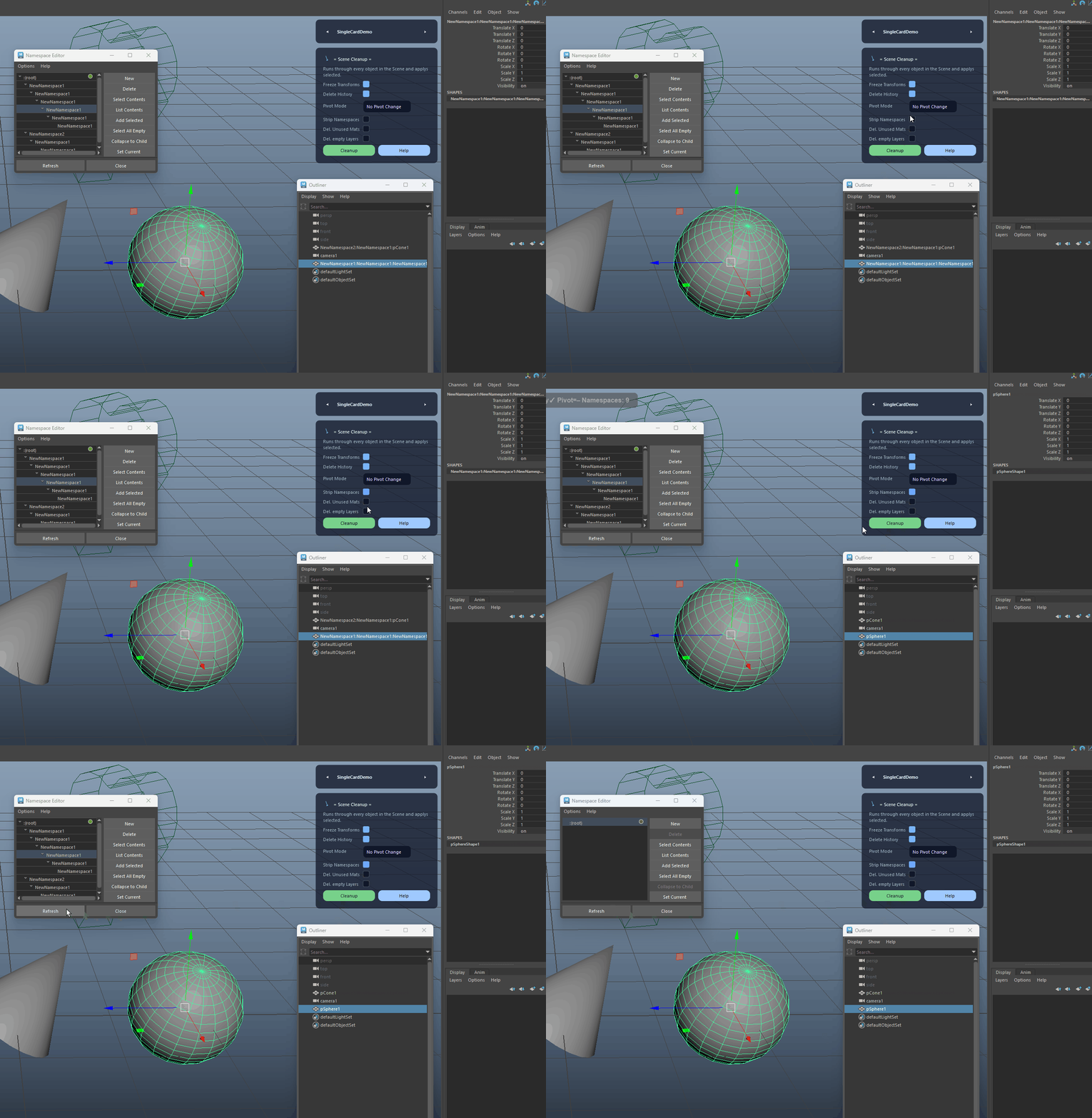
Removes non-default namespaces and merges them into root. Warns in-view when name clashes prevent safe removal.
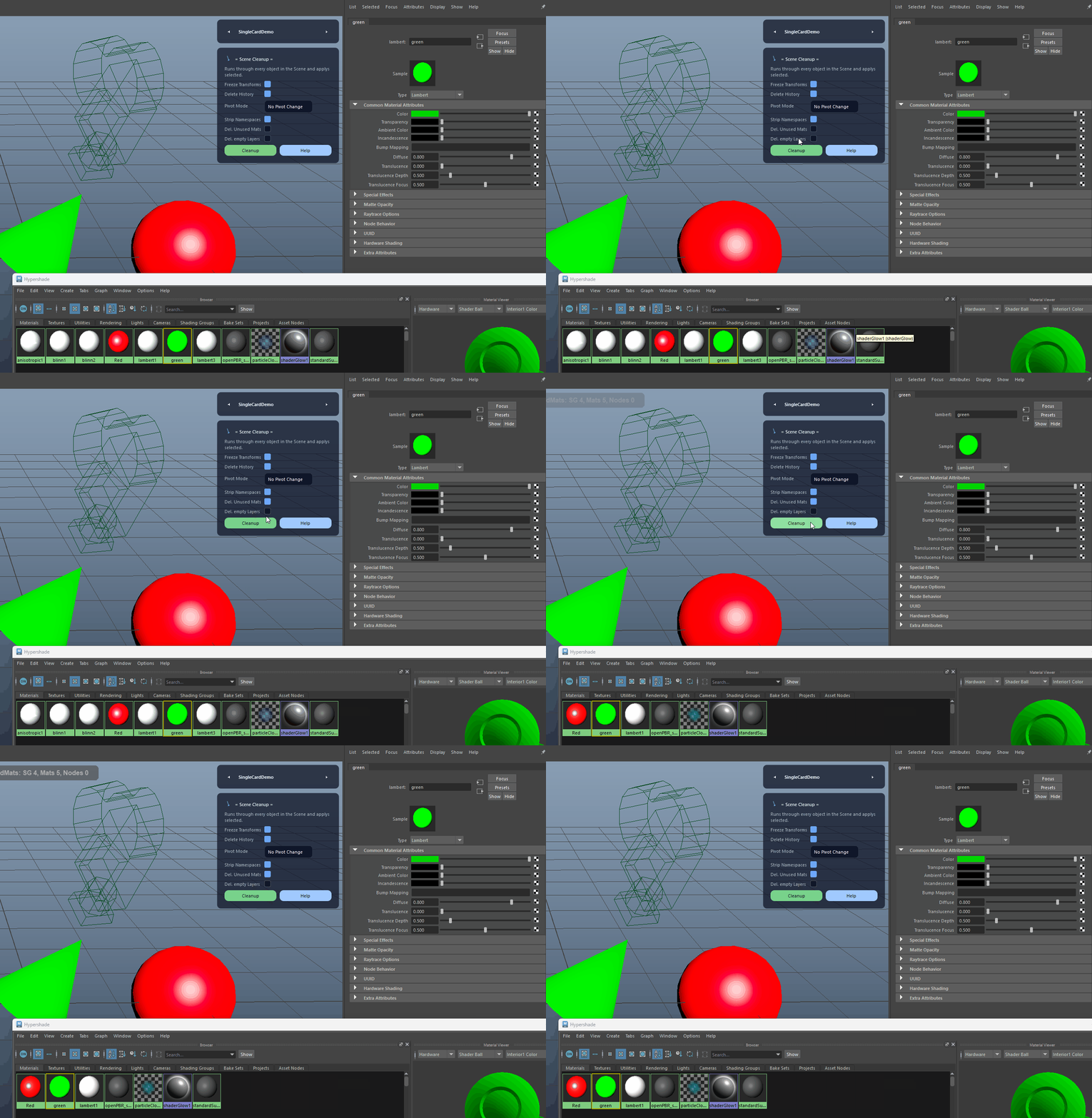
Cleans unused shading-related nodes. Runs Maya's unused-node cleanup and removes empty shading engines and orphaned materials while keeping default nodes safe.
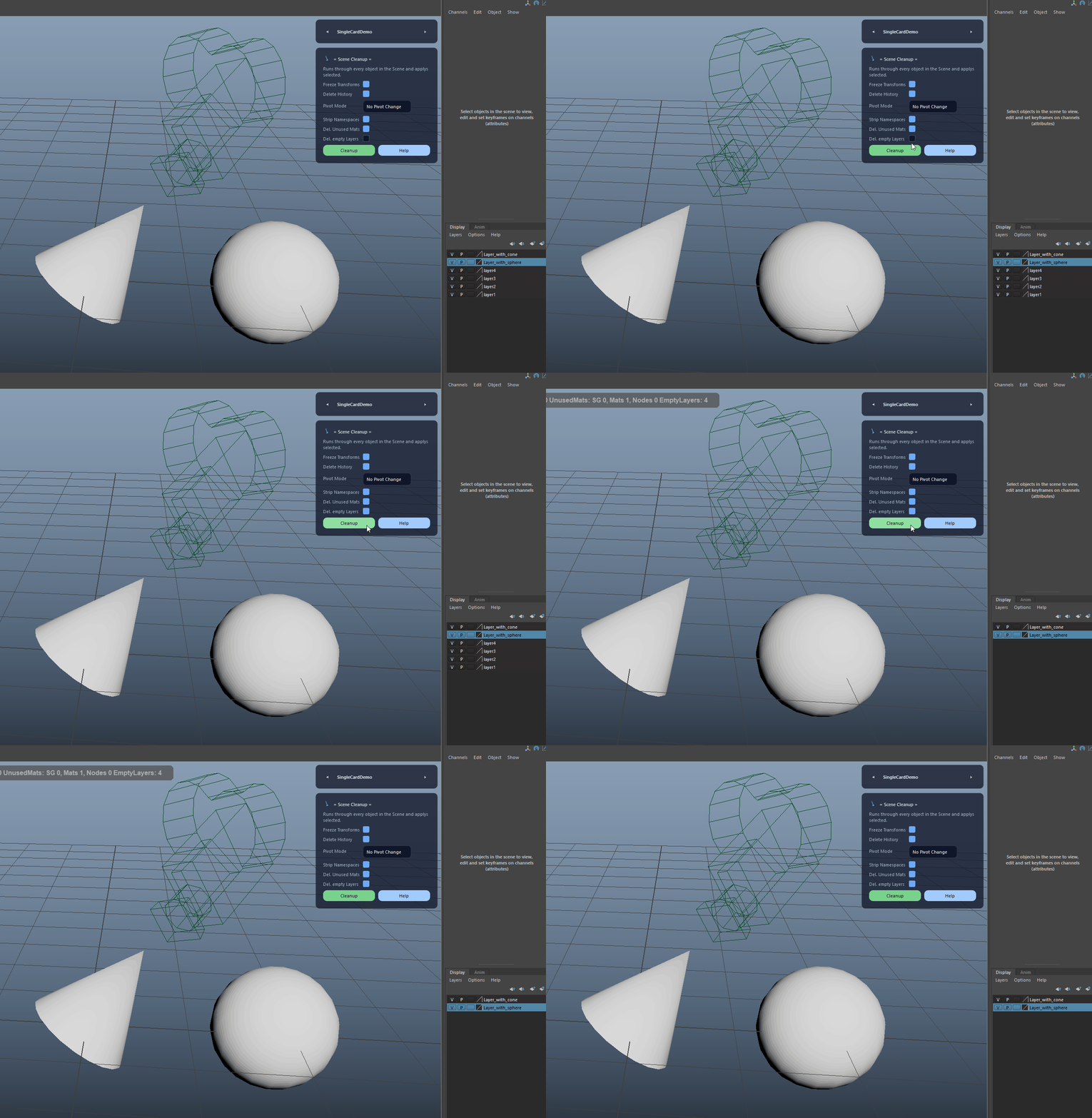
Deletes empty display layers except the default layer to keep the Outliner and layer list clean.
Removes common junk nodes, fixes naming issues, and helps ensure consistent export-ready scenes.
Scene Cleanup is built for Autodesk Maya and is distributed through AO Studio Tools.
Download the current AO Studio Tools package from https://aostudio.tools/getthetools.html and install it through AO.Hub.