Studio Tools

QuadPatch

Deterministic quad patching and capping for clean borders, reliable normals, and production-safe topology.

Overview

Deterministic quad patching and capping for clean borders, reliable normals, and production-safe topology.

QuadPatch provides two complementary tools: QuadPatch for filling openings by selecting opposite border segments, and QuadCap for closing holes with an even border ring divisible by four. Both workflows build deterministic boundary patches, merge them into the source mesh, conform normals, and preserve the original mesh name. QuadCap also supports an optional inset for extra control and detail.

Features

QuadPatch (Opposite Border Segments)

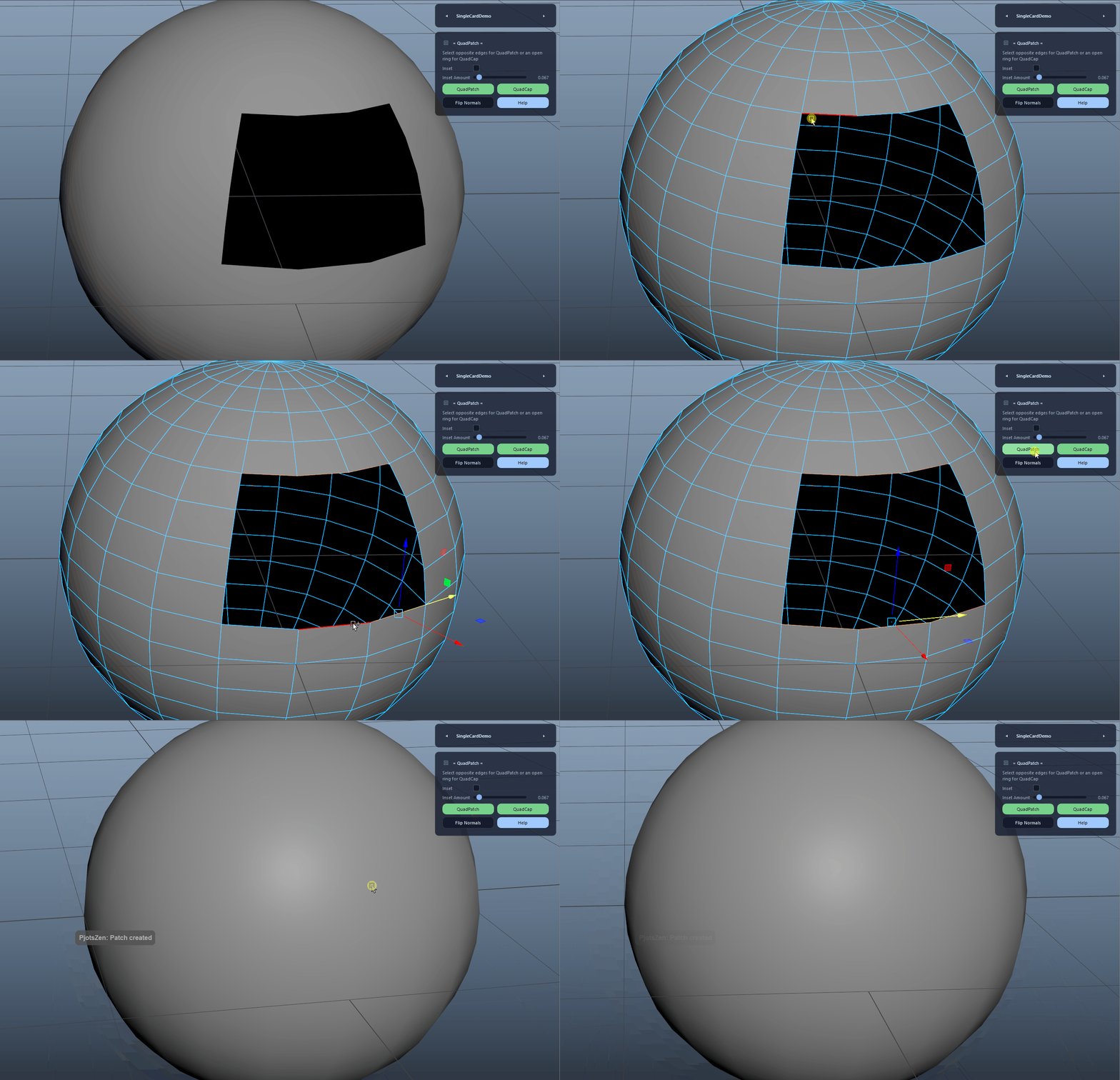
Creates a clean quad patch by selecting two opposite border segments. The tool builds four side curves from the border ring, generates a deterministic boundary patch, and merges it back into the original mesh.

  • Select two connected border segments on opposite sides of the opening.
  • The Inset options are ignored for QuadPatch.
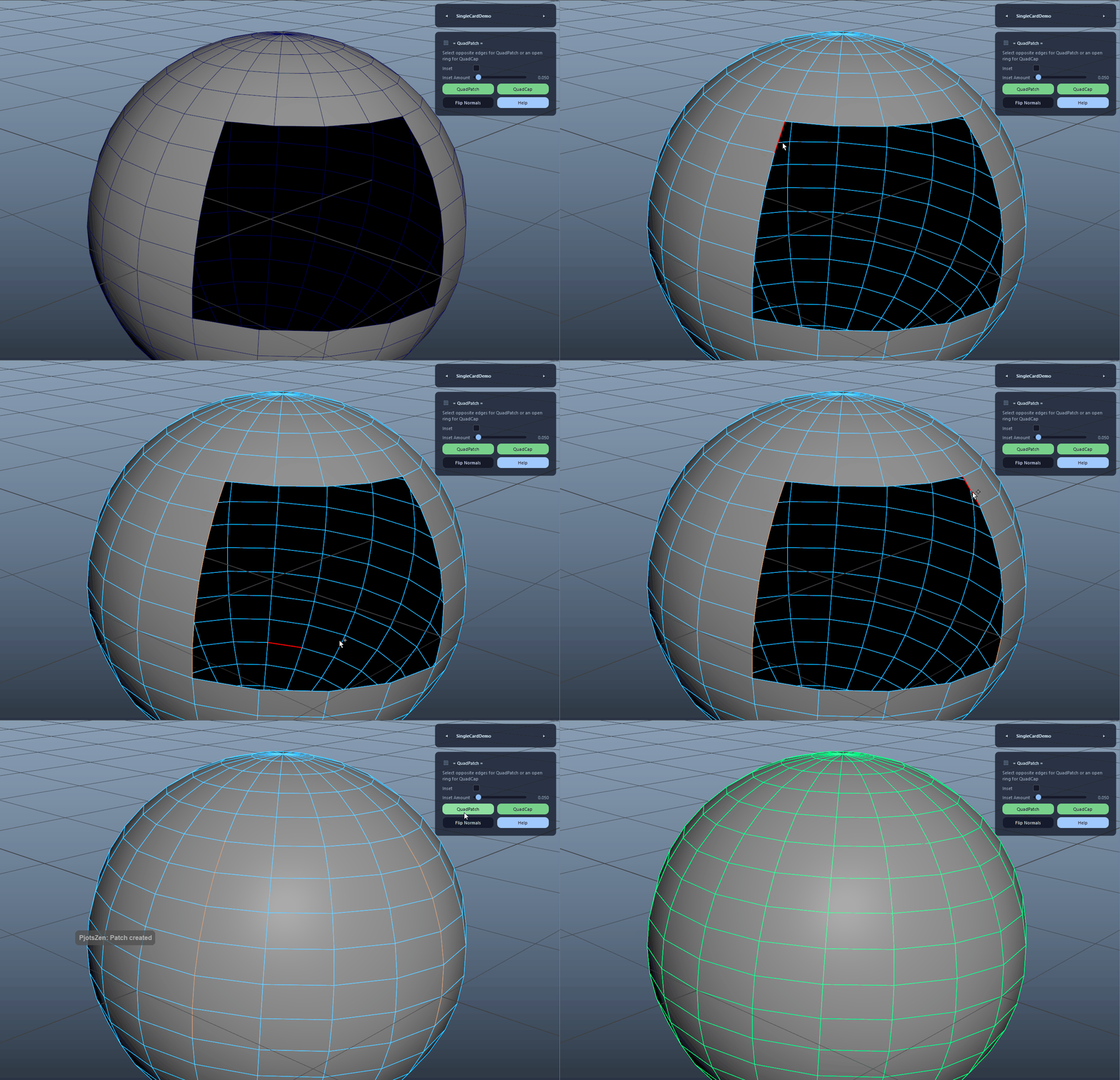
QuadPatch (Opposite Border Segments) demo

QuadCap (Even Border Ring)

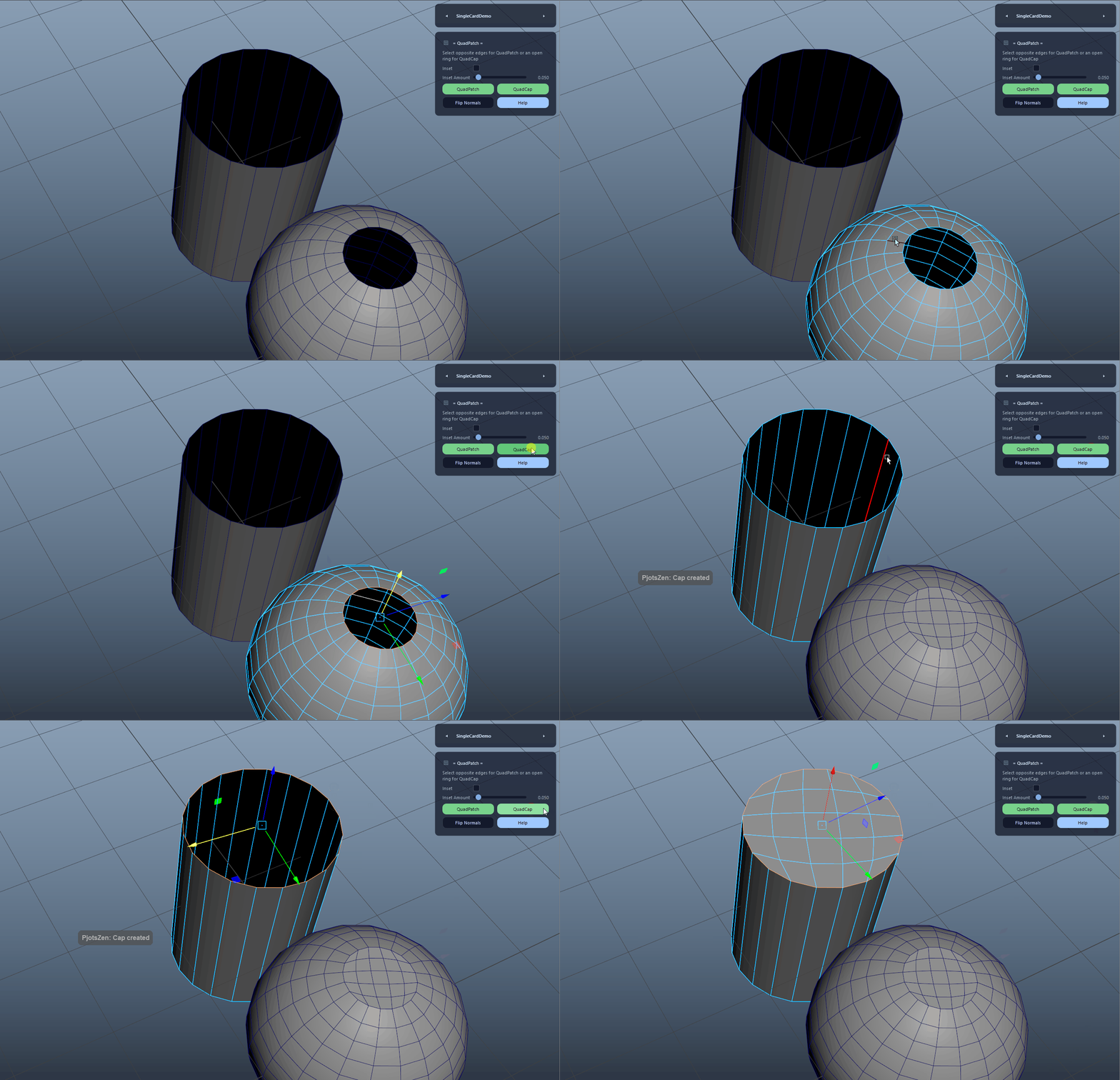
Caps a hole by selecting an open border ring whose edge count is divisible by 4. The tool splits the ring into four equal quarters, builds curves, creates a quad boundary patch, and combines it with the source mesh.

  • Ring length must be at least 8 and divisible by 4.
  • Ideal for clean, predictable hole closing.
QuadCap (Even Border Ring) demo

Inset for QuadCap

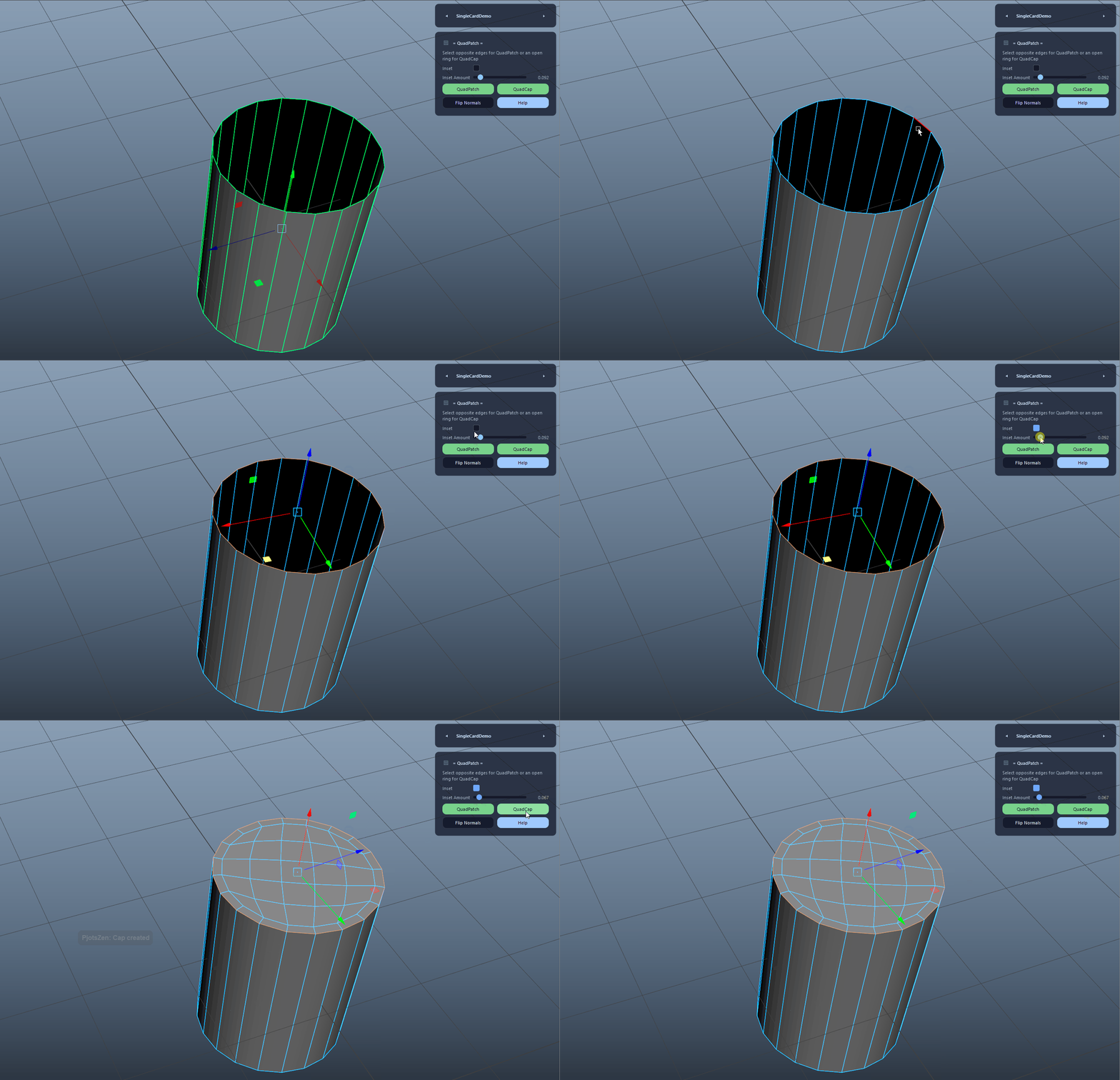
Optionally applies a true inset to the capped region after combine and merge. This duplicates the face region via extrude and scales the new vertices toward the region centroid for a clean, planar inset result.

Inset for QuadCap demo

Automatic Normal Conform and Orientation Match

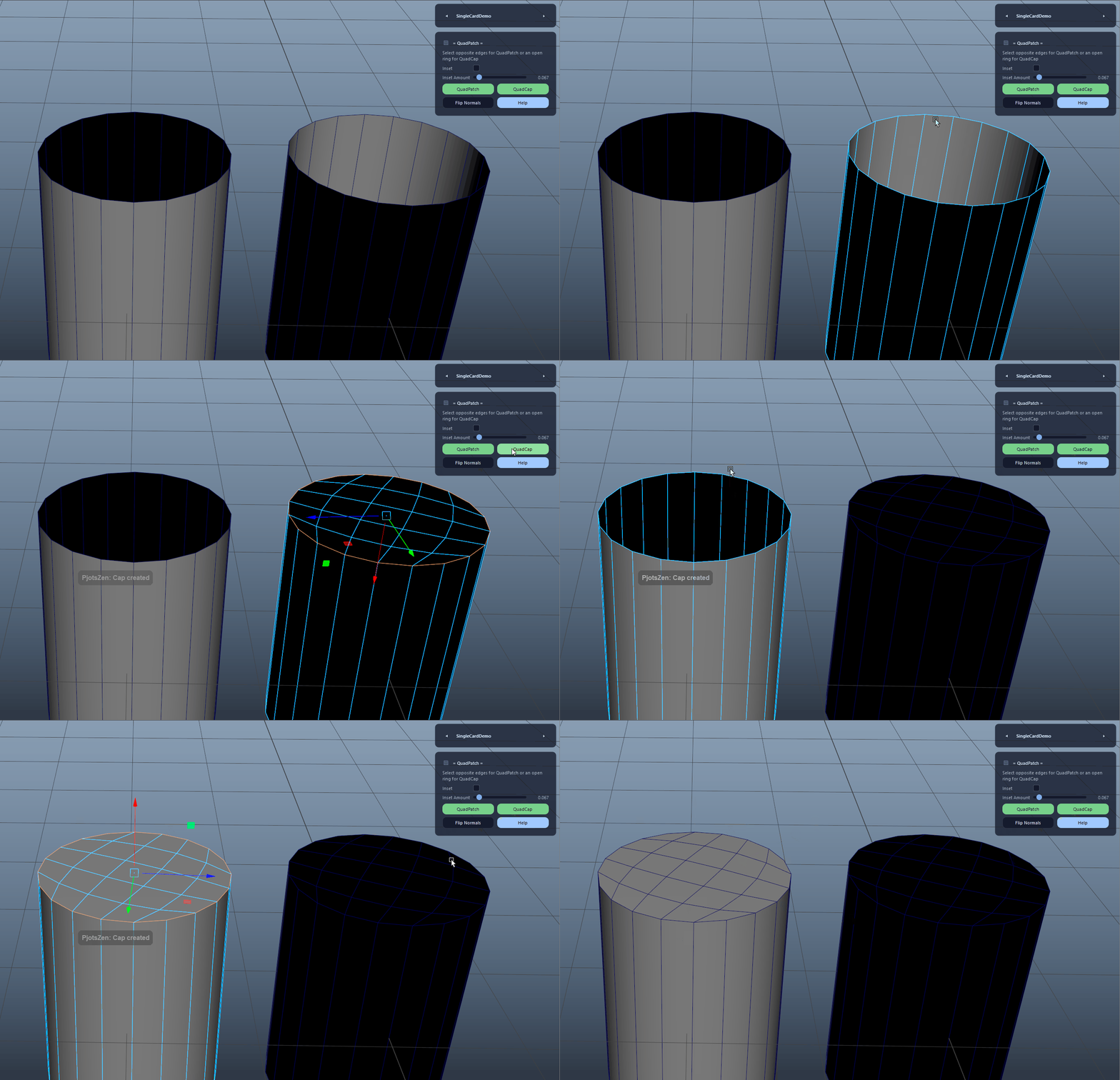
After combining the patch with the original mesh, the tool merges vertices, conforms normals, and checks overall mesh orientation against the source. If needed, it reverses normals to match the original orientation.

Automatic Normal Conform and Orientation Match demo

Seam Softening After Combine

Softens only the seam edges created by the patch merge, using world-space edge-pair matching with an adaptive tolerance based on average seam length. This helps prevent visible shading discontinuities.

Seam Softening After Combine demo

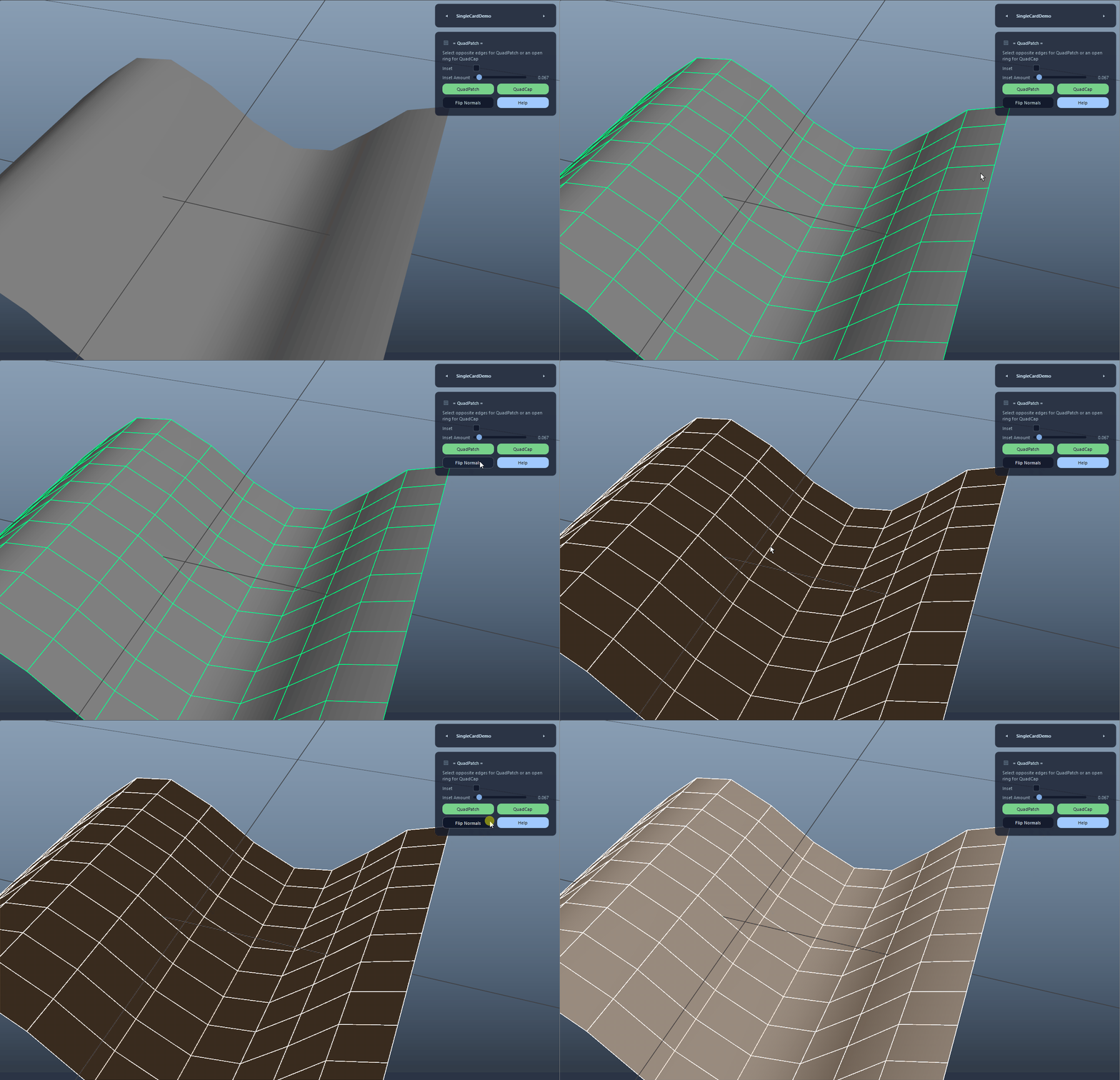
Flip Normals

Provides a quick manual fallback to reverse normals on the active mesh selection if a special case (e.g., single-sided geometry) produces flipped shading.

Flip Normals demo

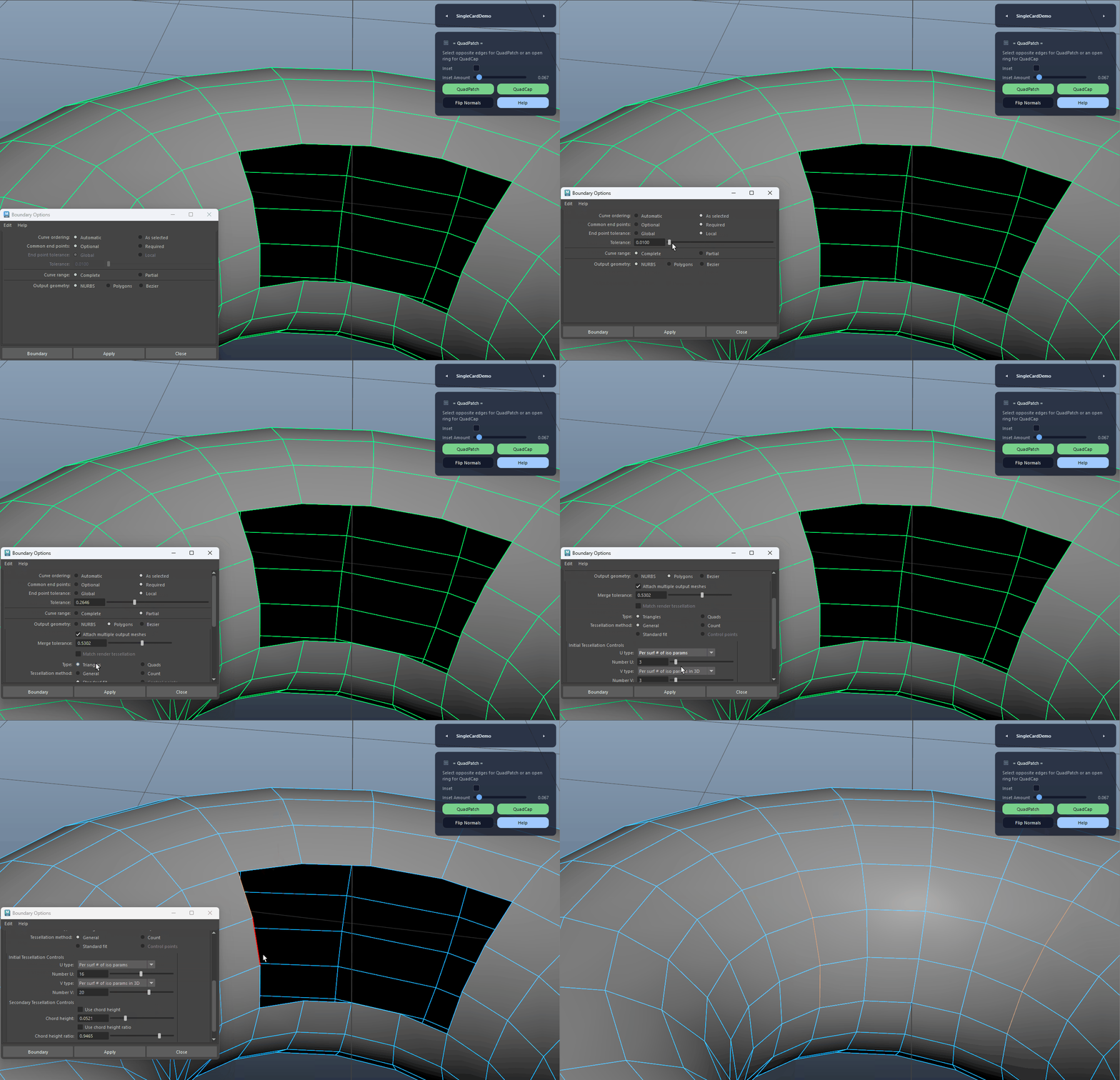
Deterministic Quad Boundary Build

Forces a NURBS boundary build independent of Maya preferences, then converts to quads using control points with edgeSwap enabled. This improves repeatability and patch topology reliability across systems.

Deterministic Quad Boundary Build demo
FAQ

What is QuadPatch used for?

QuadPatch provides two complementary tools: QuadPatch for filling openings by selecting opposite border segments, and QuadCap for closing holes with an even border ring divisible by four. Both workflows build deterministic boundary patches, merge them into the source mesh, conform normals, and preserve the original mesh name. QuadCap also supports an optional inset for extra control and detail.

Which host application does QuadPatch support?

QuadPatch is built for Autodesk Maya and is distributed through AO Studio Tools.

Where can I download QuadPatch?

Download the current AO Studio Tools package from https://aostudio.tools/getthetools.html and install it through AO.Hub.