Studio Tools

Overlapper (Overlap Action)

Fast, non-destructive overlap for control chains with clean animation-layer baking.

Overview

Fast, non-destructive overlap for control chains with clean animation-layer baking.

Overlapper generates overlapping secondary motion for selected controls or full hierarchies. It builds temporary helpers, computes delayed follow-through, and bakes the result back onto your controls. With Bake on Layer enabled, the tool writes to a dedicated animation layer and applies an Euler filter for cleaner additive curves, then automatically removes all helper nodes for a safe, production-friendly polish workflow.

Features

Create Overlap Action

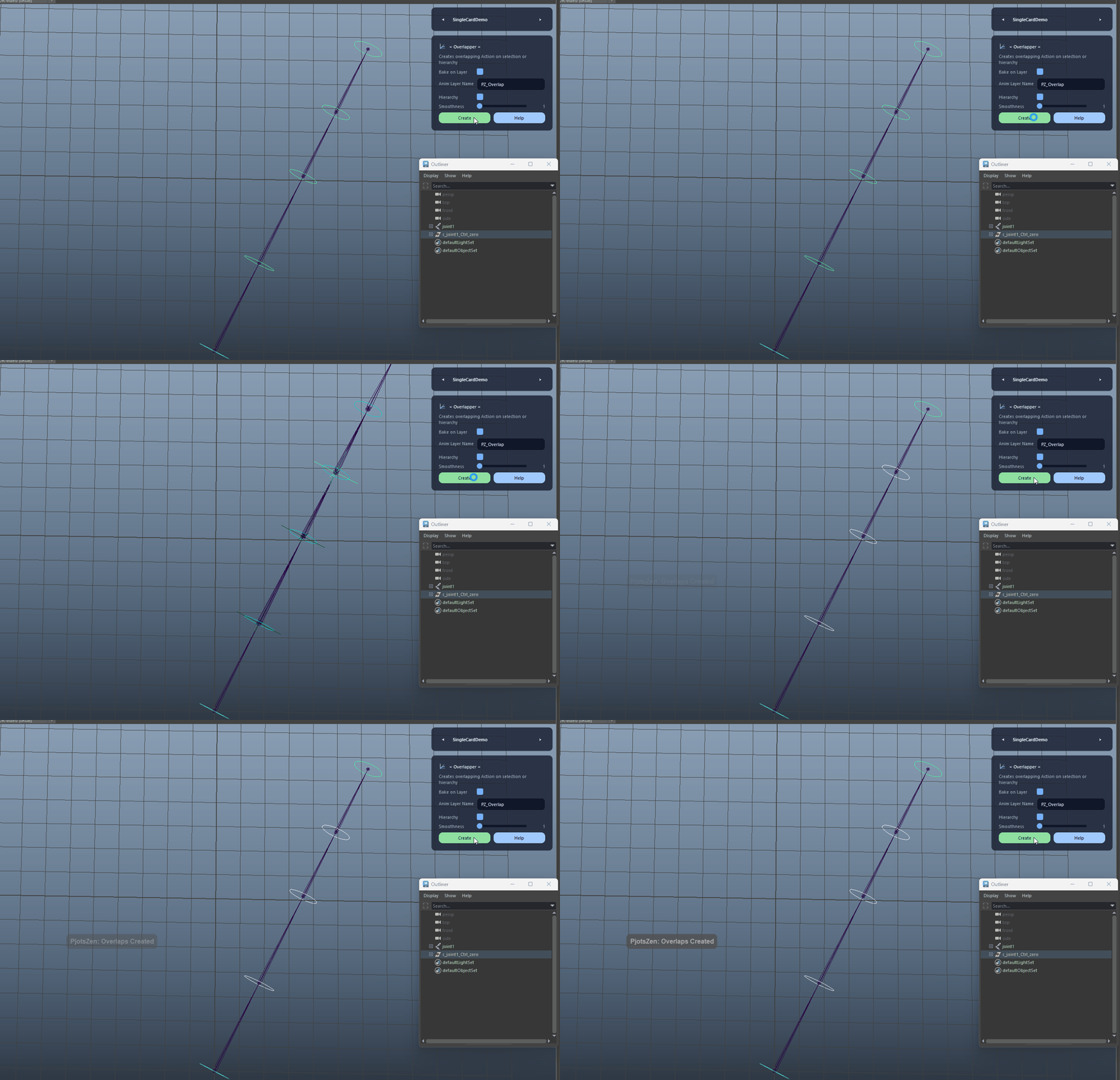
Creates overlapping secondary motion for the selected controls or an entire control hierarchy. The tool builds temporary helper locators/joints, computes delayed orientation results, bakes the outcome back onto the controls, and cleans up all helper nodes automatically.

  • Use Hierarchy for full chains; disable it for a small manual selection.
  • The tool respects the current time range selection and falls back to the full playback range if needed.
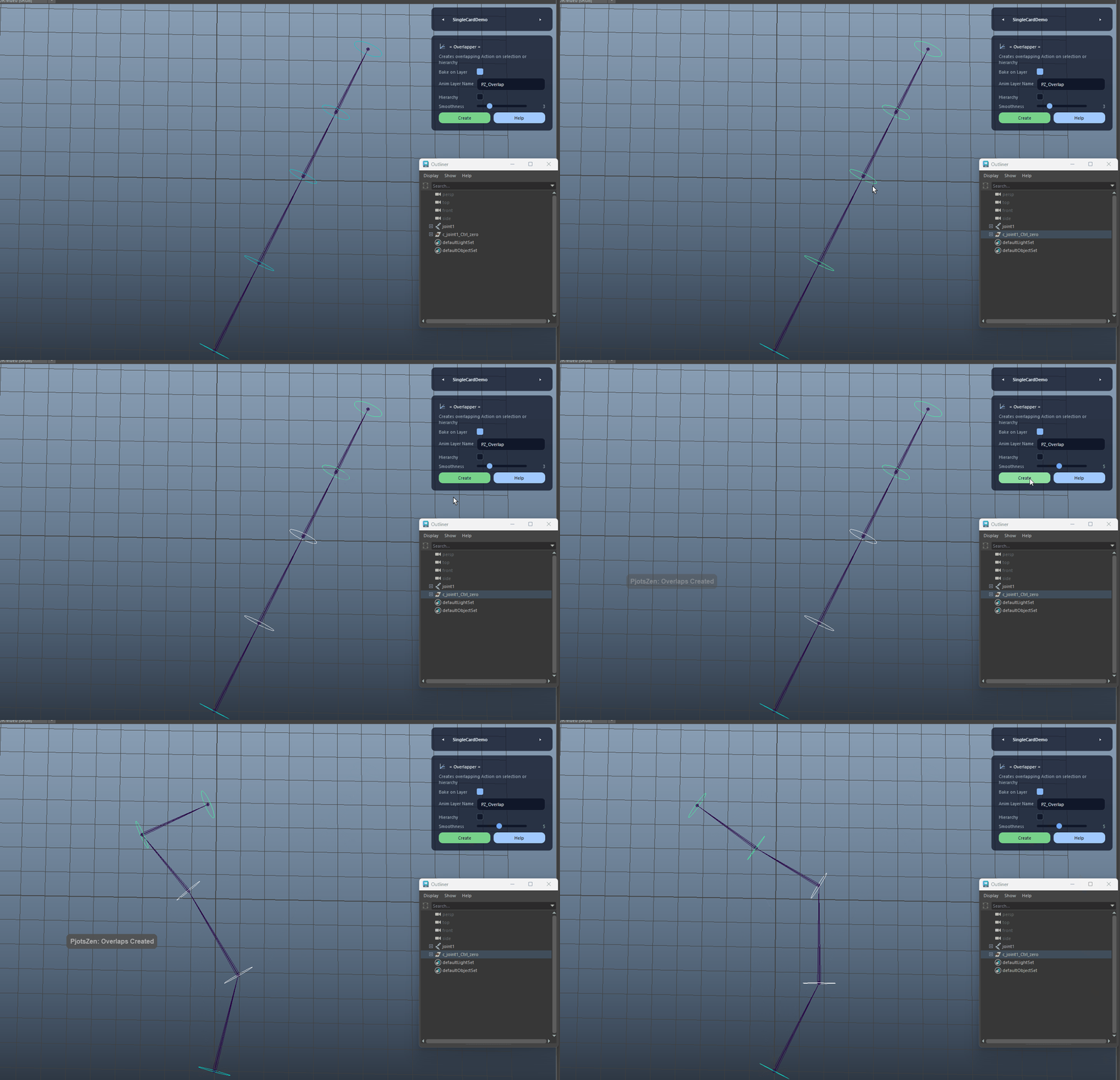
Create Overlap Action demo

Bake on Layer (Non-Destructive)

Bakes overlap results into a dedicated animation layer instead of touching base curves. This enables clean additive stacking, easy removal, and safer polishing iterations.

  • The layer is configured for additive rotation and proper scale accumulation.
  • After baking, the tool switches the layer back to additive and runs an Euler filter for cleaner curves.
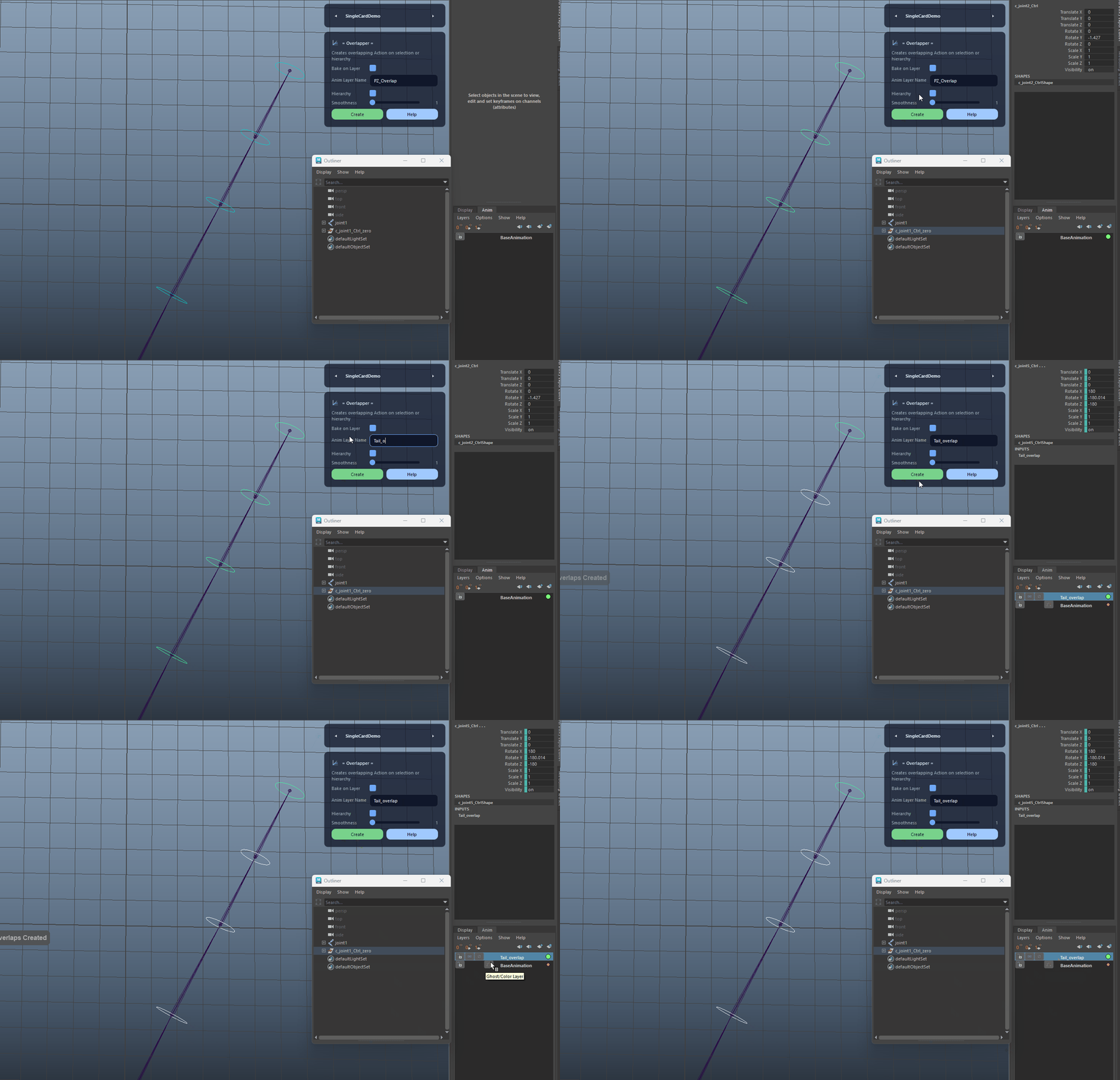
Bake on Layer (Non-Destructive) demo

Custom Animation Layer Name

Lets you define the animation layer name used for overlap baking. If the name already exists, the tool safely creates a unique variant to avoid overwriting data.

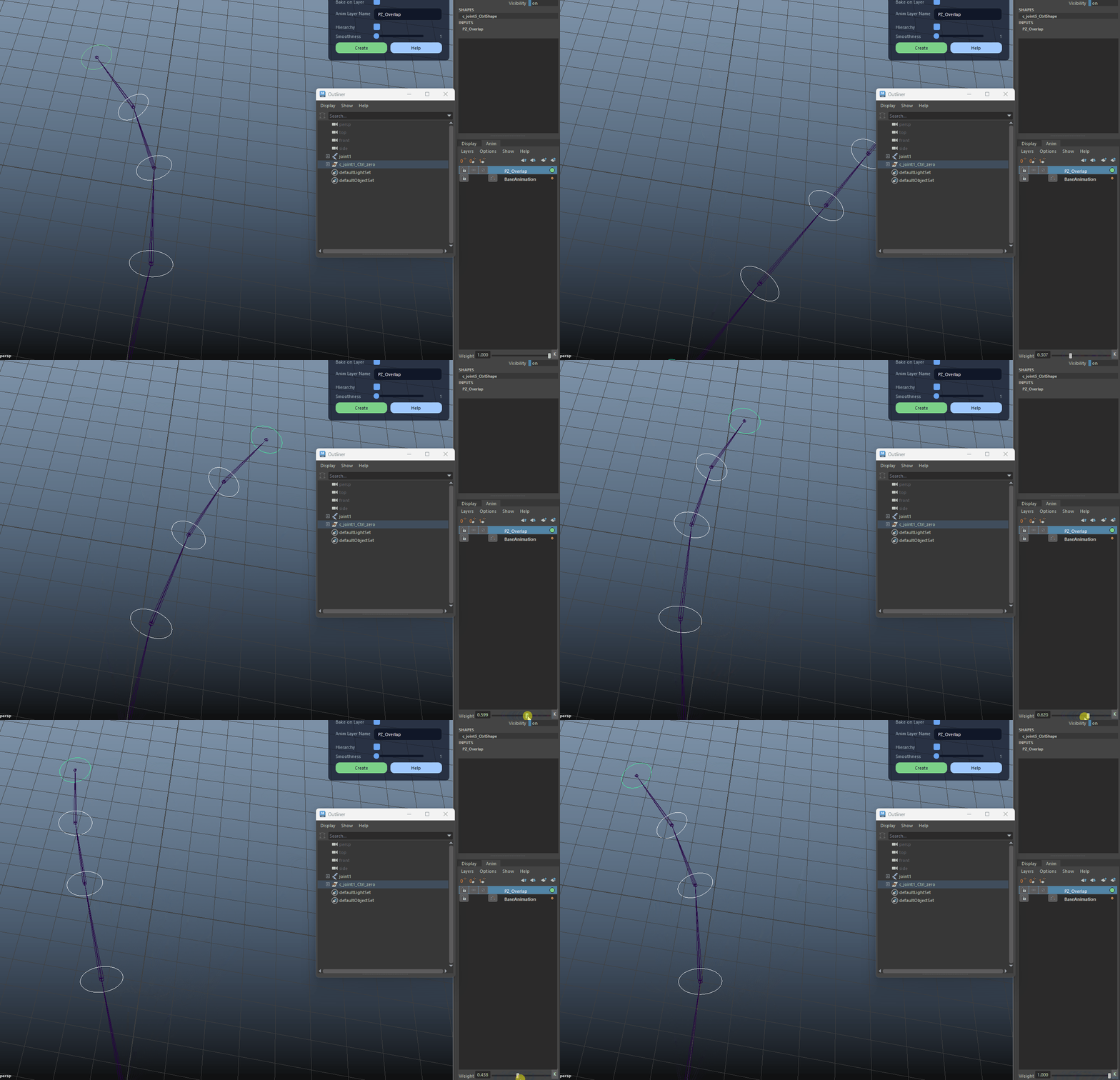
Custom Animation Layer Name demo

Hierarchy Mode

Automatically collects valid NURBS-curve controls under the selected root(s), sorted top-down for reliable chain order and consistent overlap results.

Hierarchy Mode demo

Smoothness Control (Time Shift)

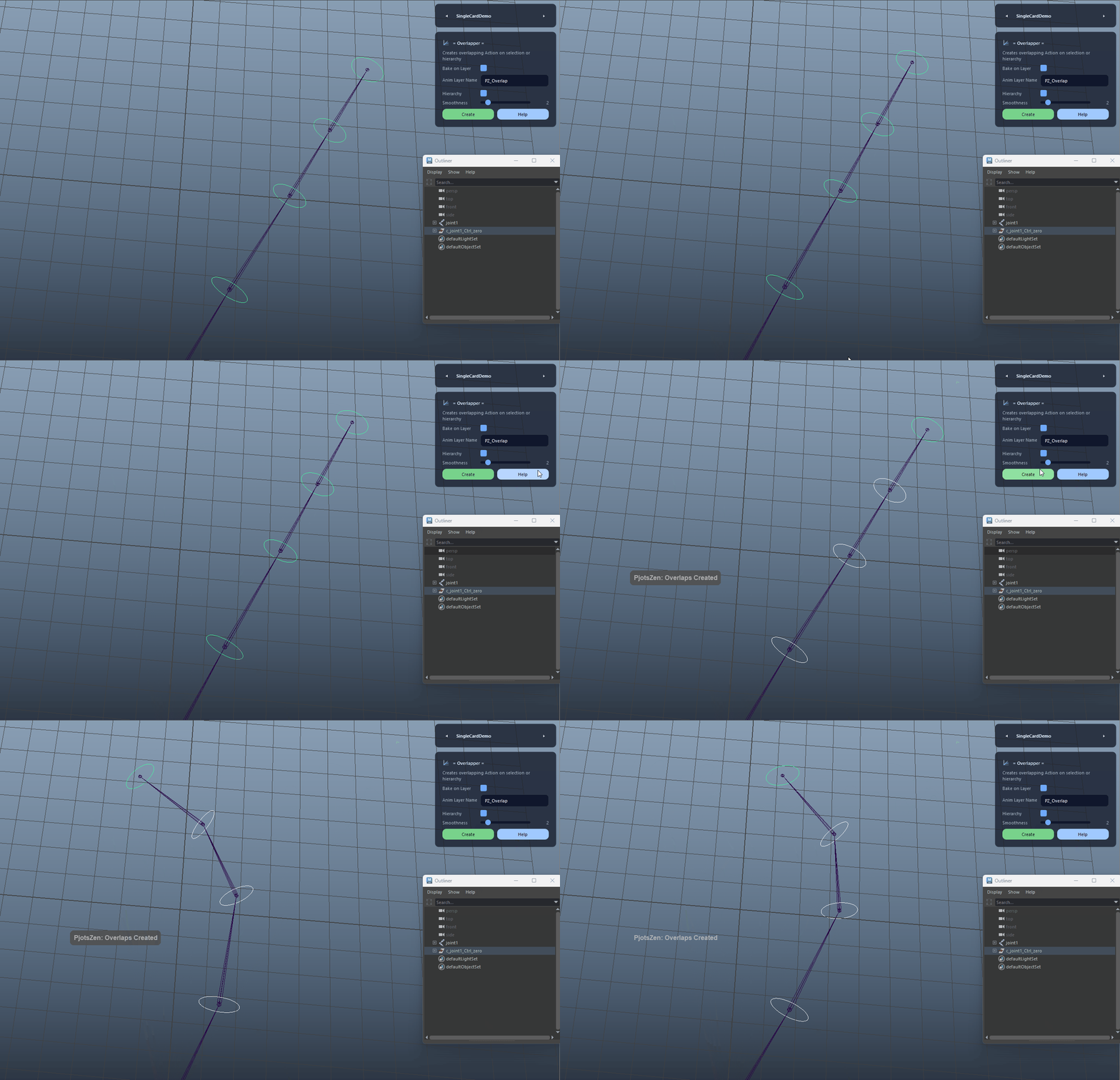
Adjusts the overlap delay strength via time shifting. Higher values create softer, more delayed follow-through; lower values preserve tighter motion.

  • This maps to the internal 'time_shift' setting in the overlap solver.
  • Ideal for quickly dialing the feel of tails, cables, cloth-like chains, or accessories.
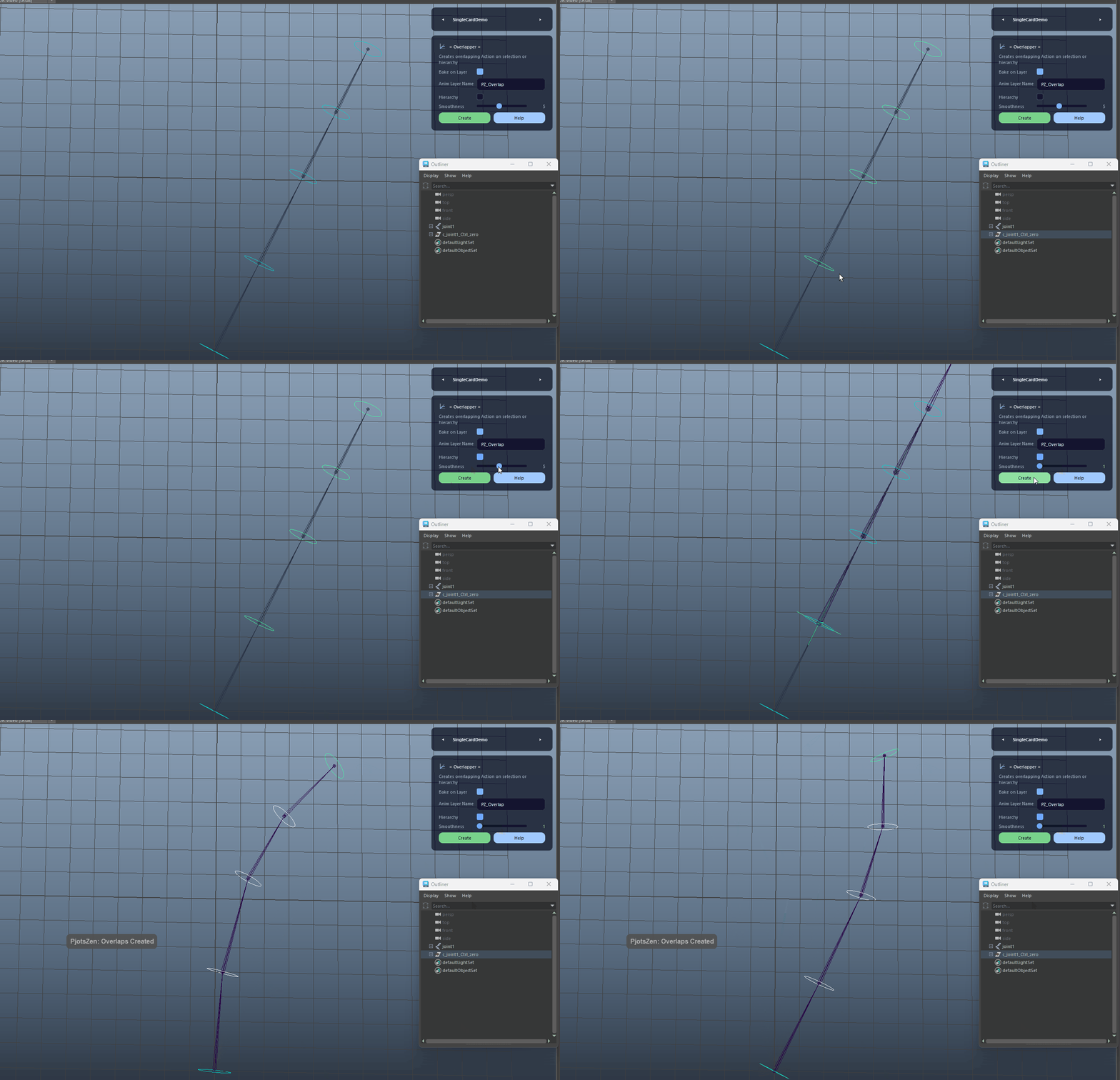
Smoothness Control (Time Shift) demo

Automatic Helper Cleanup

Removes all generated overlap helper joints, locators, groups, and sets after baking to keep scenes clean. Debug mode can keep helpers for inspection.

Automatic Helper Cleanup demo
FAQ

What is Overlapper (Overlap Action) used for?

Overlapper generates overlapping secondary motion for selected controls or full hierarchies. It builds temporary helpers, computes delayed follow-through, and bakes the result back onto your controls. With Bake on Layer enabled, the tool writes to a dedicated animation layer and applies an Euler filter for cleaner additive curves, then automatically removes all helper nodes for a safe, production-friendly polish workflow.

Which host application does Overlapper (Overlap Action) support?

Overlapper (Overlap Action) is built for Autodesk Maya and is distributed through AO Studio Tools.

Where can I download Overlapper (Overlap Action)?

Download the current AO Studio Tools package from https://aostudio.tools/getthetools.html and install it through AO.Hub.