Studio Tools

Smart Live Mirror

Instance-based live mirror around the selection pivot with safe per-source bake and cleanup.

Version 2.2.0
Overview v2.2.0

Instance-based live mirror around the selection pivot with safe per-source bake and cleanup.

Smart Live Mirror creates instance-based mirrors around the average rotate pivot of your selection, supports X / Y / Z and Quarter (X+Z) modes, and provides a robust bake that replaces the original mesh while keeping naming intact.

Features

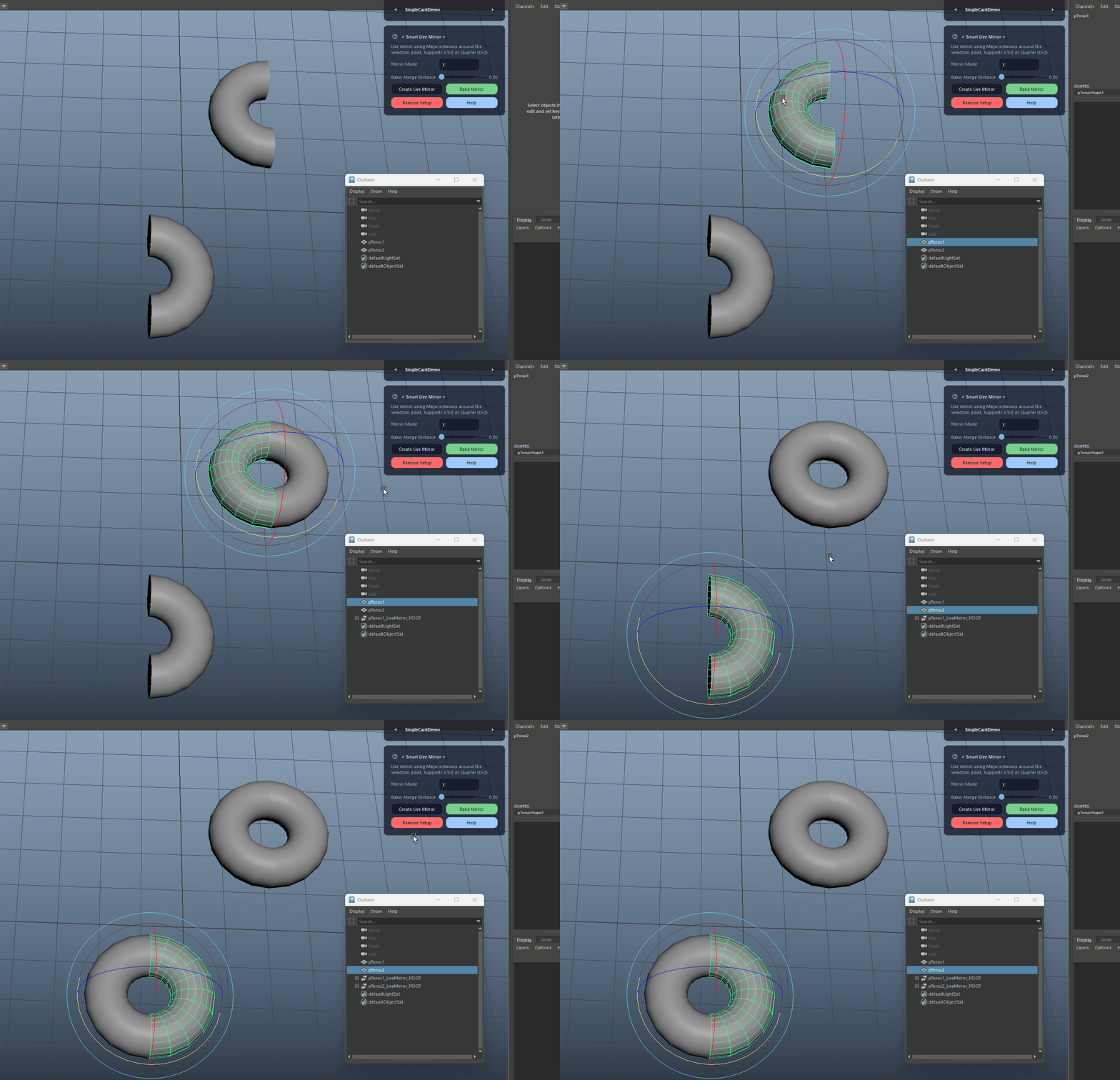
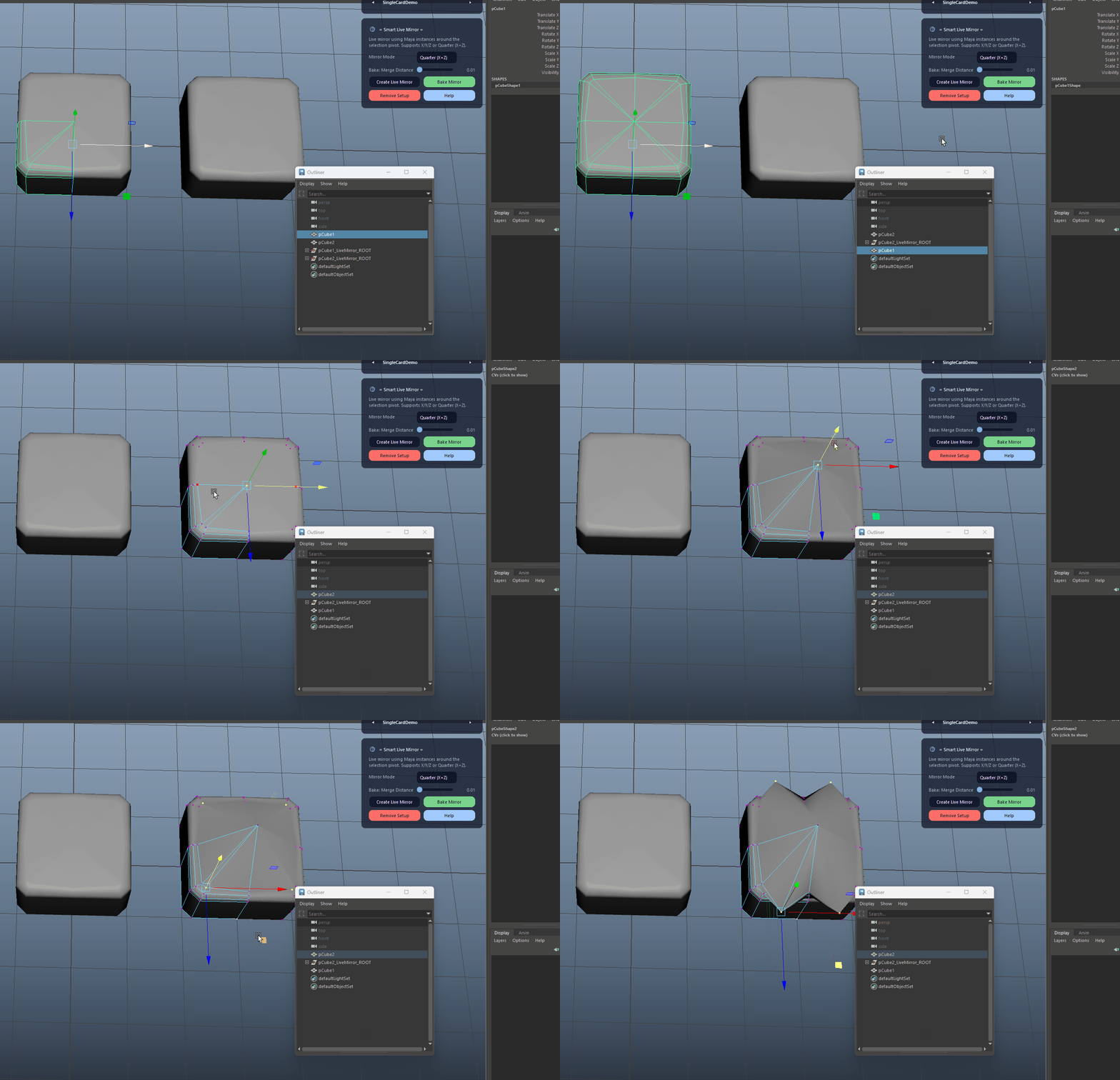
Instance-based Live Mirror

Creates live instance mirrors for each selected mesh transform instead of duplicating geometry, keeping the scene light while you model on the original.

  • Continue modeling on the original mesh – all mirrors update automatically.
  • Each source gets its own LiveMirror root so bakes are isolated per object.
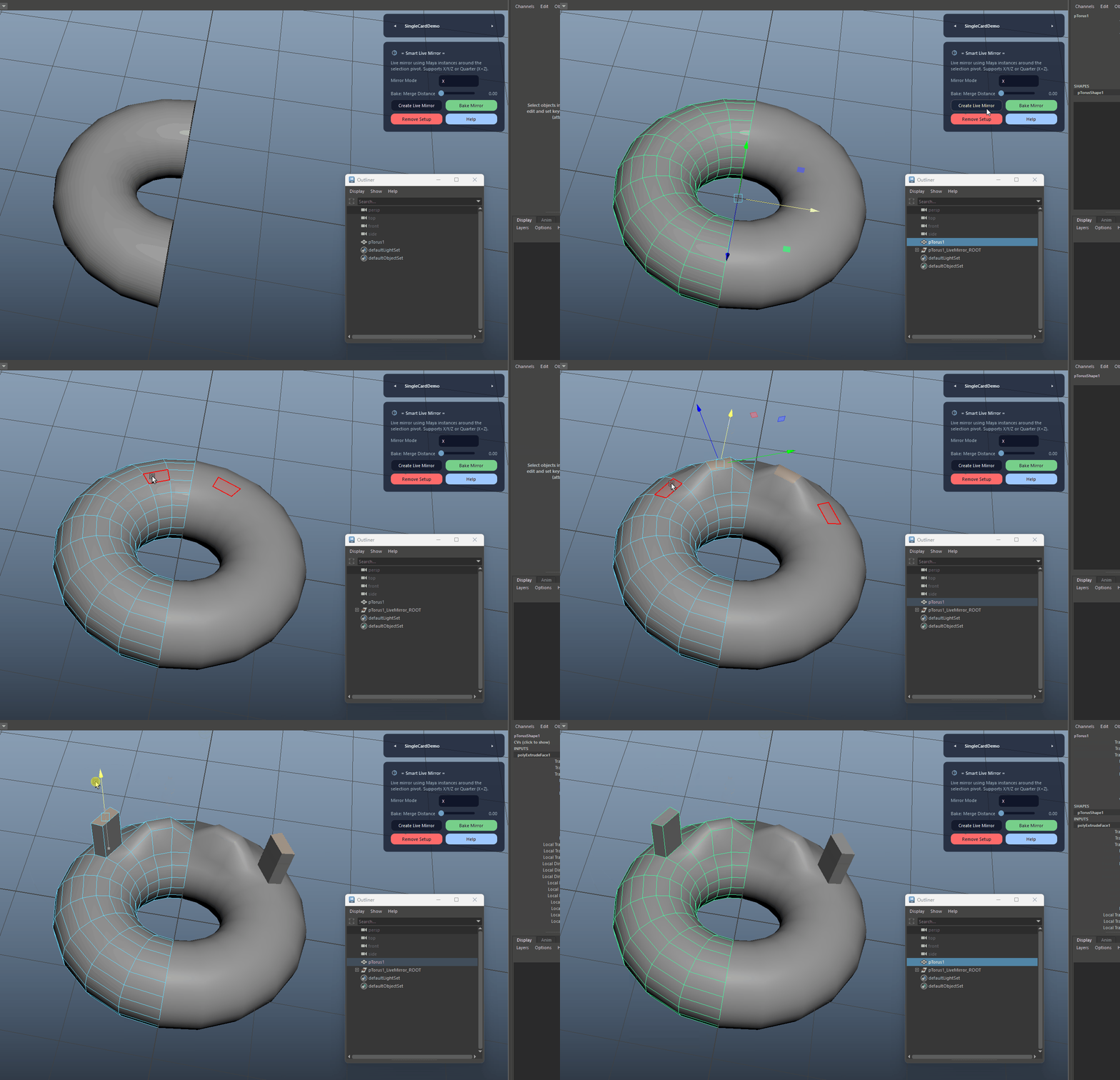
Instance-based Live Mirror demo

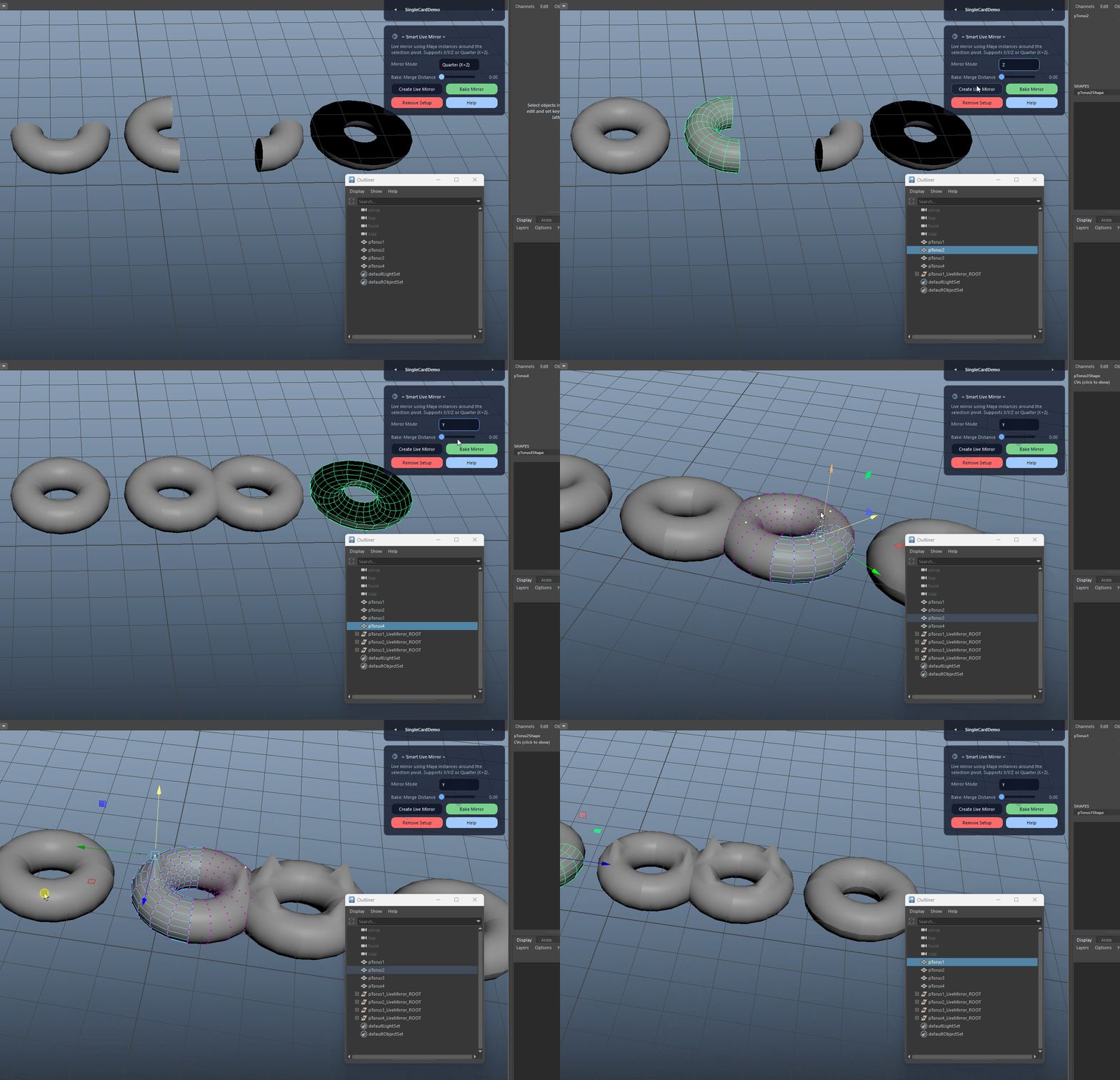
Mirror Modes (X / Y / Z / Quarter)

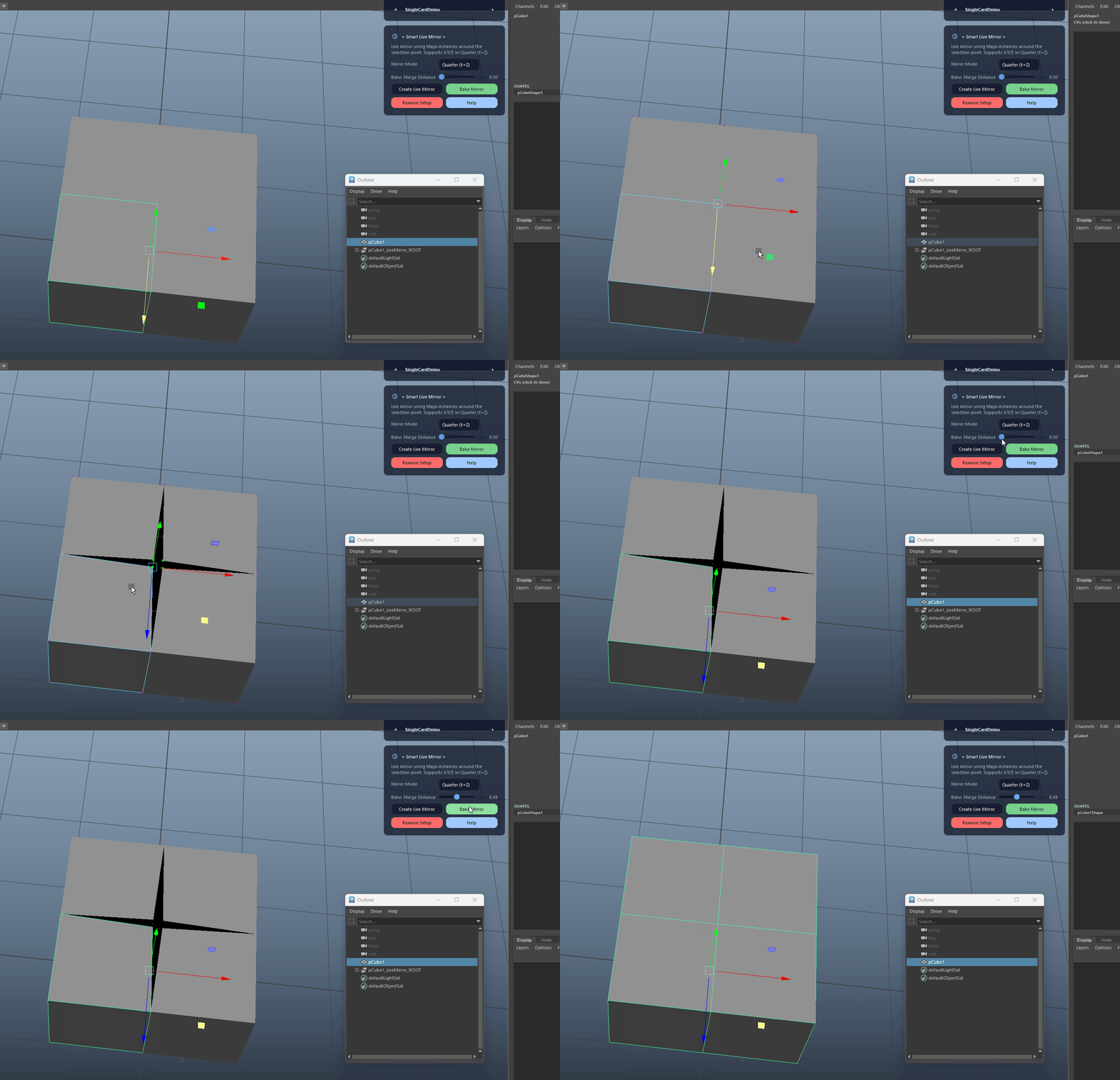
Supports X, Y, Z and Quarter (X+Z) symmetry modes using scale-based reflections.

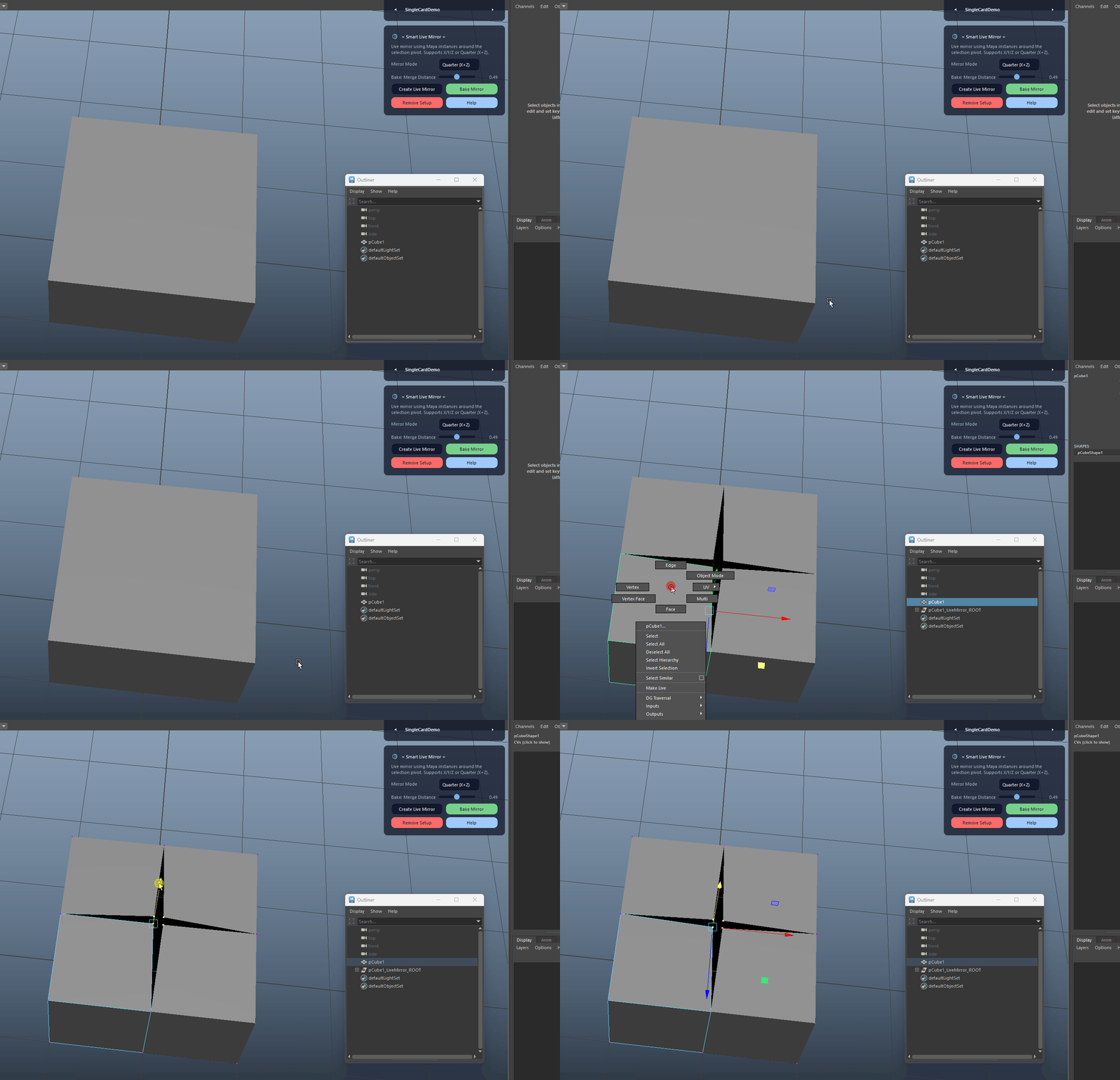
  • Quarter mode creates three mirrors (X, Z, XZ) to complete a full 4/4 asset with the original.
Mirror Modes (X / Y / Z / Quarter) demo

Pivot-based Symmetry Center

Computes the average world rotate pivot of the selection and uses it as the symmetry center for all created mirrors.

  • Adjust the rotate pivots on your sources before running Live Mirror to control the symmetry plane.
Pivot-based Symmetry Center demo

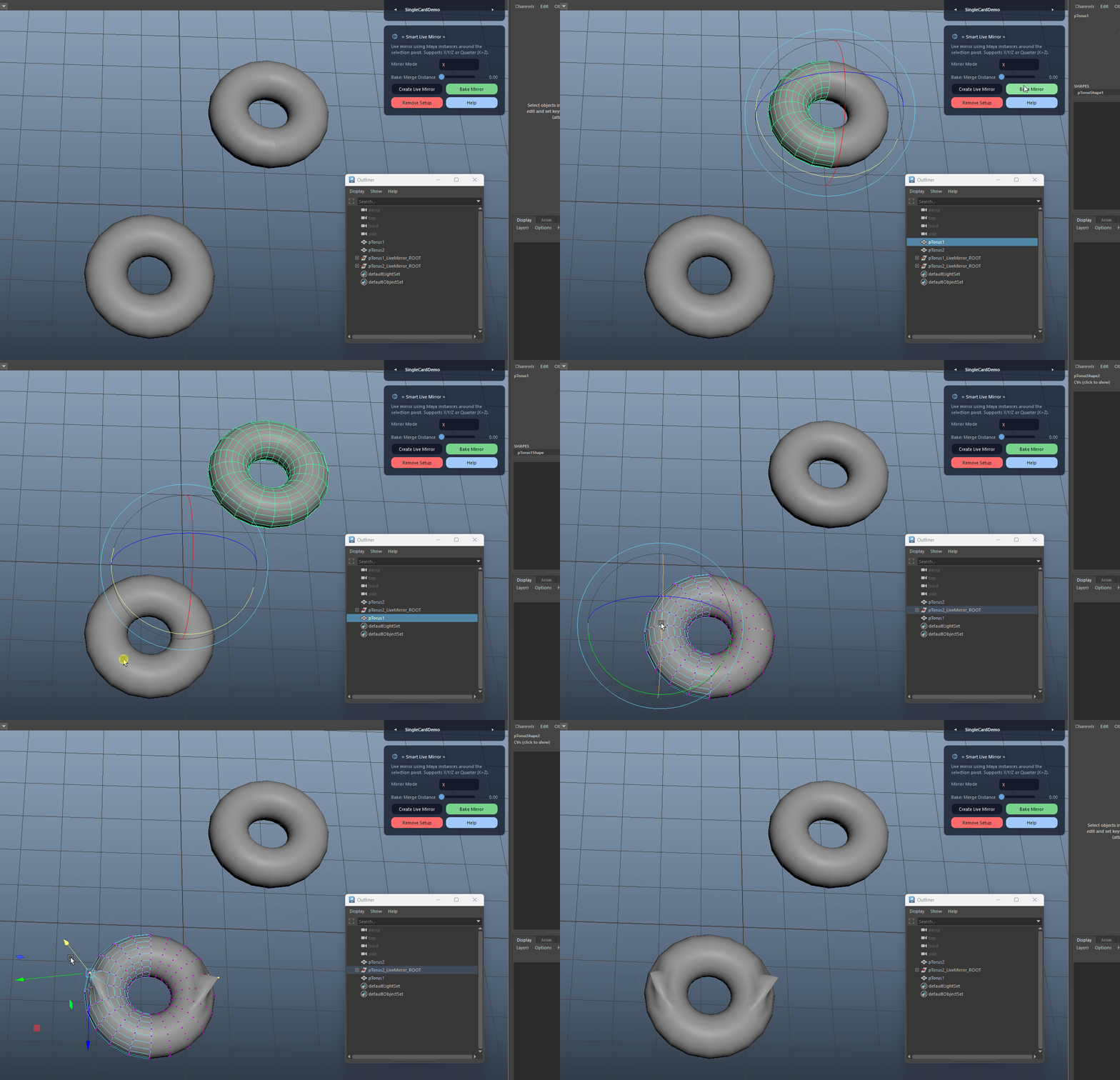
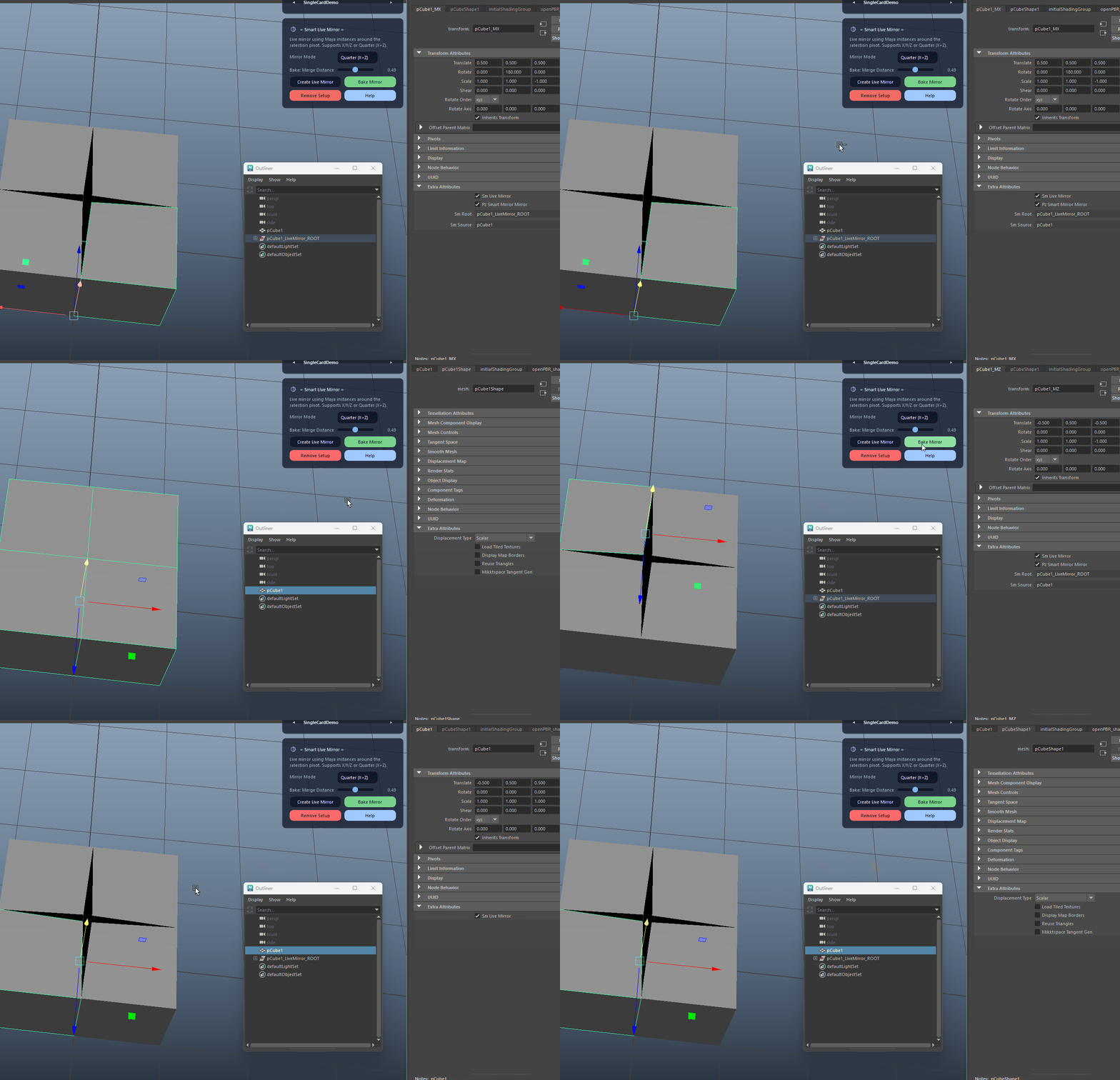
Per-source LiveMirror Roots

Creates one LiveMirror root per source transform (e.g. MyMesh_LiveMirror_ROOT) and connects it back to the source via message attributes.

  • Baking one source will not delete mirror setups for other sources.
  • No scene-wide scanning is required – operations resolve roots directly from the selection.
Per-source LiveMirror Roots demo

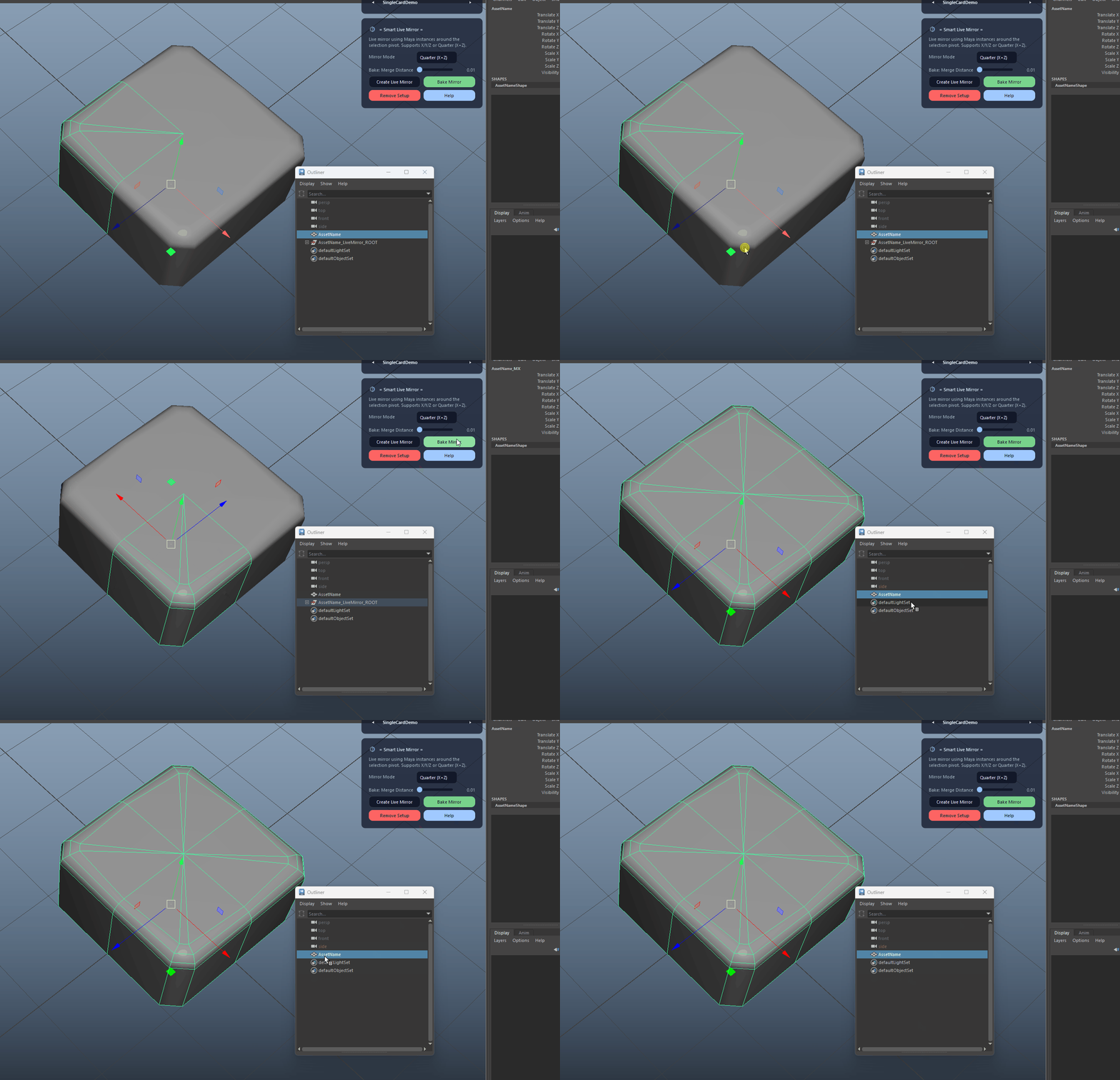
Safe Bake from Original Source

Bakes the setup by duplicating the original and its mirrors, converting instances, freezing transforms, fixing normals, combining and merging, then replacing the original mesh.

  • The baked mesh is renamed back to the original source name to keep export paths and references stable.
  • Mirrored parts get their normals reversed before the final conform, avoiding shading issues on the seam.
Safe Bake from Original Source demo

Bake Merge Distance

Controls how tightly vertices are merged along the symmetry seam during bake via the Merge Distance input.

  • Use a small value (default) for clean hard-surface seams, increase slightly for organic or noisy meshes.
Bake Merge Distance demo

Bake Selected Sources Only

When multiple sources share LiveMirror roots, bake will only process the sources you explicitly select.

  • Select one or more sources to bake them without touching other mirrored setups in the same scene.
Bake Selected Sources Only demo

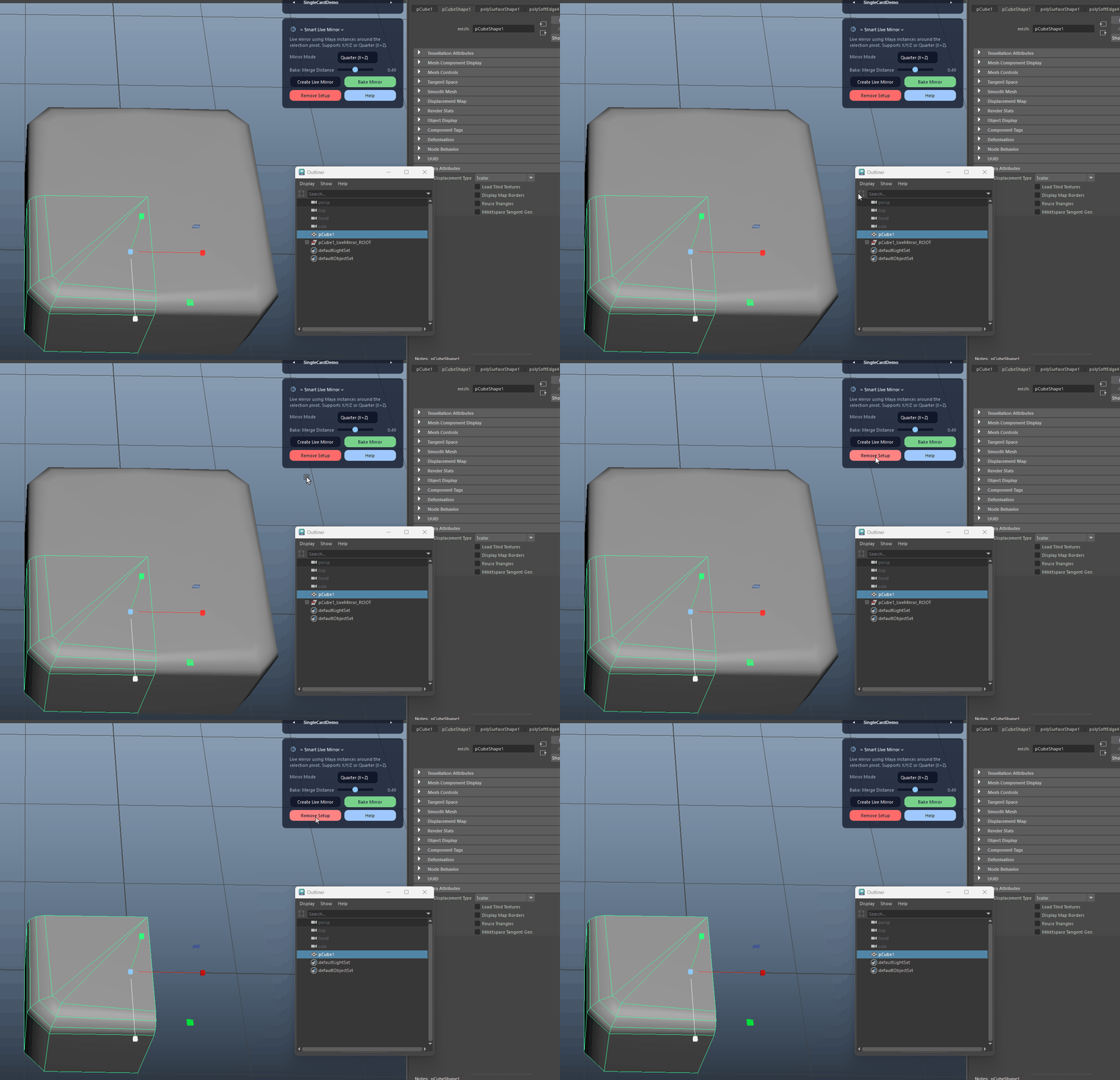
Remove Setup

Removes the live mirror setup for selected sources, mirrors or roots by deleting the root(s) and disconnecting metadata.

  • Select a source, any mirror, or the root group itself – the tool safely resolves all related roots for removal.
Remove Setup demo

Flexible Selection Logic

Understands selections of roots, mirrors or source meshes and resolves the correct LiveMirror roots without scanning the entire scene.

  • You don’t need to hunt for the root in the Outliner – just select the source mesh and run Bake or Remove.
Flexible Selection Logic demo

Undo-friendly Operations

Wraps Create, Bake and Remove in Maya undo chunks for clean, single-step undo.

  • If something is off after a bake or remove, just hit Undo once to revert the entire operation.
Undo-friendly Operations demo
FAQ

What is Smart Live Mirror used for?

Smart Live Mirror creates instance-based mirrors around the average rotate pivot of your selection, supports X / Y / Z and Quarter (X+Z) modes, and provides a robust bake that replaces the original mesh while keeping naming intact.

Which host application does Smart Live Mirror support?

Smart Live Mirror is built for Autodesk Maya and is distributed through AO Studio Tools.

Where can I download Smart Live Mirror?

Download the current AO Studio Tools package from https://aostudio.tools/getthetools.html and install it through AO.Hub.