Studio Tools

Flatten

Straighten edge chains and redistribute vertices for clean, controlled topology.

Overview

Straighten edge chains and redistribute vertices for clean, controlled topology.

Flatten turns selected open edge chains into a straight line and redistributes vertices along the result. It supports multiple disconnected chains in one run, offers a Keep Length mode for centered length preservation, and includes robust handling for branched selections by choosing the longest, straightest path. Ideal for fast topology cleanup and precision reshaping.

Features

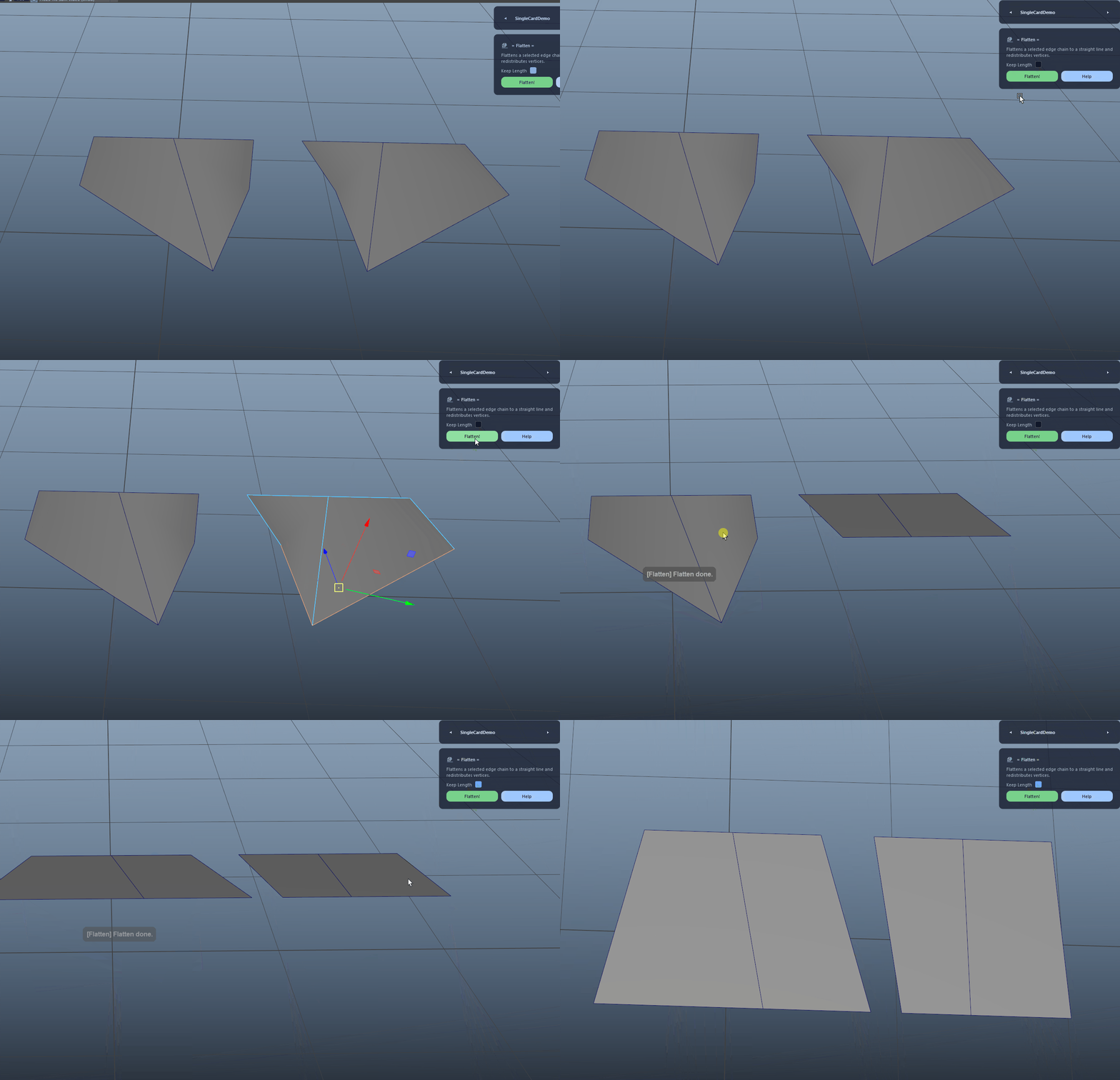
Flatten Edge Chain

Flattens a selected open edge chain into a straight line and redistributes vertices evenly along the resulting line based on the chain’s measured segment lengths.

  • Select an open edge chain on a single mesh for the cleanest result.
  • Edge loops are not supported and will be rejected.
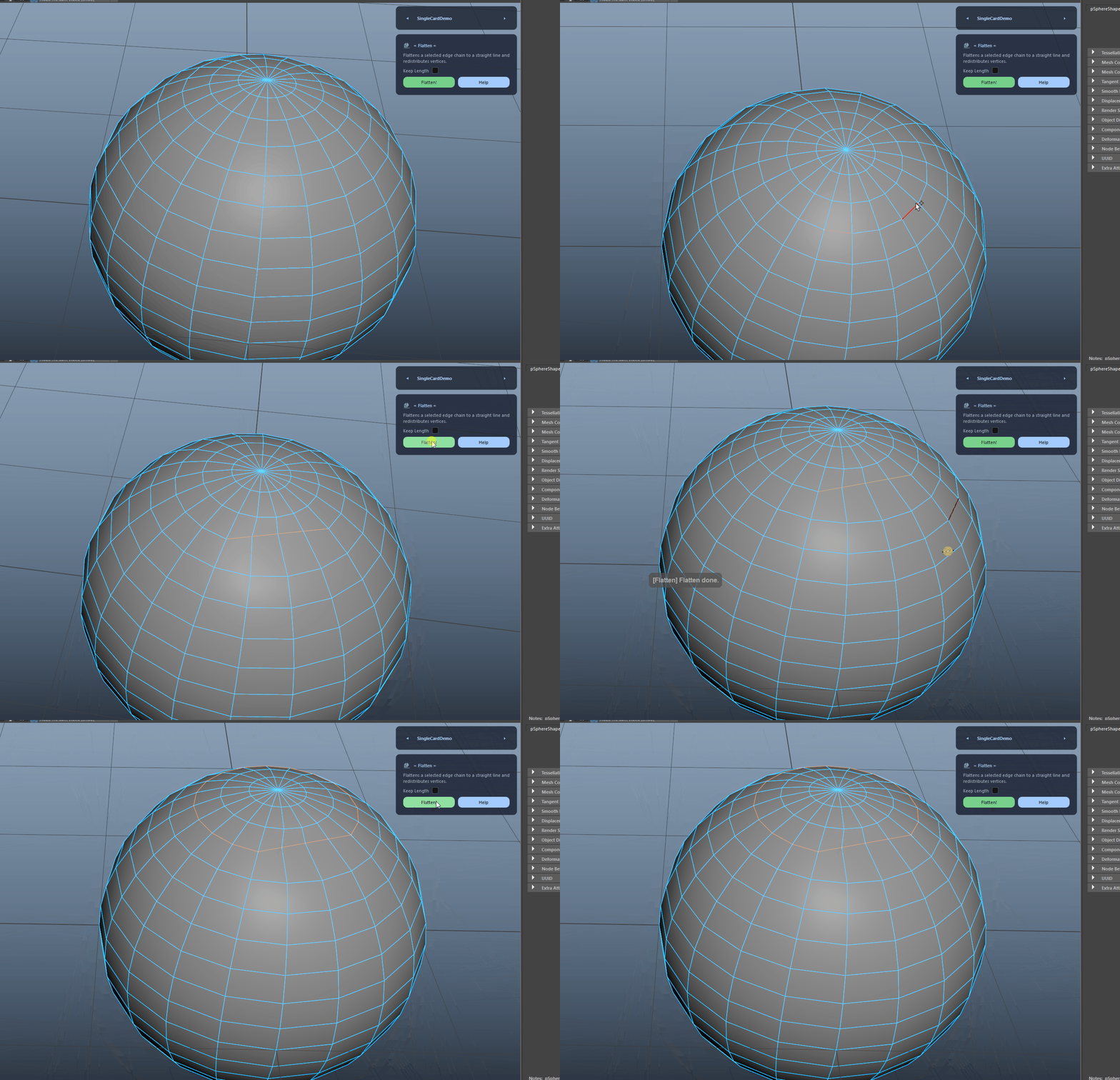
Flatten Edge Chain demo

Keep Length Mode

Preserves the total chain length by centering the target line and stretching or compressing around the chain’s midpoint. When disabled, the tool keeps the original endpoints and flattens only the intermediate vertices.

Keep Length Mode demo

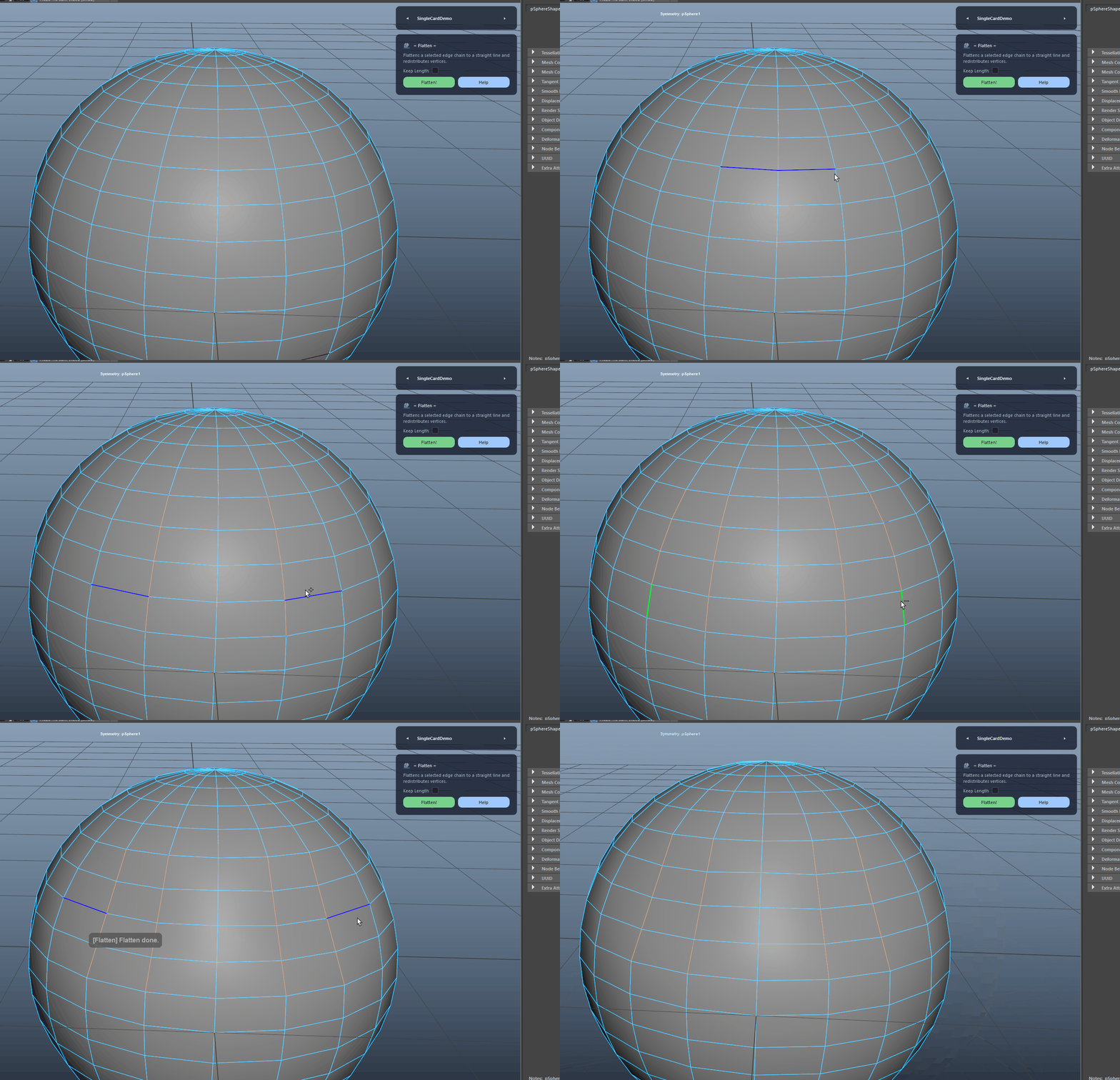
Multiple Chains in One Run

Detects multiple disconnected edge groups in your selection and processes each group separately, so you can flatten several chains in one click.

Multiple Chains in One Run demo

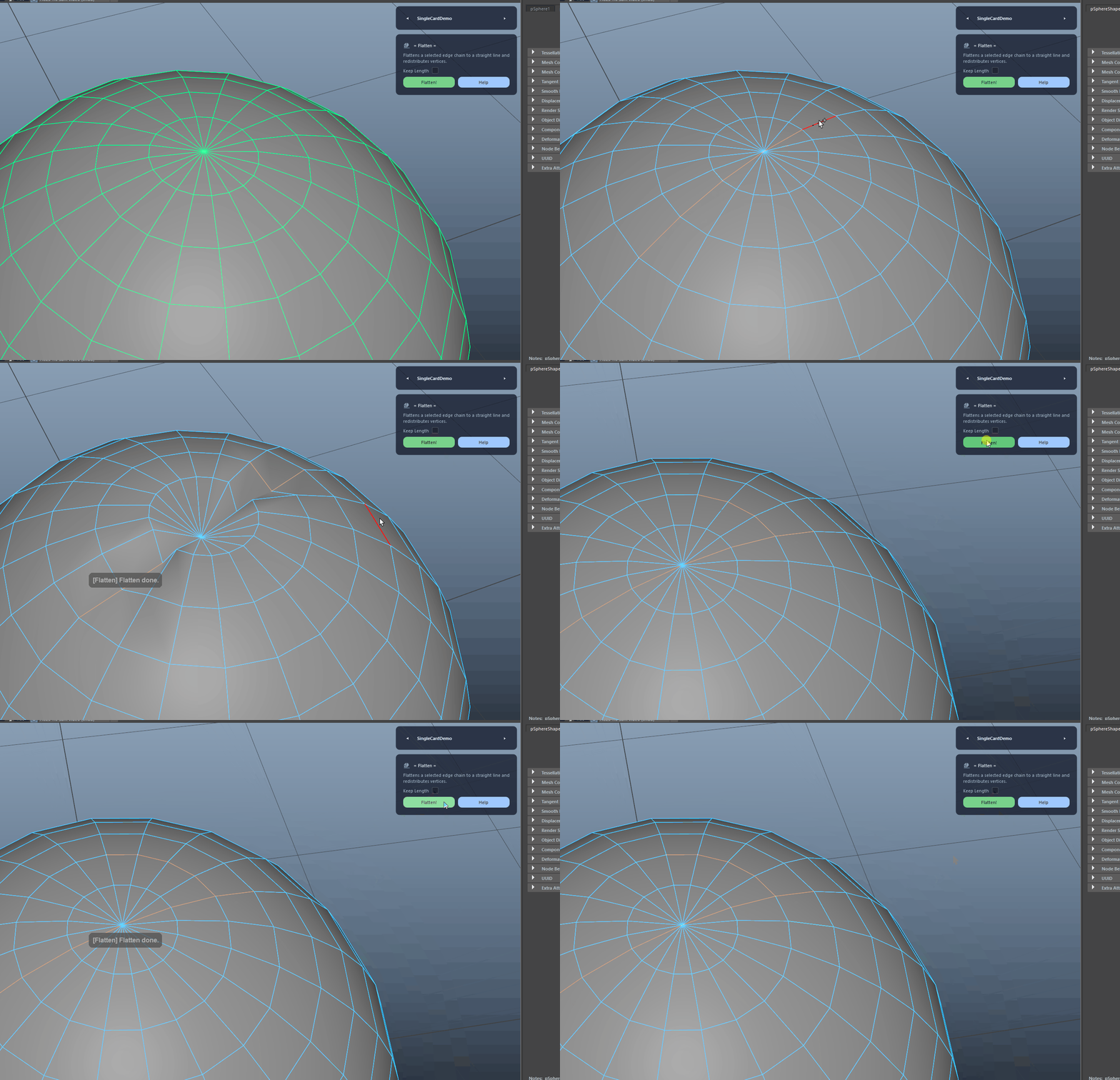
Branch and Pole Handling

If the selection contains branches, the tool chooses the longest, straightest path through pole vertices using a direction heuristic and continues with that resolved path.

  • You’ll see an in-view info message when a branch is detected.
  • For total control, select only the exact chain you want flattened.
Branch and Pole Handling demo

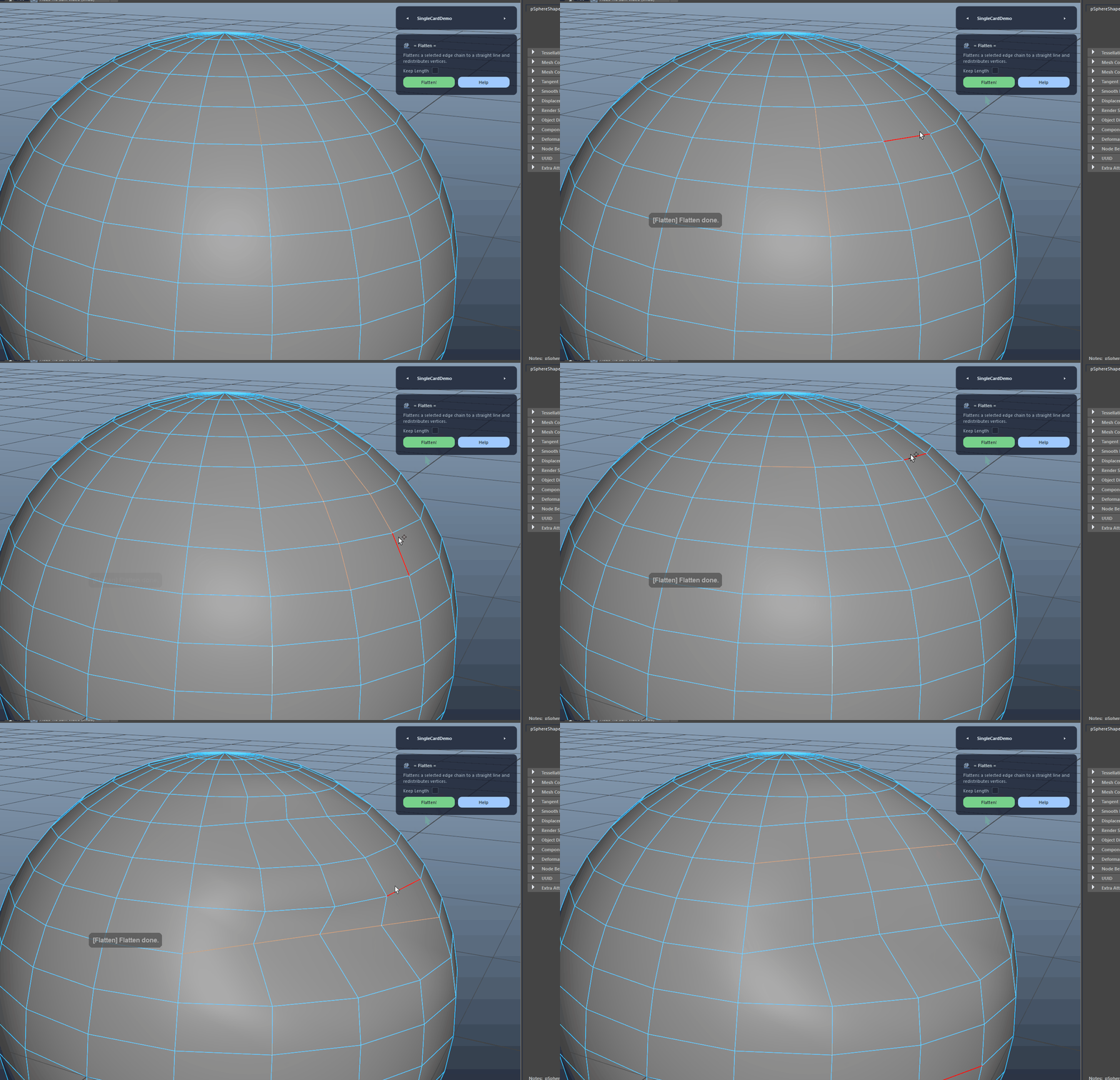
Edge Mode Quality-of-Life

Keeps you in edge component mode after the operation and re-establishes a visible edge selection using an API-based refresh for a smoother iterative cleanup workflow.

Edge Mode Quality-of-Life demo
FAQ

What is Flatten used for?

Flatten turns selected open edge chains into a straight line and redistributes vertices along the result. It supports multiple disconnected chains in one run, offers a Keep Length mode for centered length preservation, and includes robust handling for branched selections by choosing the longest, straightest path. Ideal for fast topology cleanup and precision reshaping.

Which host application does Flatten support?

Flatten is built for Autodesk Maya and is distributed through AO Studio Tools.

Where can I download Flatten?

Download the current AO Studio Tools package from https://aostudio.tools/getthetools.html and install it through AO.Hub.