
Toggle Hard Edge Display
Toggles hard edge visualization for better judgment when preparing meshes for normal maps.
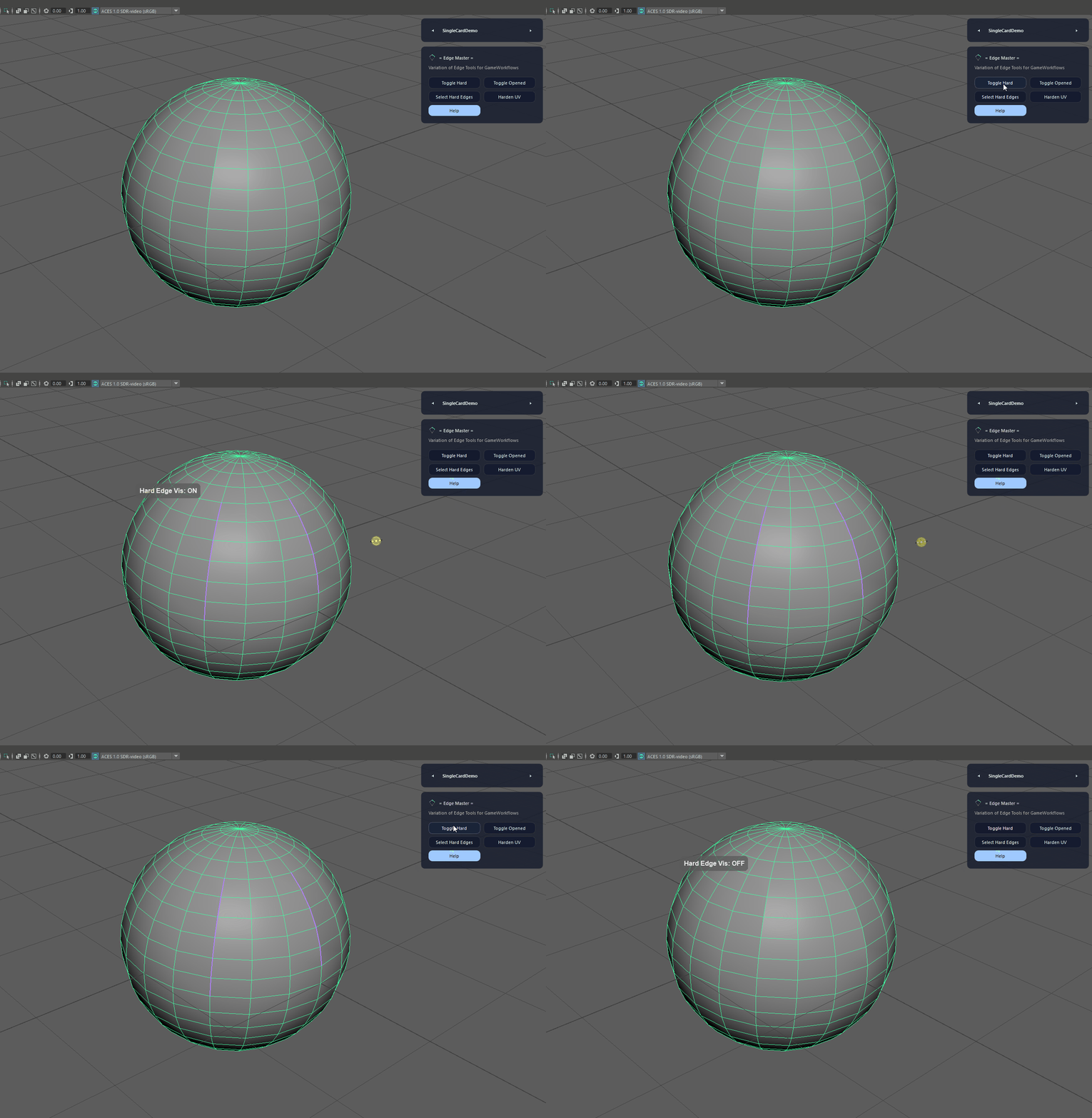
Fast edge visualization and selection helpers for clean shading and normal map prep.
Fast edge visualization and selection helpers for clean shading and normal map prep.
Edge Master provides quick toggles and selection utilities for hard edges, open borders, and UV seam hardening to speed up modeling cleanup and reduce shading artifacts.
Toggles hard edge visualization for better judgment when preparing meshes for normal maps.
Displays open borders to quickly identify holes and incomplete geometry.
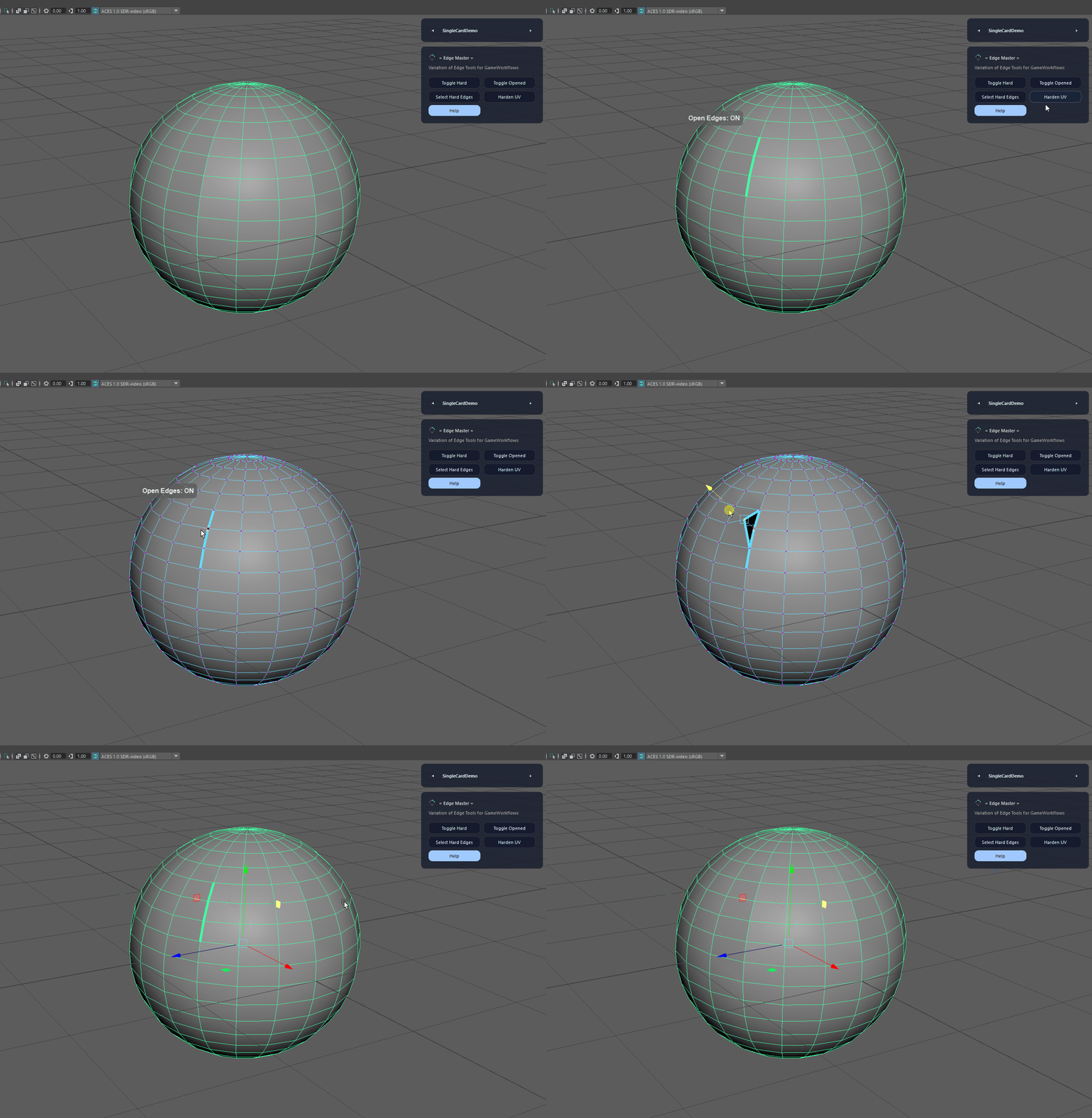
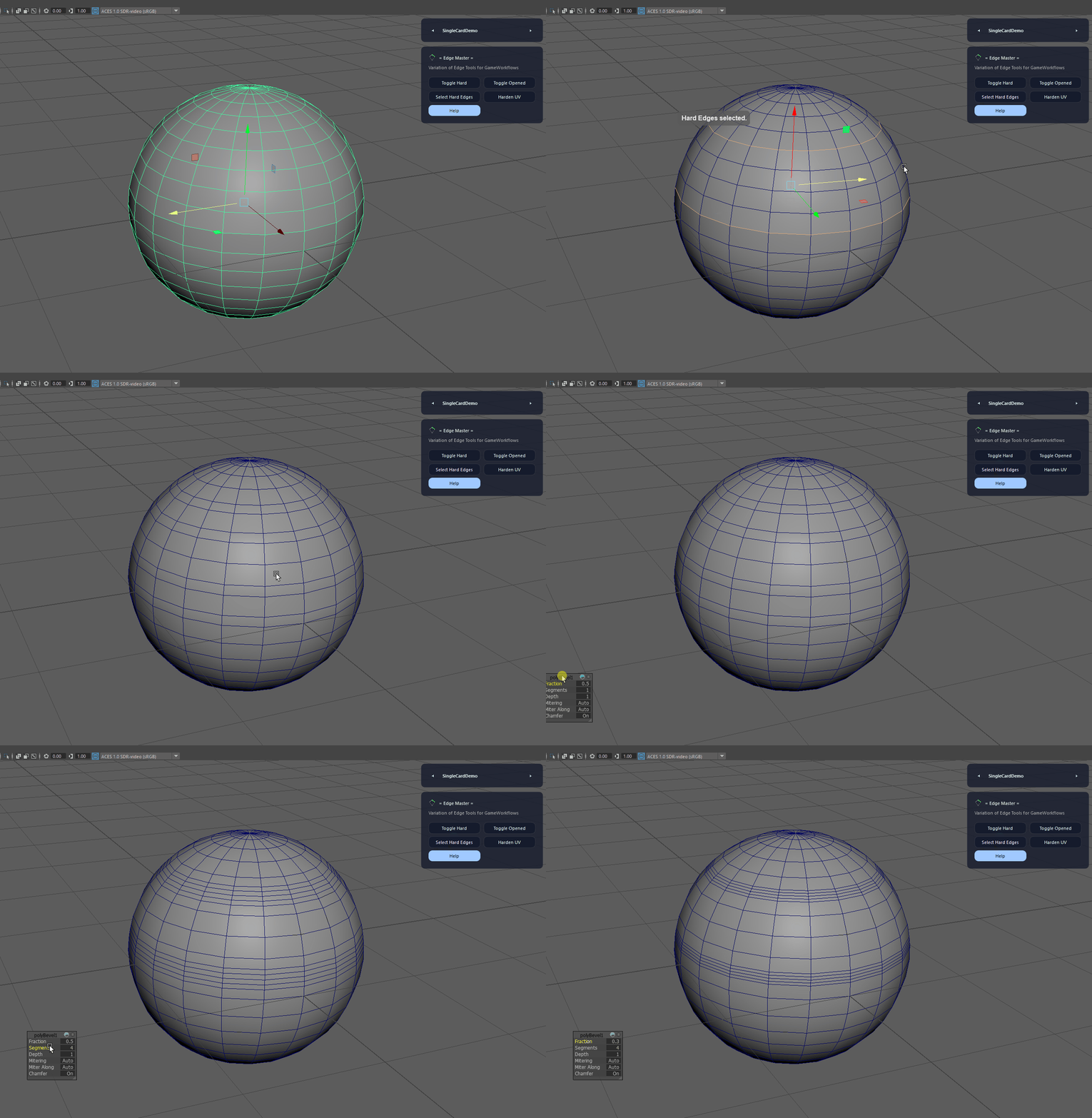
Selects all hard edges on the current mesh selection for quick inspection or editing.
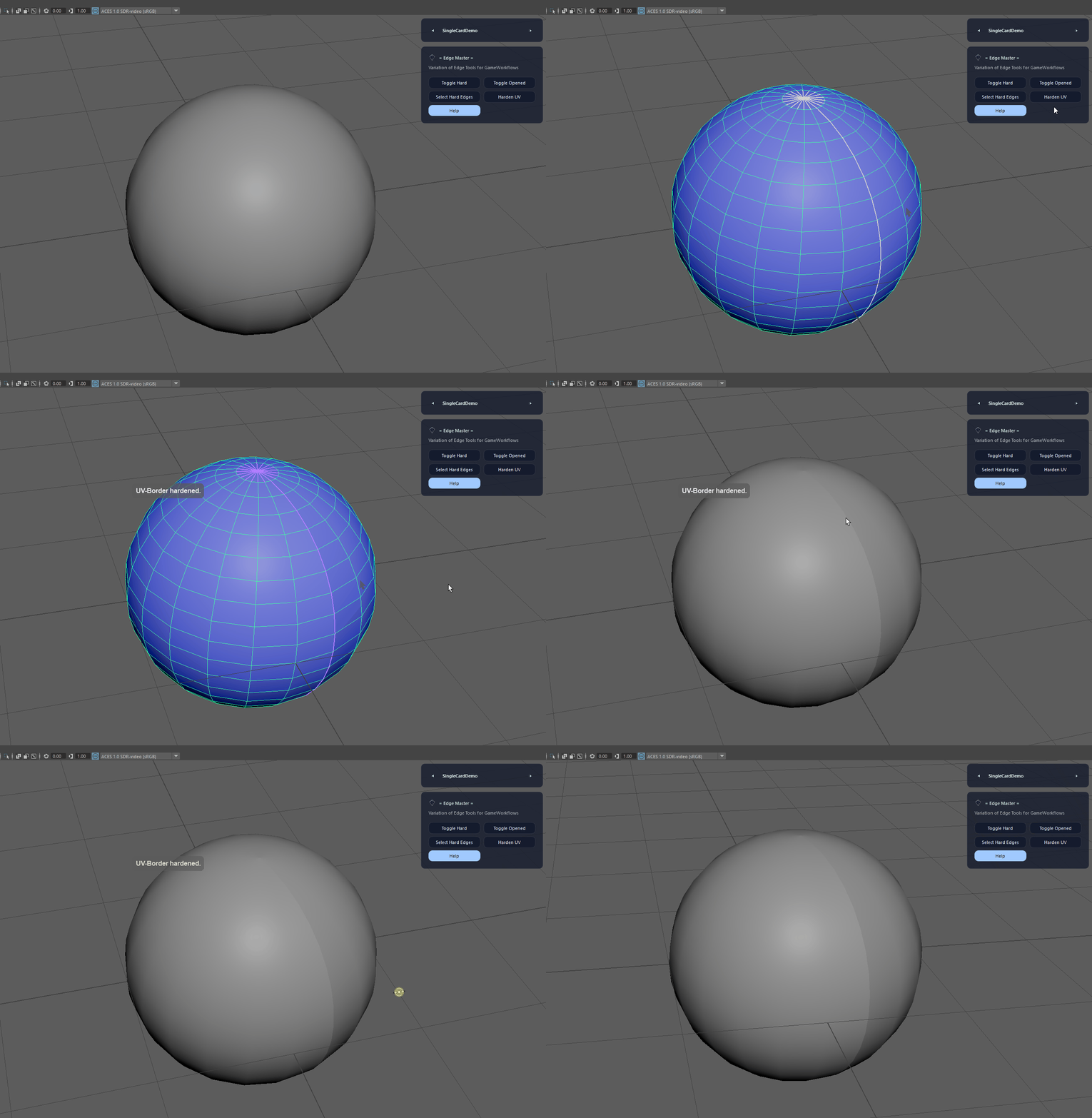
Hardens edges along UV borders to improve normal map results and reduce shading artifacts.
Edge Master provides quick toggles and selection utilities for hard edges, open borders, and UV seam hardening to speed up modeling cleanup and reduce shading artifacts.
Edge Master is built for Autodesk Maya and is distributed through AO Studio Tools.
Download the current AO Studio Tools package from https://aostudio.tools/getthetools.html and install it through AO.Hub.