Studio Tools

Color Marker

Quick Outliner and viewport color tagging for cleaner, faster scene organization.

Overview

Quick Outliner and viewport color tagging for cleaner, faster scene organization.

Color Marker lets you apply, randomize, copy, paste, and reset object colors for both Outliner and viewport wireframe overrides. Ideal for fast visual grouping of rigs, props, and shot elements without changing materials.

Features

Apply Color (Outliner + Viewport)

Applies a chosen RGB color to the selected objects. You can independently enable Outliner coloring and viewport override coloring for fast organizational marking.

  • Use this to quickly label controllers, props, or animation groups.
  • Outliner colors are stored using an sRGB conversion for consistent appearance.
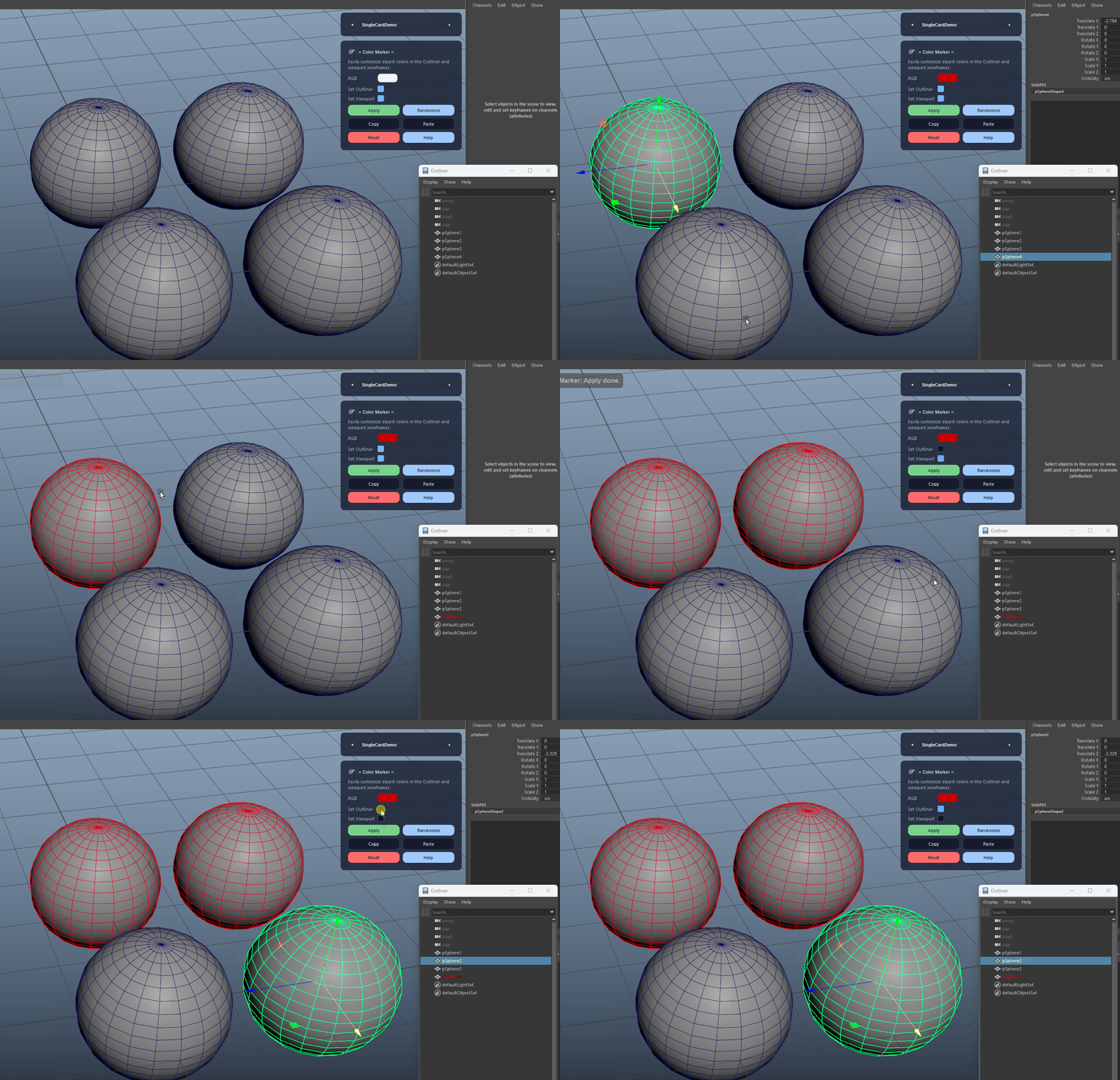
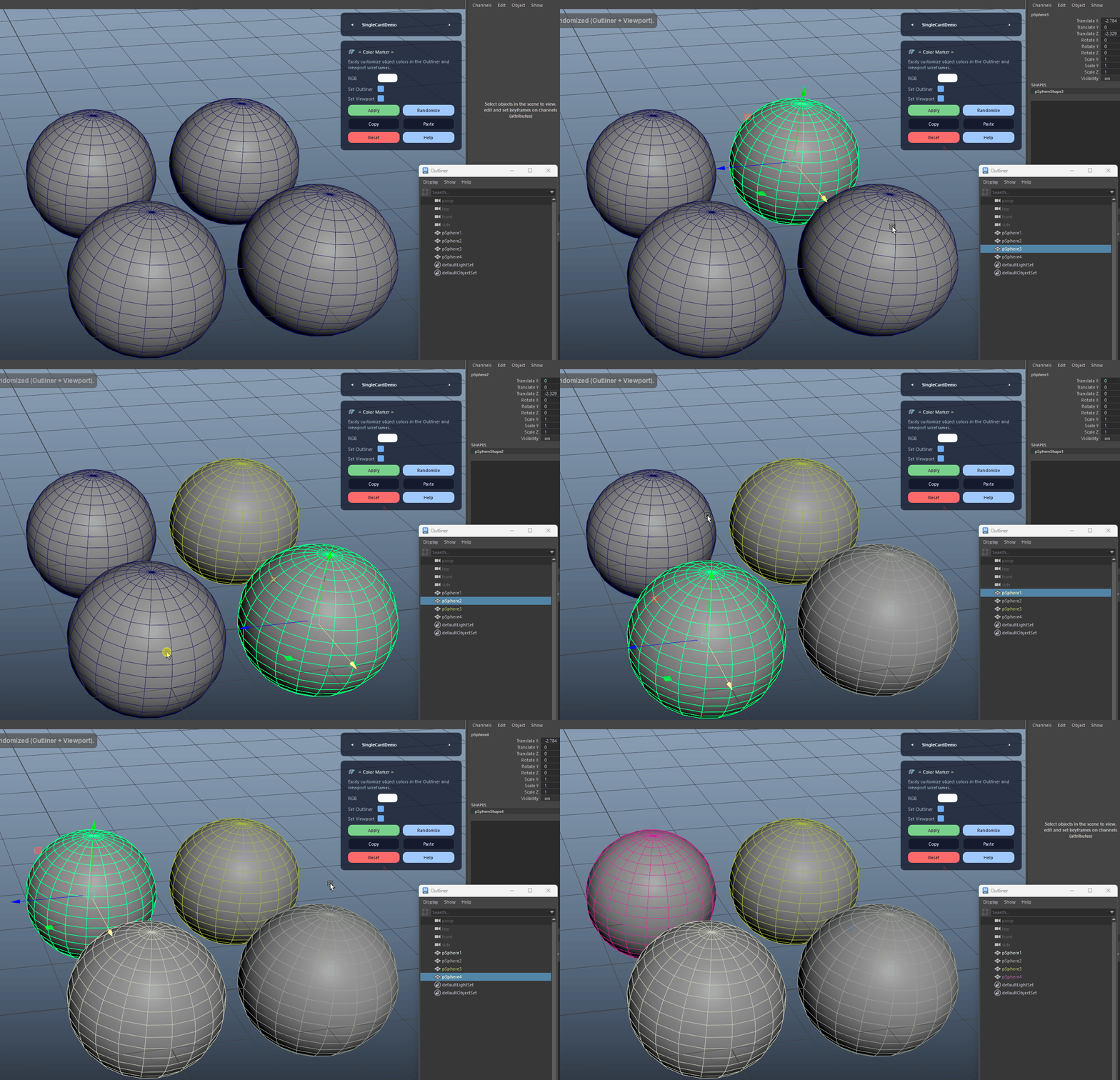
Apply Color (Outliner + Viewport) demo

Randomize Colors

Assigns a pleasing randomized color to the selection for instant visual grouping in both Outliner and viewport.

Randomize Colors demo

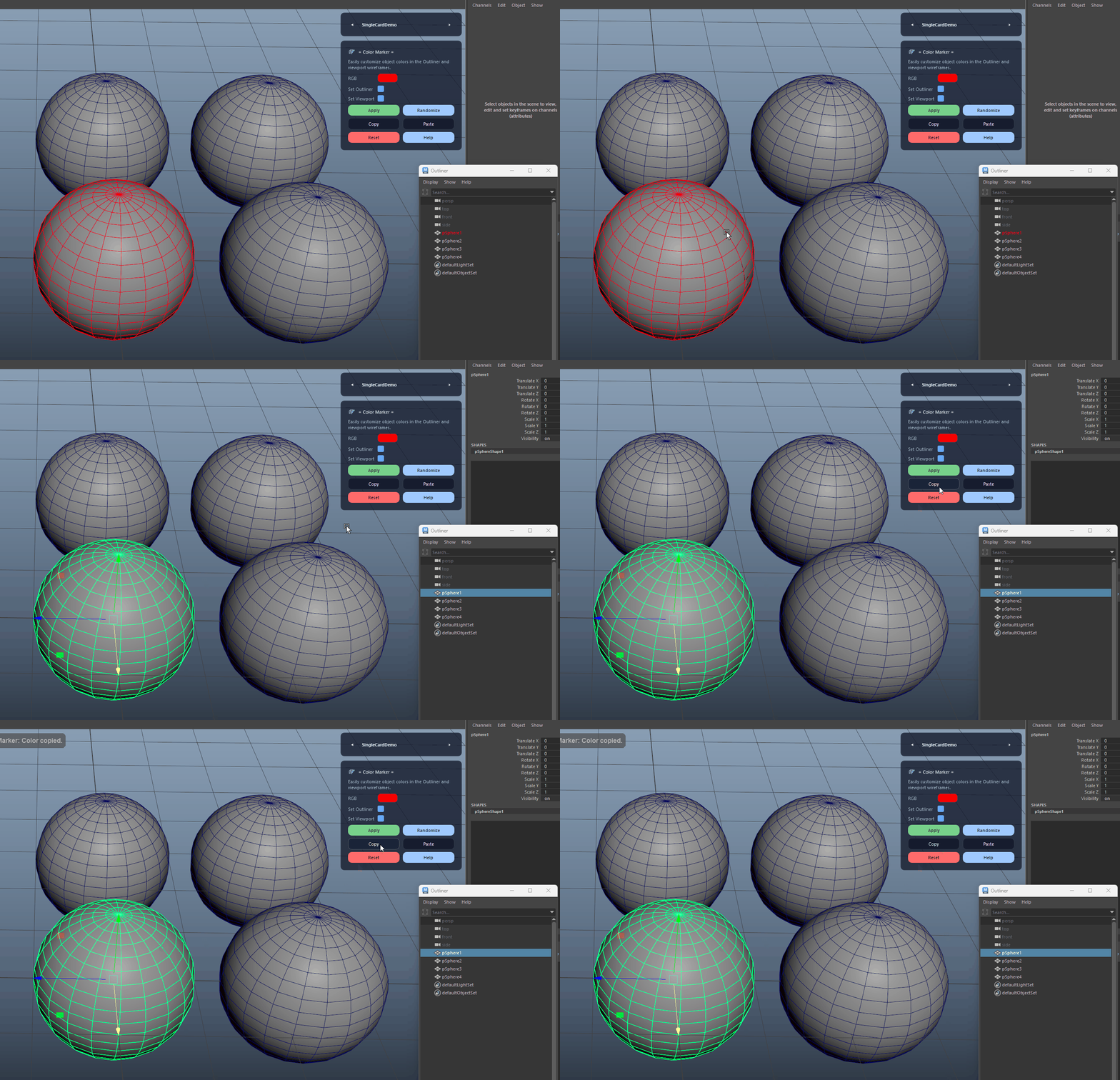
Copy Current Color

Reads the effective color from the first selected object and stores it in an internal clipboard. Supports viewport override, shape wire color, and Outliner color as sources.

Copy Current Color demo

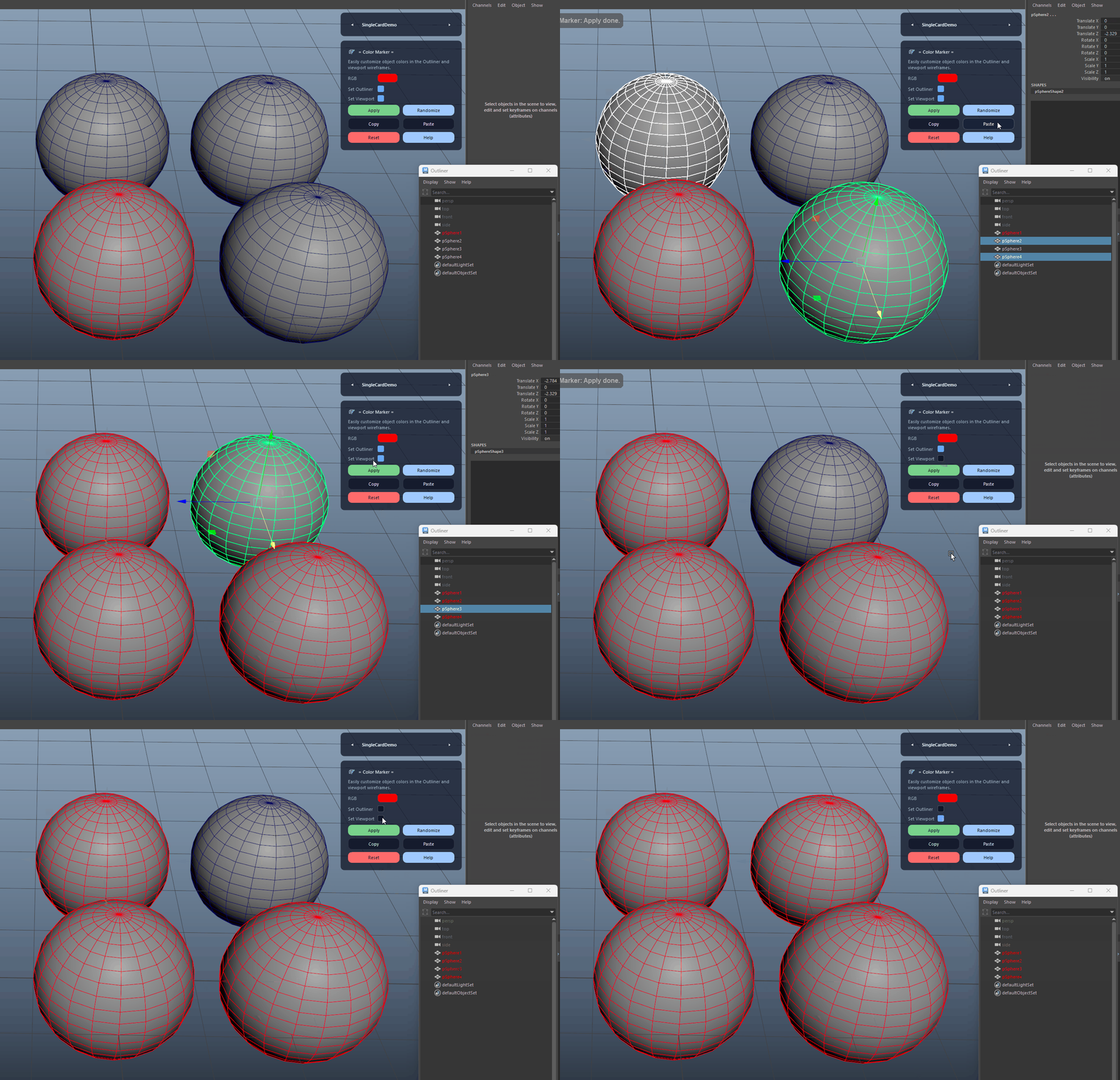
Paste Color

Applies the previously copied color to the current selection with the same Outliner/Viewport toggles as Apply.

Paste Color demo

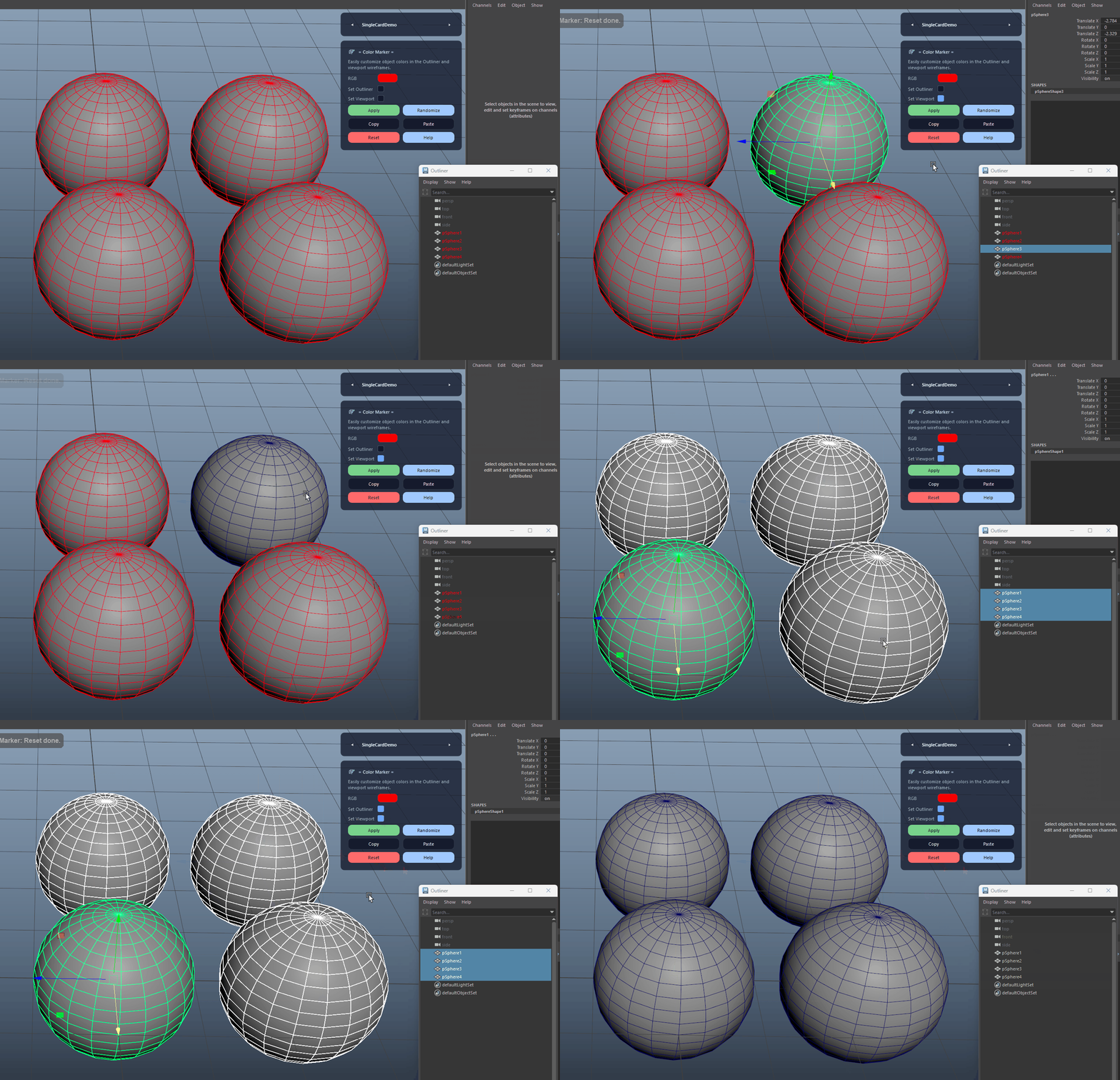
Reset Colors

Resets Outliner and viewport override colors back to defaults for the selected objects, keeping scenes clean and consistent.

Reset Colors demo
FAQ

What is Color Marker used for?

Color Marker lets you apply, randomize, copy, paste, and reset object colors for both Outliner and viewport wireframe overrides. Ideal for fast visual grouping of rigs, props, and shot elements without changing materials.

Which host application does Color Marker support?

Color Marker is built for Autodesk Maya and is distributed through AO Studio Tools.

Where can I download Color Marker?

Download the current AO Studio Tools package from https://aostudio.tools/getthetools.html and install it through AO.Hub.